Best Baby Monitors of 2026 for New Parents
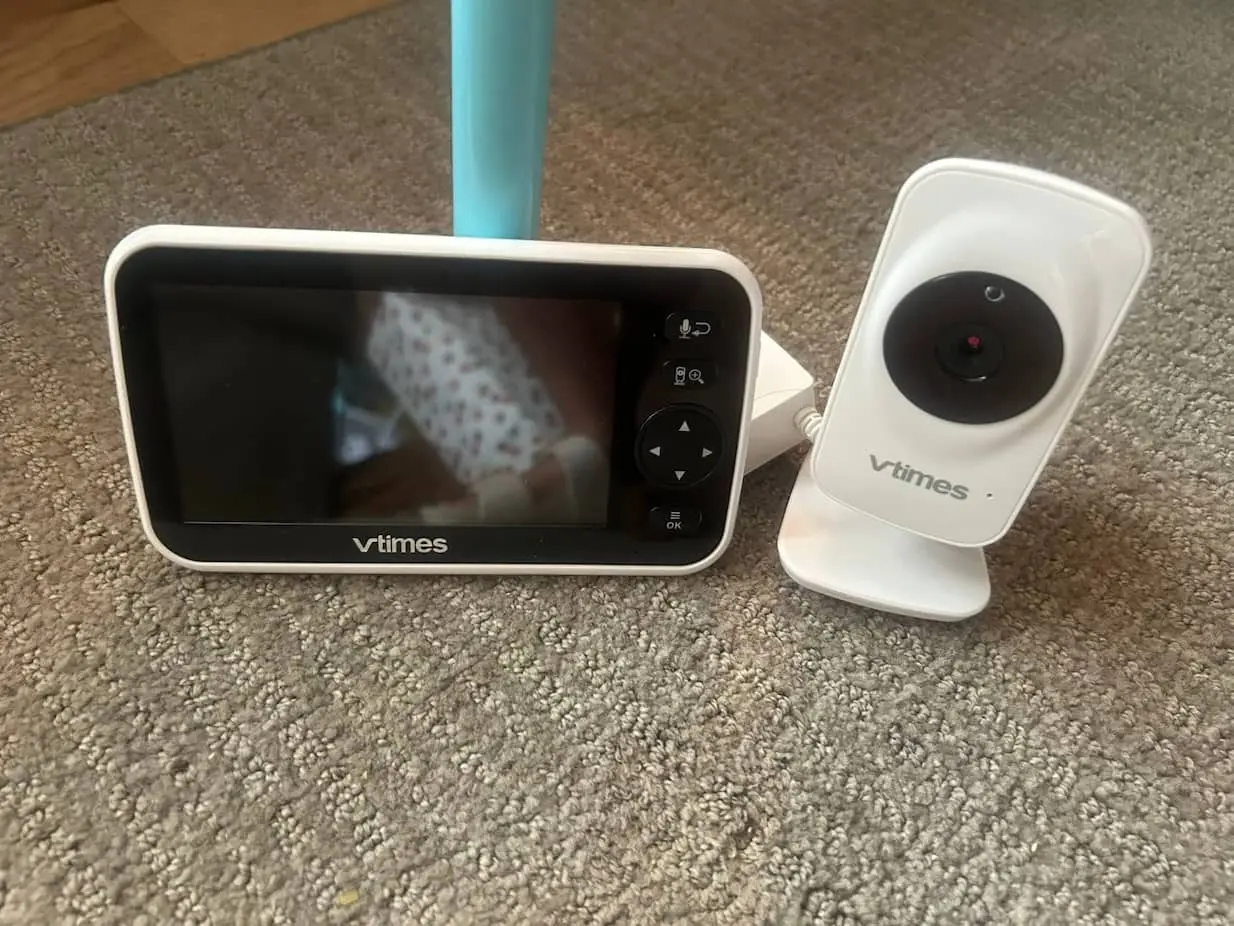
A good baby monitor should make it easier to check on your child, not give you another device to worry about. Clear night video and sensitive audio matter, but so do the things that become obvious only after a few nights of use: whether the connection stays put when you walk downstairs, whether the screen wakes you unnecessarily, whether the controls make sense at 3 a.m., and—on Wi-Fi models—how much useful functionality lives behind an app or subscription.
For most families who want a dedicated monitor rather than another phone-based service, the Babysense Pro Baby Monitor is the most complete option here. The Infant Optics DXR-8 Pro is an especially compelling alternative for anyone who values straightforward controls and filtered audio, while the older Eufy SpaceView still holds its own as a simple non-Wi-Fi choice. If remote access and sleep data matter more, the Nanit Pro is considerably smarter. The Owlet Dream Duo 3 goes further still by adding an FDA-cleared wearable for pulse and oxygen readings, whereas the Miku Pro takes the opposite approach, monitoring breathing without anything attached to the child.
Before You Choose: Understand What You Are Buying
Wi-Fi and non-Wi-Fi monitors solve different problems
A Wi-Fi monitor connects through your home network and usually sends video to a phone app. Its biggest advantage is range: provided that the camera and your phone have internet access, you can check the feed from another room, the office, or even another city.
That flexibility comes with more setup, though. App permissions, firmware updates, account security, internet reliability, and notification settings all become part of the experience.
A non-Wi-Fi model creates a direct connection between its camera and parent screen. It cannot normally be viewed from outside the home, but it is quicker to set up, does not occupy your phone, and continues working when the internet goes down. For many parents, that simplicity is not a limitation. It is the entire appeal.
A dedicated display is more useful than it first appears
Using a smartphone sounds convenient until you need the phone for directions, a work call, a recipe, or ten minutes of mindless scrolling after a long day.
A dedicated parent unit can remain beside you with the sound running continuously. There is no need to open an app every time you hear something, and a babysitter or grandparent can use it without accessing your personal account.
App-based monitors are more portable and often much smarter, but households that want an always-available screen should check whether one is included—or how much it costs to add later.
Breathing and health data need to be kept in perspective
Some smart monitors can track breathing motion, while the Owlet Dream Sock can measure pulse rate and oxygen saturation within its intended age and weight ranges. Those features can provide additional information, but they should not replace direct supervision, medical advice, or safe-sleep practices.
The American Academy of Pediatrics does not recommend home cardiorespiratory monitors as a strategy for reducing the risk of SIDS. Even FDA-cleared products are not replacements for diagnosis or treatment. Think of health data as an additional monitoring layer, not a protective force field around the crib.
Check what happens after the free trial
The camera may be a one-time purchase, but video history, detailed sleep analysis, saved memories, and advanced reports are often tied to a membership.
Before buying, work out which features remain available without paying every month or year. A monitor that looks reasonably priced can become a much larger commitment when used across several children.
Keep every cord well away from the crib
The monitor’s view is important, but placement safety comes first. The U.S. Consumer Product Safety Commission advises keeping monitor cords and components at least three feet away from cribs, bassinets, play yards, and other sleeping areas. Never place a monitor on the edge of or inside a crib.
Our Best Picks: Best Baby Monitors of 2026
Infant Optics DXR-8 Pro
- Active Noise Reduction (ANR)
- Crystal Clear Day/Night Vision
- Your Baby, Only Your Eyes
- Swap Lens In Seconds

The DXR-8 Pro is the monitor we’d choose for someone who hears “smart baby monitor” and immediately thinks, I’d rather not.
There is no cloud service and no app. The camera communicates directly with a 5-inch 720p handheld display over a closed 2.4 GHz FHSS connection, with remote pan and tilt, infrared night vision, two-way talk, a room-temperature readout, and support for as many as four cameras. Its more unusual feature is Active Noise Reduction, which is designed to suppress the steady background hum from things like fans, humidifiers, and white-noise machines while preserving sounds from the child.
We particularly like the interchangeable-lens approach. The included optical zoom lens can pull a distant crib closer, while an optional wide-angle lens trades some image detail for greater room coverage. That’s more adaptable than a fixed camera once a sleeping infant turns into a toddler moving around a larger room.
Battery life is less impressive: the current manual specifies roughly six hours with the screen on, seven with it off, and up to 10 hours in standby. The upside is that the battery is user-replaceable rather than permanently sealing the monitor’s lifespan to an aging cell.
The DXR-8 Pro isn’t the sharpest or smartest monitor here. That’s exactly why it works.
Nanit Pro

The Nanit Pro makes much more sense if you want to check in from anywhere, not simply from another room.
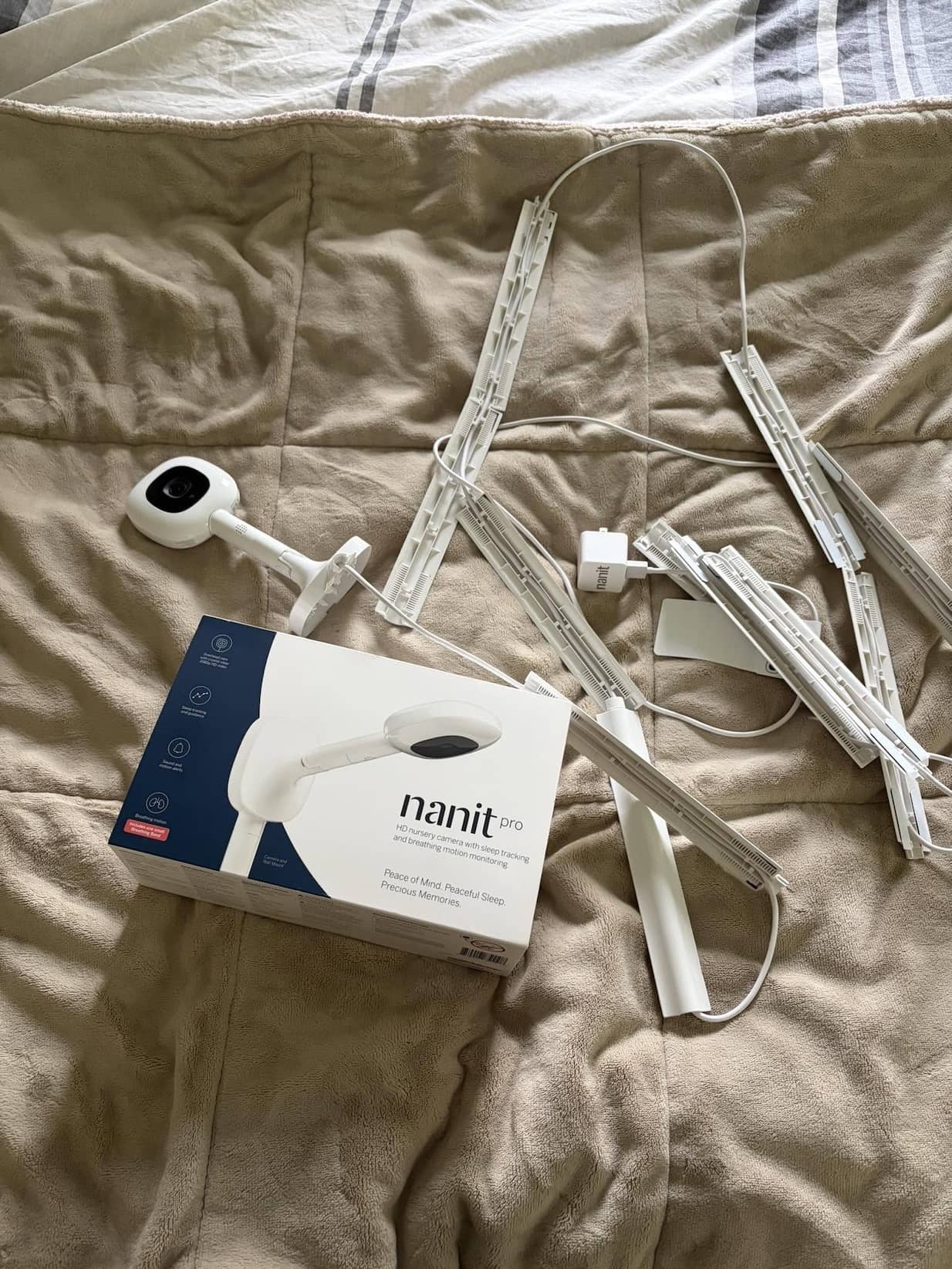
Its 1080p camera looks straight down into the crib from a wall mount or floor stand, sending the feed to the Nanit app rather than a conventional parent unit. Video works day and night, background audio can continue while you use other apps, and the system supports two-way talk, temperature and humidity monitoring, sound and motion notifications, multi-user access, and additional cameras with split-screen viewing. Nanit now also sells a separate 8-inch Home Display for families who don’t want their phone to be the only screen.
The overhead position is particularly useful for sleep tracking. With Nanit’s patterned Breathing Band, the camera can monitor breathing motion without an electronic sensor attached to the child, and the app can organize sleep activity, wakeups, and other trends. The monitor itself remains functional without a paid plan: Nanit says core live video, notifications, background audio, breathing-motion monitoring, temperature and humidity, and two-way audio remain available.
Security is handled more seriously than on many Wi-Fi cameras. Nanit specifies 256-bit AES encryption and multi-factor authentication, and Wirecutter has singled it out for particularly stringent security among the Wi-Fi monitors it tested.
The catch is the ecosystem. The more interesting historical video, sleep insights, memory features, and developmental tools require Nanit Insights; current plans start around $9 per month when billed annually after the included trial.
If you simply want to hear a baby wake up, that’s unnecessary complexity. If you actually want remote viewing plus a detailed record of sleep, the Nanit earns it.
Babysense Pro Baby Monitor

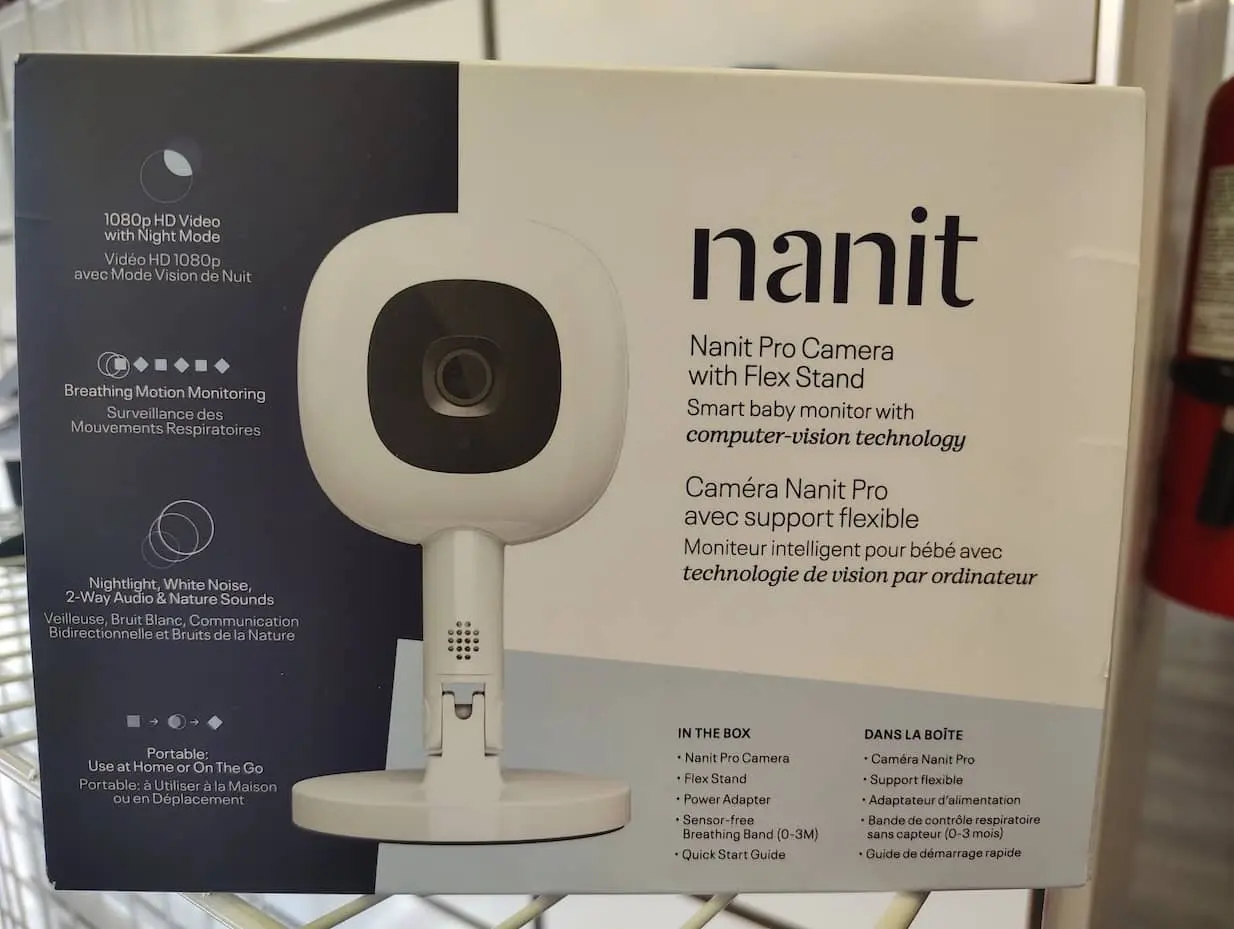
The Babysense Pro gets the basics right in ways that are immediately useful rather than merely impressive on a spec sheet.
Its 5.5-inch 1080p parent display is noticeably sharper than the 720p screens still common among non-Wi-Fi monitors, and the camera can pan, tilt, and zoom remotely. Babysense also builds in a six-color night-light, white noise and lullabies, two-way talk, temperature alerts, and support for up to four cameras. With a second camera, the display can show two rooms side by side instead of forcing you to constantly toggle between feeds.
More important is how those numbers translate in use. In Wirecutter’s testing, daytime detail remained sharp enough to make out small features from across a room; night mode lost some crispness but retained little pixelation, and the connection held throughout a three-story home before finally faltering outdoors beyond roughly 500 feet.
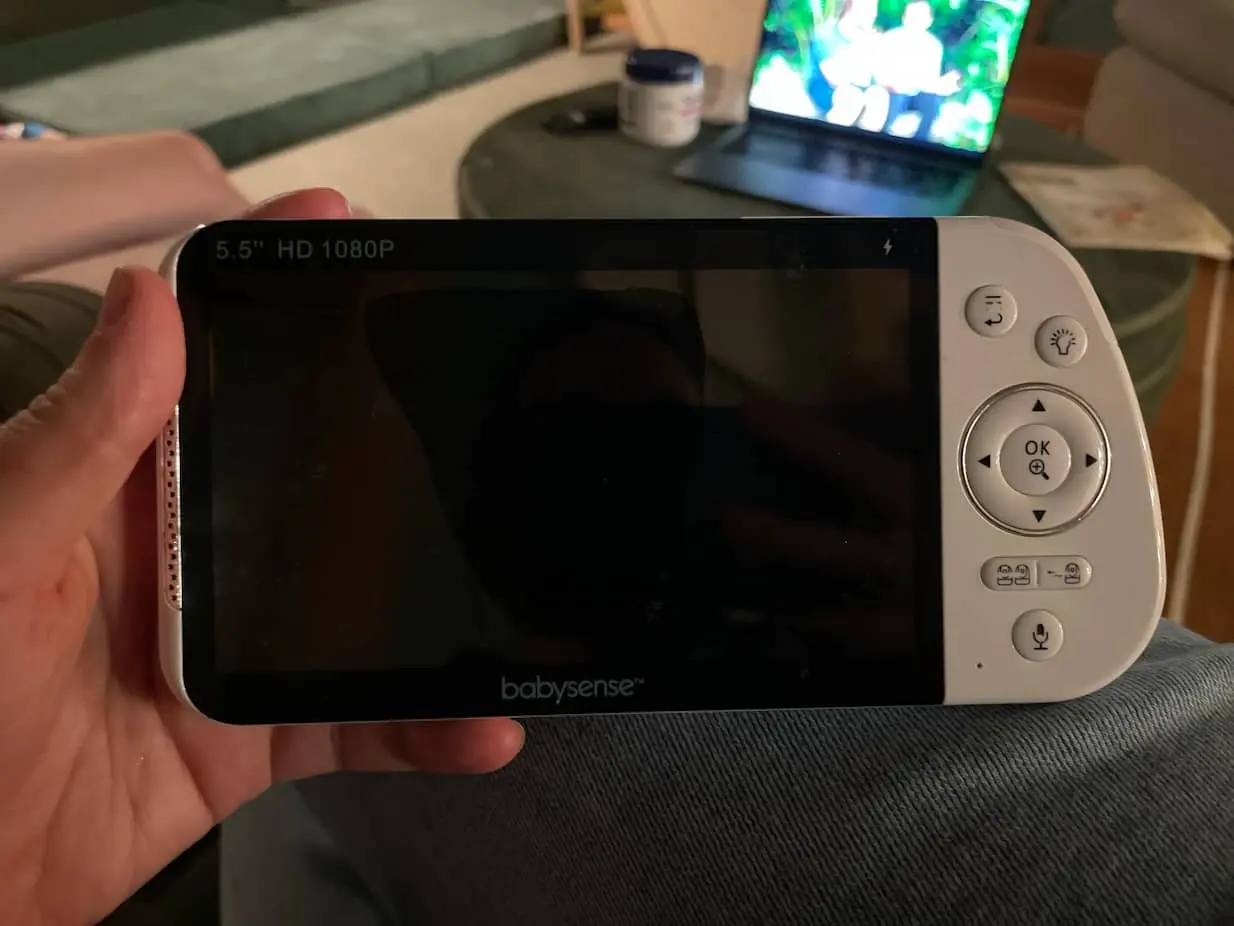
The weak spot is battery life. Babysense advertises up to 20 hours, but Wirecutter measured 9 hours 36 minutes from the parent unit…enough for a typical night, but nowhere near the headline figure. The illuminated sound bar also can’t be fully dimmed, and with multiple cameras you hear one feed at a time rather than both continuously.
Those are real annoyances, but they don’t undo what the Pro does exceptionally well: clear video, reliable local operation, responsive controls, and useful multi-camera flexibility without requiring Wi-Fi, an account, or a monthly fee.
Eufy SpaceView

Picture a fairly ordinary evening. Dinner is downstairs, laundry is upstairs, and you are moving between the two while the baby sleeps somewhere in the middle.
There is no account, no cloud storage, and no Wi-Fi configuration. Turn on the camera and its dedicated 720p monitor, and you have a straightforward local-video system with night vision, two-way audio, temperature monitoring, lullabies, sound alerts, and remote pan, tilt, and zoom. The camera pans through 330 degrees and tilts through 110 degrees, and the included wide-angle lens increases its field of view from 60 to 110 degrees when you want to see more of the room.
Its battery is rated for around eight hours with the display continuously on or 15 hours in the default sleep mode. That’s adequate rather than exceptional, and the 2900 mAh battery isn’t user-replaceable.
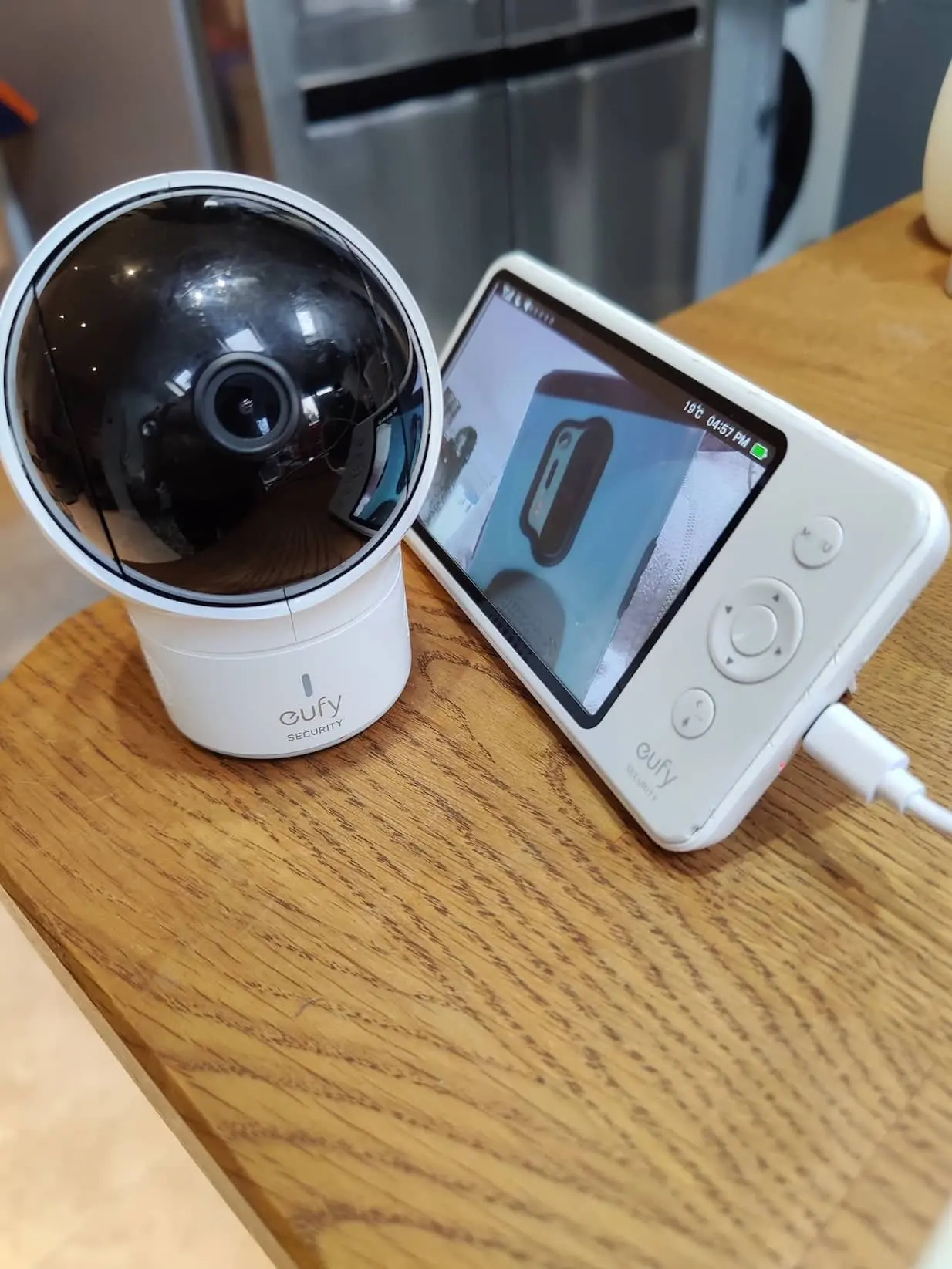
Image quality is the more obvious compromise. A 720p five-inch display is perfectly usable for checking whether eyes are open or a toddler has climbed out of bed, but it can’t match the fine detail of the Babysense Pro or a modern phone displaying Nanit’s 1080p stream. Zooming in makes that difference easier to see.
Still, Eufy continues to publish support material and firmware for SpaceView, and simplicity remains its appeal.
No subscriptions. No phone. Not much fuss.
Owlet Dream Duo 3

The Dream Duo 3 ISN’T simply a camera with extra software. It’s two monitoring systems working together.
The Dream Sight camera delivers 2K HD video, night vision, a 130-degree wide-angle view, two-way talk, automatic clips, cry, motion and sound detection, plus room-temperature and humidity readings. Alongside it is Owlet’s Dream Sock, an FDA-cleared over-the-counter infant monitor that provides real-time pulse-rate and oxygen readings as well as sleep data. Everything comes together in the Owlet Dream app.
That’s a fundamentally different proposition from the Babysense or Infant Optics. Those monitors answer, “Can I see and hear my child?” Owlet is aimed at parents who also want to see trends in sleep and wellness data.
Dream Sight itself is unusually well specified for a connected nursery camera. Owlet says its video connection uses 256-bit encryption, and the camera has received the SGS Cybersecurity Mark.
The trade-off is that all this data makes the system more involved and more expensive than a conventional monitor. It also requires the child to wear the sock correctly whenever you want those health readings. Owlet360 adds deeper sleep reports, extended video storage, and additional trend analytics through an optional subscription.
If health metrics aren’t something you intend to look at, much of the Dream Duo’s appeal disappears. If they are, none of the traditional monitors here offers the same combination.
Miku Pro Smart Baby Monitor

Wearable monitoring sounds clever until it is 2 a.m. and you are looking for a tiny sock, checking its charge, or wondering whether it is fitted correctly.
The Miku Pro uses its SensorFusion system, combining optical and wireless sensing with signal processing—to track breathing motion, movement, sleep, audio, and nursery conditions from the camera itself. It works over both 2.4 GHz and 5 GHz Wi-Fi and sends its video and monitoring data to the Miku app.
That contact-free approach is appealing if you dislike the routine of charging, fitting, and cleaning a wearable. It also means the same camera can continue monitoring as the child grows rather than requiring different sock sizes or sensor hardware.
But Miku is the hardest recommendation in this group because its current value depends heavily on a subscription. Miku now advertises the Pro starting at $149 plus $9.99 per month, and that Mikucare membership is required for its signature breathing and sleep tracking, alerts, metrics, and stored activity video. Consumer Reports likewise lists motion detection, crying detection, breathing detection, and sleep trends as paid features.
Miku also explicitly states that the monitor is not intended to diagnose, prevent, or treat medical conditions.
The technology is genuinely unusual. The recurring cost is equally hard to ignore.
Which Baby Monitor Should You Buy?
The Nanit Pro is our best overall choice because it combines a useful overhead view, reliable core monitoring features, optional breathing-motion tracking, and some of the most developed sleep-analysis tools in the category. It asks you to buy into an ecosystem, but that ecosystem is thoughtfully put together.
Choose the Babysense Pro when privacy, image clarity, split-screen viewing, and a large dedicated monitor matter more than remote phone access. It is particularly well suited to families monitoring two children or two rooms.
The Eufy SpaceView is the uncomplicated option. Its image is not the sharpest here and it does not produce sleep reports, but it handles the essential camera-and-screen experience with very little fuss.
The Owlet Dream Duo 3 offers the deepest health-related monitoring, pairing a strong 2K camera with FDA-cleared pulse-rate and oxygen tracking. It makes the most sense for parents who genuinely want those readings and can use them without becoming consumed by them.
Finally, the Miku Pro is the standout for contact-free breathing monitoring. It avoids wearables entirely, although its membership requirement makes the long-term cost an important part of the decision.
The best monitor is not necessarily the one that collects the most data. It is the one that gives you the information you need, works reliably in your home, and allows you to step away from the crib without spending the entire evening staring at another screen.