The 5 Best VPS Hosting Providers We Recommend

A good VPS should give you enough room to grow without making server management feel like a second job. Some providers pile on RAM and storage for very little money, while others charge more to handle updates, security, and the occasional late-night problem for you.
Our Favorite VPS Hosting Services
| Provider | Best for | Starting price | Management |
|---|---|---|---|
| Hostinger | Best overall value | $6.49/mo | Unmanaged |
| Kamatera | Custom server builds | $4/mo | Optional |
| Akamai Cloud | Global and bandwidth-heavy workloads | $5/mo | Unmanaged |
| ScalaHosting | Fully managed VPS | $29.95/mo | Managed |
| DigitalOcean | Developers and cloud apps | $4/mo | Unmanaged |
Hostinger – Best VPS Hosting Overall
Hostinger packs a surprising amount of hardware into its cheaper plans. KVM 1 currently includes 1 vCPU, 4GB of RAM, 50GB of NVMe storage, and 4TB of bandwidth for around $6.5 per month. KVM 2 doubles nearly everything for $8.99, making it the better fit for a growing WordPress site, ecommerce store, or several smaller projects. You also get AMD EPYC processors, weekly backups, a manual snapshot, firewall controls, DDoS filtering, and a 1Gbps network connection.
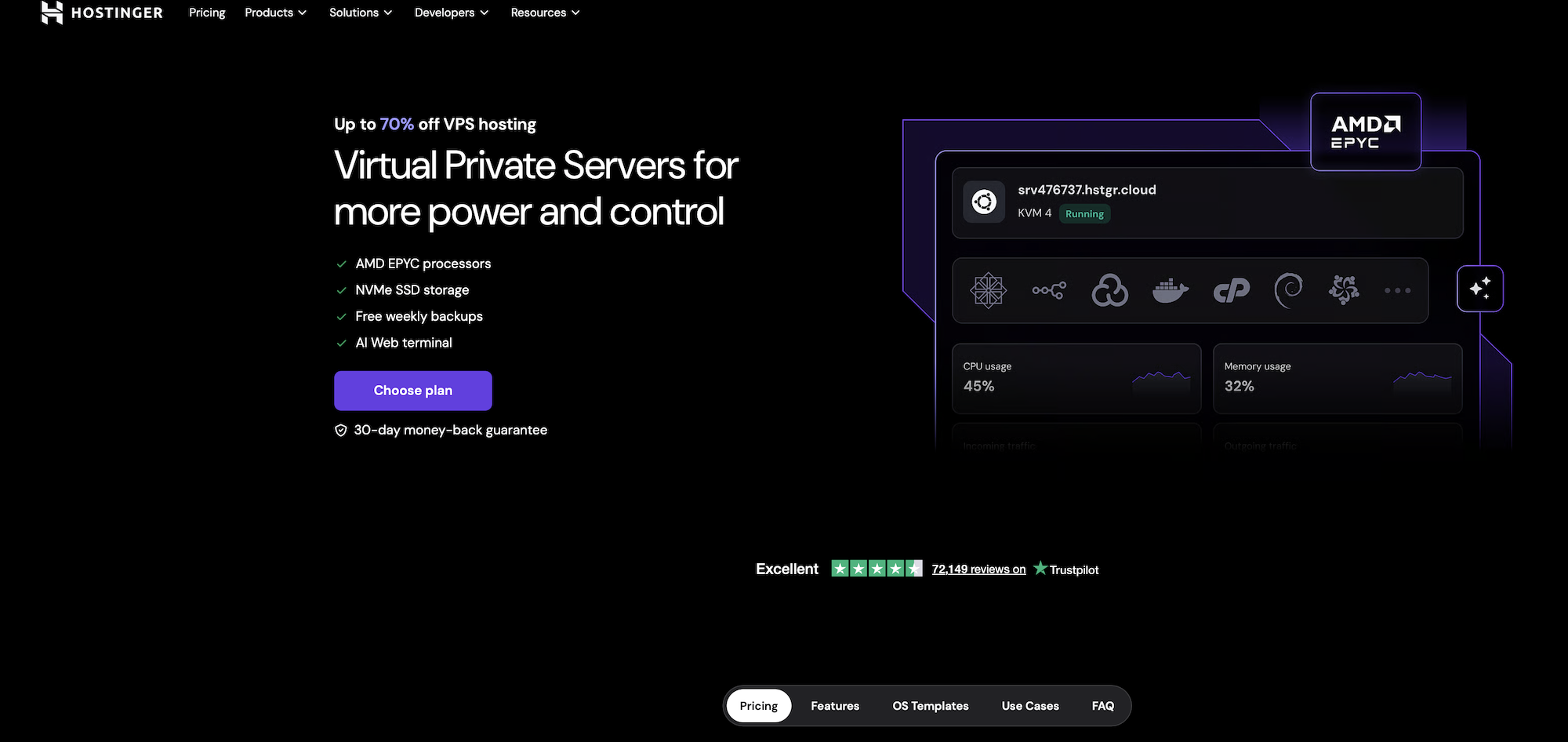
There is an important catch: these are still unmanaged servers. Hostinger looks after the physical hardware and network, but you remain responsible for operating-system updates, application security, database configuration, and most server-level troubleshooting. If a WordPress plugin causes a normal site error, that is manageable. If PHP, Nginx, or the database stops working, you should expect to investigate it yourself.
The advertised monthly prices also come with a long prepaid term. KVM 1 currently renews at $11.99 per month, while KVM 2 renews at $14.99, so check the full checkout total rather than focusing only on the introductory rate. Even with that caveat, Hostinger offers one of the easiest and most affordable ways to move beyond shared hosting.
Kamatera – Best for Custom Configurations
Kamatera is the one to look at when fixed packages feel too restrictive. You can choose the CPU type, RAM, NVMe storage, operating system, data center, and billing model, then scale the server up or down whenever the workload changes.
Its entry server costs $4 per month with 1 vCPU, 1GB RAM, 20GB NVMe storage, and 5TB of traffic. Hourly servers are billed by the minute, so Kamatera also works nicely for temporary testing environments and short-term projects. There’s a 30-day trial worth up to $100, although the sheer number of settings may be a little much for someone deploying their first server. Management and extended backups are optional add-ons rather than standard inclusions.
The downside is….that all this flexibility can be overwhelming. The $4 headline price is only the starting point, and adding more storage, daily backups, server management, or paid software licenses will increase the bill. Management is optional, so make sure it is included in your configuration if you do not want to handle Linux updates, security patches, and server troubleshooting yourself.
Kamatera is therefore better for people who know roughly how much CPU, RAM, and storage they need. It is less beginner-friendly than Hostinger, but far more adaptable when a fixed VPS package does not quite fit.
Akamai Cloud (Linode) – Best for Global Workloads
Akamai Cloud is the new home of Linode, so you still get the simple VPS plans and developer tools Linode was known for, now backed by Akamai’s much larger global network.
The entry-level Nanode costs you $5 per month and includes 1 vCPU, 1GB RAM, 25GB SSD storage, and 1TB of monthly transfer. That is enough for a personal blog, small API, VPN, monitoring server, or development environment. Larger projects can move into shared CPU, dedicated CPU, high-memory, GPU, or managed Kubernetes plans without leaving the platform.
Bandwidth pricing is one of its biggest advantages. Additional outbound transfer costs only $0.005 per GB. For example, if your $5 server uses 2TB in one month, the first 1TB is included and the extra terabyte would cost roughly another $5. That makes Akamai particularly interesting for media websites, game services, downloads, and applications that regularly send large amounts of data.
Just remember that automatic backups cost extra and the base servers are still yours to manage. You will still need to configure the operating system, install security updates, and deal with application-level problems yourself. Some services are also unavailable in Akamai’s smaller distributed regions, so check the regional feature list before deploying.
ScalaHosting – Best Managed VPS
ScalaHosting costs more upfront, but it also takes most server administration off your hands. Build #1 starts at $29.95 per month with 2 CPU cores, 4GB RAM, 50GB of NVMe storage, unmetered bandwidth, a dedicated IP, and automatic off-site backups.
For example, an agency could host several client websites on one server, create staging copies before installing updates, and manage domains, email accounts, databases, and backups from the same dashboard. If a PHP service fails or a server configuration causes downtime, ScalaHosting’s support team can step in instead of simply pointing you toward a tutorial.
Its SPanel control panel is included at no extra cost and provides WordPress staging, cloning, malware protection, SSL certificates, CDN integration, and one-click application installation. Optional root access is also available for users who want more control.
Its drawback? It is the jump to $54.95 per month at renewal. Long-time cPanel users may also need a little time to settle into SPanel, but that is a much smaller headache than managing the whole server yourself.
DigitalOcean – Best for Developers
DigitalOcean’s Droplets sit in a nice middle ground between basic VPS hosting and a much larger cloud platform. The platform is popular with developers because the dashboard is clean, the documentation is unusually thorough, and a new server can be deployed in less than a minute. Basic plans begin at $4 per month, although the $6 configuration….with 1 vCPU, 1GB RAM, 25GB SSD storage, and 1TB transfer….is a more practical starting point for a small website or application.
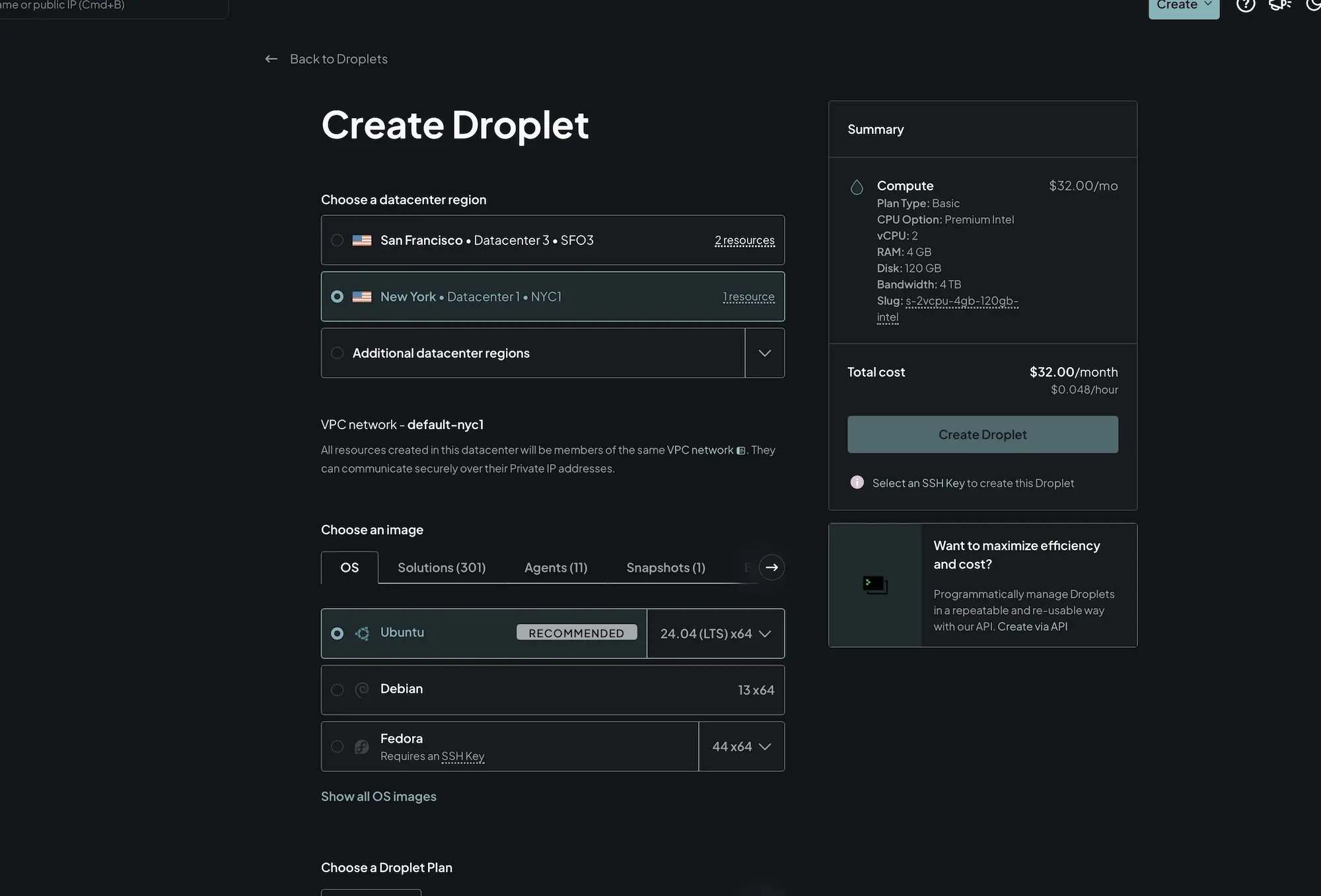
The dashboard is clean, deployment takes less than a minute, and there is a huge library of documentation and one-click images for WordPress, Docker, LAMP, and other common stacks. Per-second billing is handy for test servers and short-lived workloads, while CPU-, memory-, and storage-optimized Droplets give you somewhere to go later.
Droplets are unmanaged, though, and backups add either 20% or 30% to the server price on the standard weekly and daily plans. It’s great if you’re comfortable with SSH; much less appealing if you want someone else handling updates and recovery.
Which One Should You Pick?
For most people who are comfortable doing some server maintenance, Hostinger offers the best balance of price, resources, and ease of use. ScalaHosting is the better fit if you run a business website and would rather have someone else handle updates, security, backups, and technical problems.
Kamatera works best when you need a custom configuration or a temporary server that can be billed by usage. Developers building apps, APIs, or Docker-based projects may prefer DigitalOcean for its clean dashboard and excellent documentation. Akamai Cloud is especially appealing for global or bandwidth-heavy projects thanks to its wide infrastructure and low egress fees.
Before deciding, look beyond the introductory price. Factor in renewal rates, backups, management, software licenses, and bandwidth charges. The cheapest server is not always the least expensive one to run….especially if it requires more technical work than you are prepared to handle.