A great gaming monitor can completely change how your games look and feel. Faster refresh rates make motion smoother, better response times improve responsiveness, and modern display technologies such as OLED and Mini-LED deliver a level of image quality that was difficult to find just a few years ago.
The challenge is that there are now more gaming monitors than ever. Some are built for competitive esports players chasing the highest frame rates possible, while others focus on delivering stunning visuals for immersive single-player games. There are also plenty of options designed to balance gaming, productivity, and entertainment.
To help narrow down the choices, we researched and compared dozens of today’s most popular gaming displays. Whether you’re looking for a flagship 4K OLED monitor, an affordable HDR upgrade, or a lightning-fast esports display, these are the gaming monitors we believe stand out the most in 2026.
Top 6 Best Gaming Monitors Worth Buying the Most At the Moment
ASUS ROG Swift OLED PG27UCDM 2

If you have spent years waiting for a monitor that combines true 4K sharpness with elite esports-level responsiveness, the PG27UCDM is probably what you had in mind. ASUS built this monitor around a fourth-generation 27-inch QD-OLED panel, delivering a rare combination of 3840×2160 resolution and a 240Hz refresh rate.
What immediately stands out is how crisp everything looks. Text is noticeably cleaner than older 1440p OLED displays, while games benefit from OLED’s perfect blacks and near-instantaneous 0.03ms response time. Whether you are exploring open-world RPGs or playing competitive shooters, the image remains incredibly sharp and responsive.
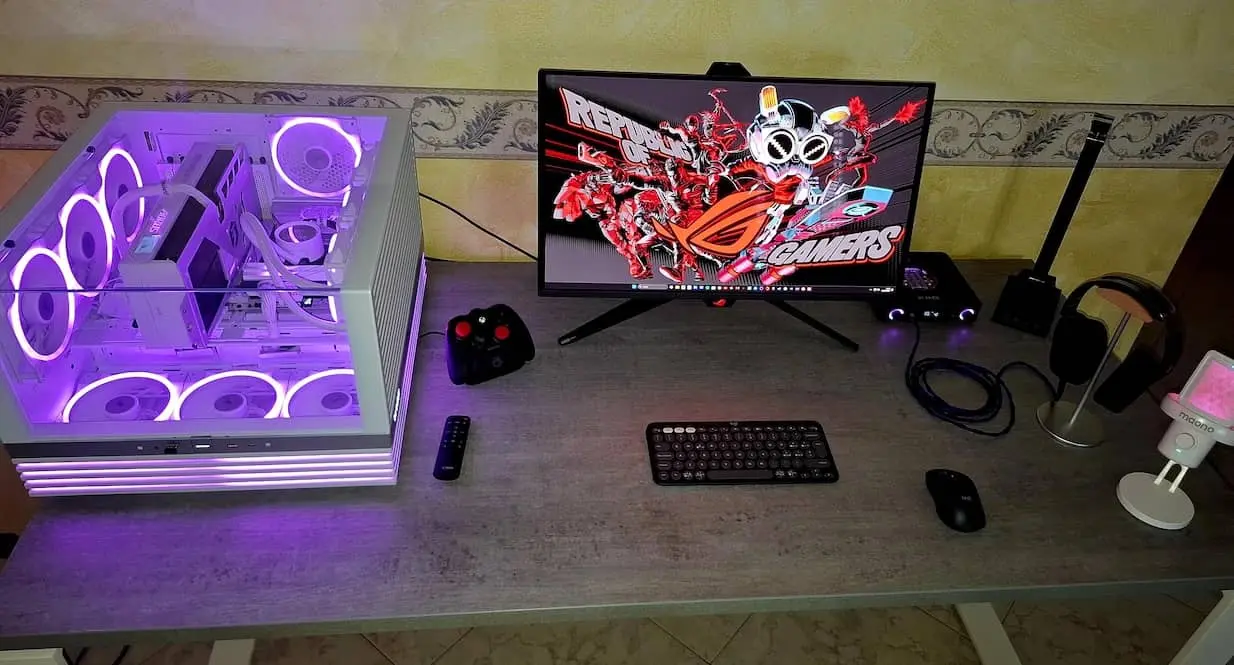
ASUS also loaded the monitor with premium extras. DisplayPort 2.1, USB-C with 90W Power Delivery, Dolby Vision support, OLED Care Pro technology, and a Neo Proximity Sensor all help justify its flagship status. These features make it feel like a monitor designed not only for gaming but also for high-end workstations.
The PG27UCDM is expensive, but it represents one of the most complete gaming monitors currently available. For gamers who want the best image quality without sacrificing speed, there are very few displays that can match it.
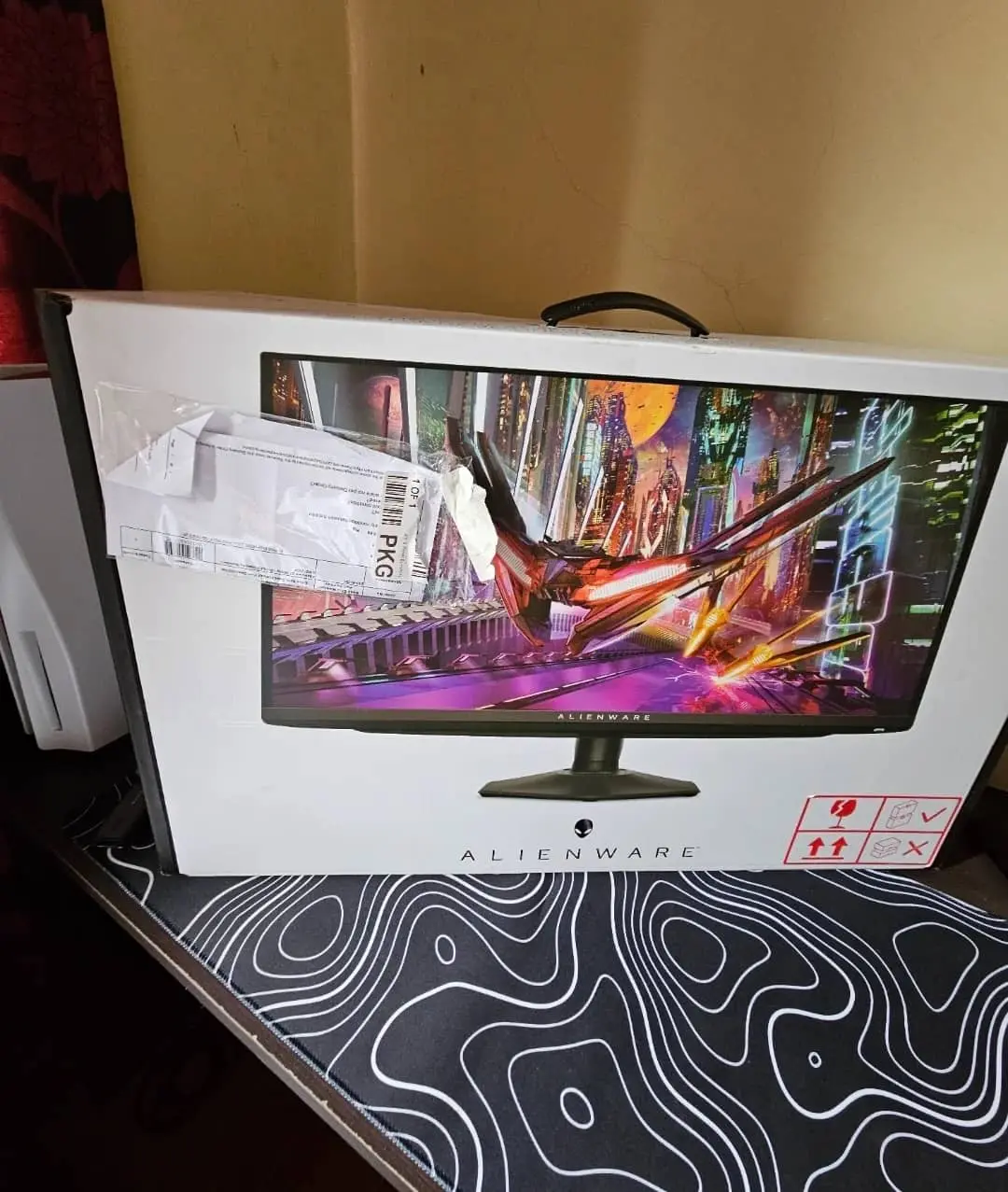
Dell Alienware AW2725Q

Many gaming monitors force you to choose between visual fidelity and performance. The AW2725Q refuses to make that compromise. This 27-inch QD-OLED display delivers 4K resolution, a 240Hz refresh rate, and one of the most impressive gaming images available today.
The real magic happens when you start playing. OLED’s infinite contrast makes dark scenes look genuinely dark, while HDR highlights pop off the screen with remarkable intensity. Combined with the high pixel density of a 27-inch 4K panel, games appear exceptionally detailed and lifelike.
Alienware deserves credit for keeping the experience simple. The monitor includes HDMI 2.1, adaptive sync support, Dolby Vision HDR, and a compact stand that doesn’t consume half your desk. Rather than chasing flashy gimmicks, Dell focused on the essentials that matter most to gamers.
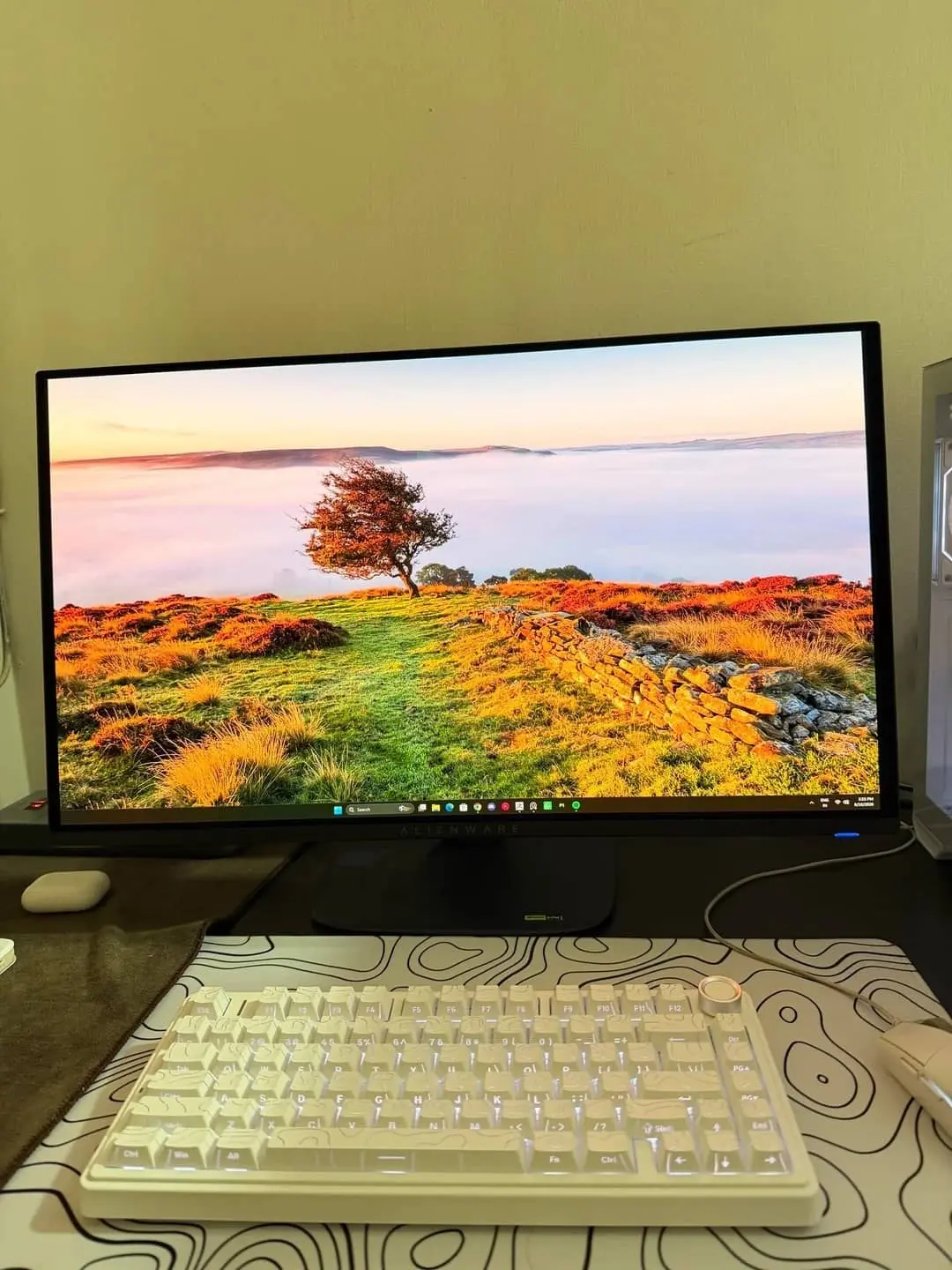
For players who care about image quality above everything else, the AW2725Q is one of the easiest monitors to recommend. It delivers flagship OLED performance while remaining more affordable than some competing premium models.
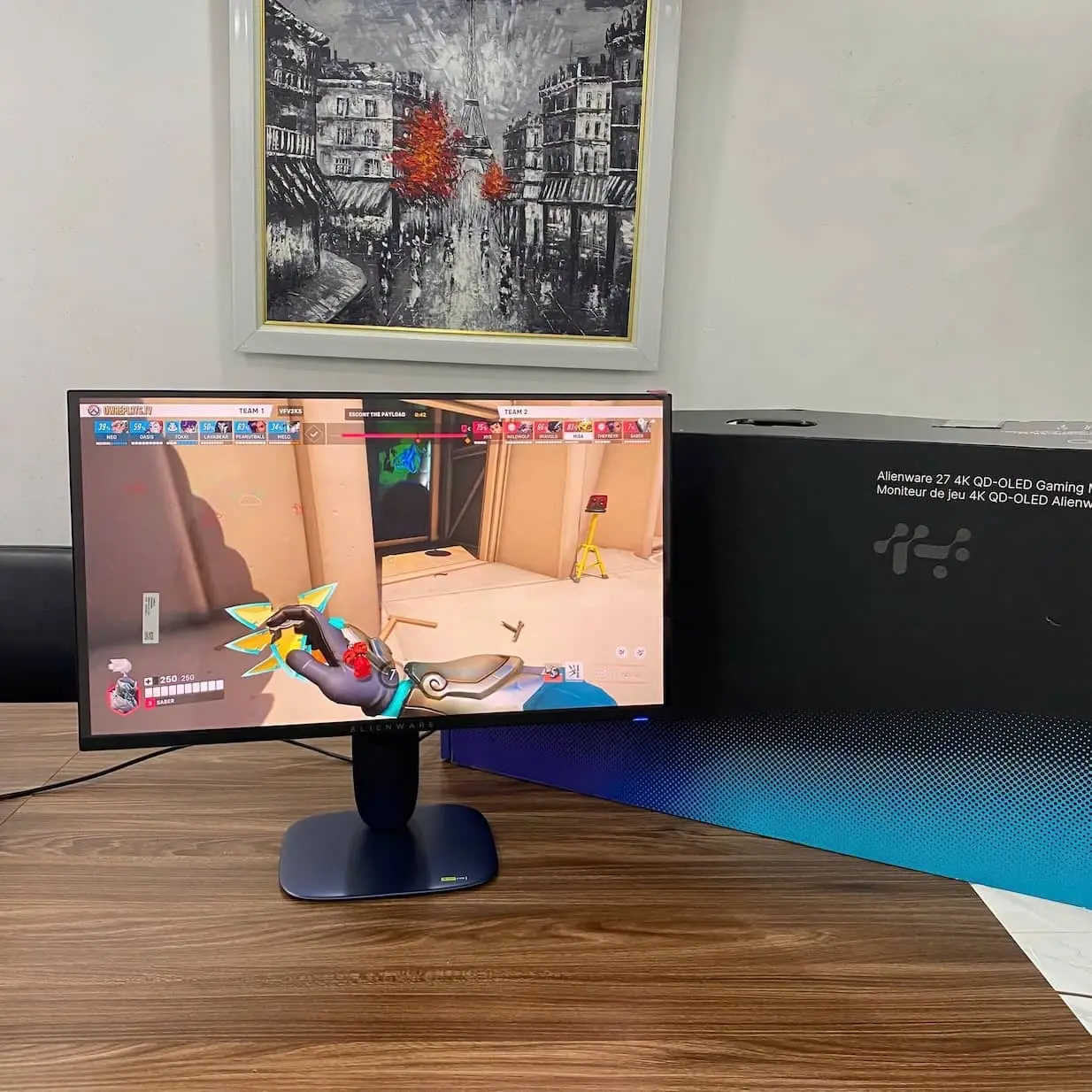
AOC Q27G3XMN

Not everyone has OLED money, and honestly, not everyone needs it. The AOC Q27G3XMN has become popular because it offers a surprisingly premium HDR experience without demanding a premium budget.
The monitor uses a Mini-LED backlight combined with a 1440p VA panel. While that may not sound as exciting as OLED on paper, the result is impressive. HDR content looks dramatically better than on typical IPS gaming monitors, with bright highlights and significantly deeper blacks. Community reviews consistently praise its contrast performance and brightness.
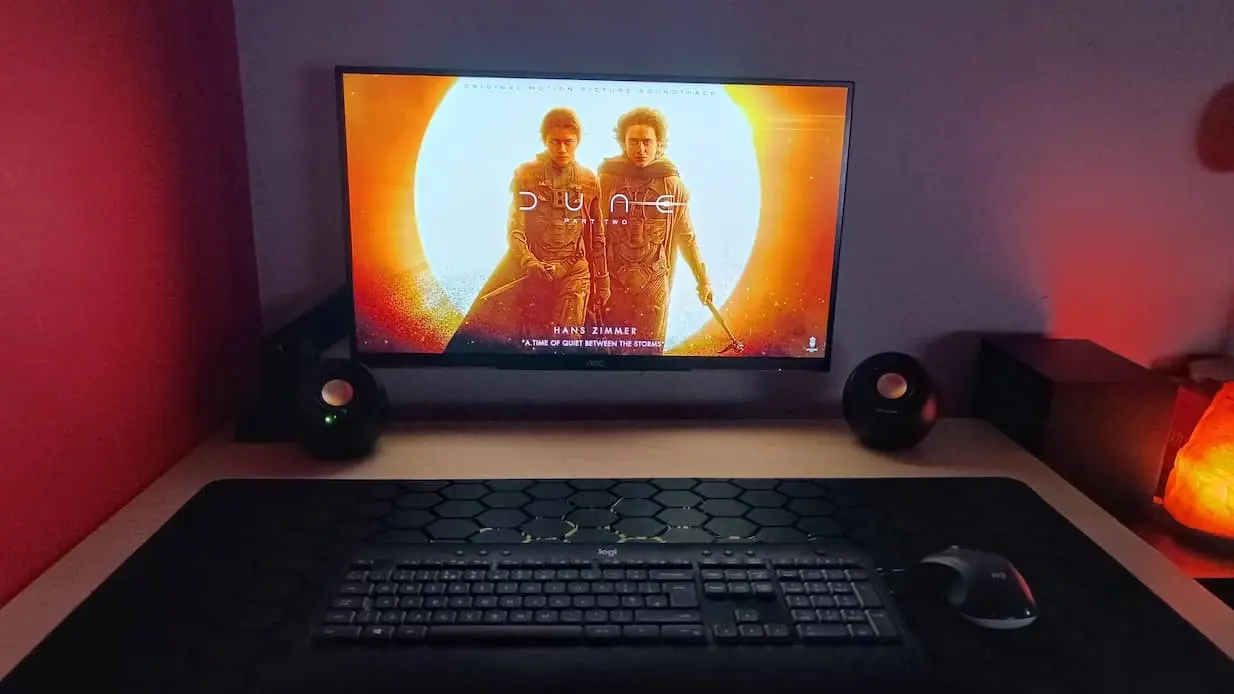
For gaming, the 180Hz refresh rate provides smooth motion while the high contrast ratio adds extra depth to atmospheric games. Open-world titles, racing games, and story-driven adventures benefit particularly well from the display’s ability to produce darker blacks and more impactful HDR effects.
The Q27G3XMN is proof that you do not need to spend flagship-level money to enjoy great HDR gaming. If value is your top priority, this monitor remains one of the strongest budget gaming displays on the market.

Dell S2725QS

Most gaming monitor recommendations focus entirely on speed. The Dell S2725QS takes a different path. It is the monitor for people who work all day and game all night.
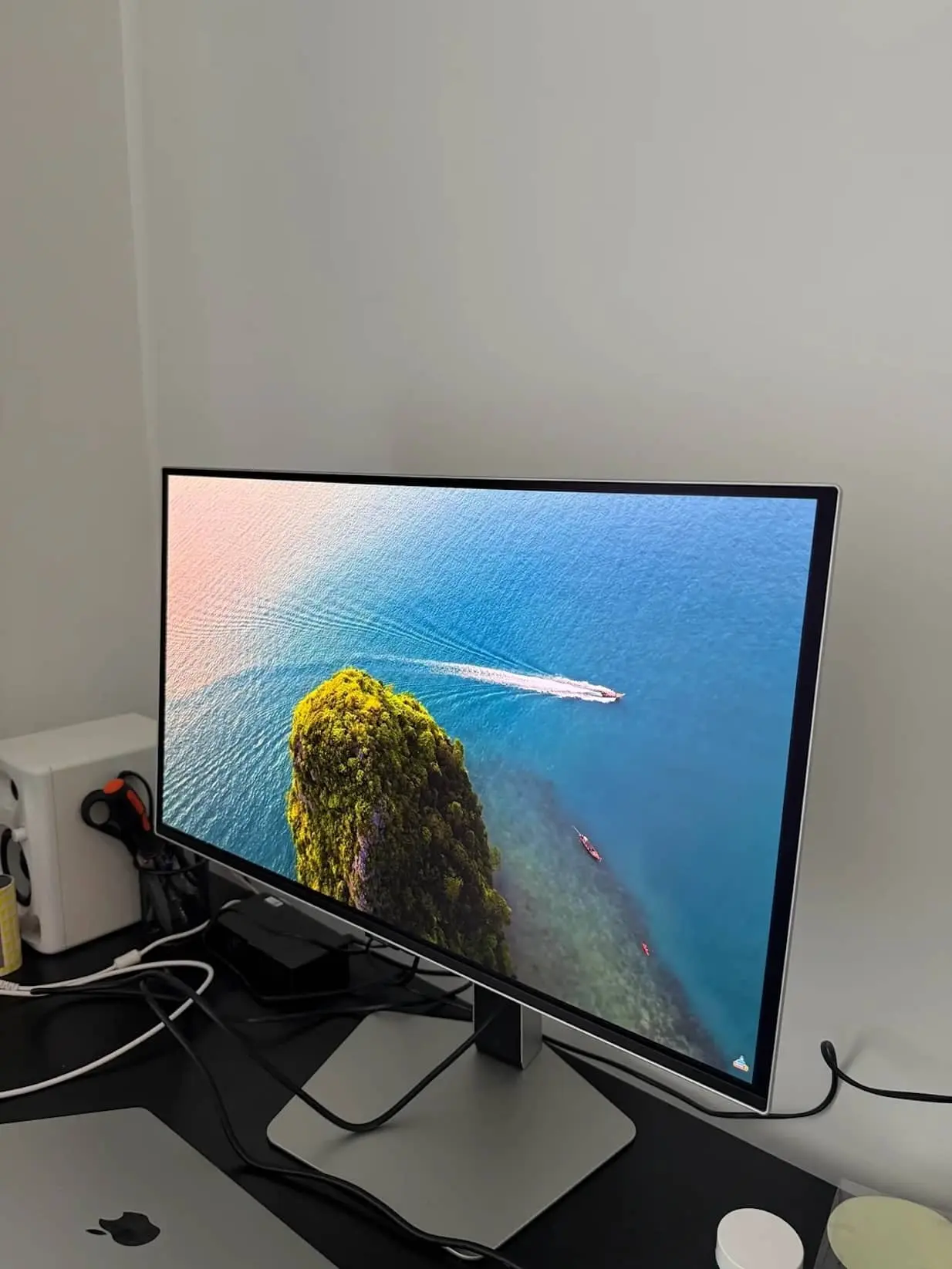
At first glance, it looks more like a productivity display than a gaming monitor. The 27-inch 4K IPS panel delivers excellent sharpness, accurate colors, and a clean design that fits naturally into a home office setup.
However, Dell quietly added features that gamers will appreciate. The 120Hz refresh rate is noticeably smoother than standard 60Hz displays, and AMD FreeSync helps reduce screen tearing during gameplay. Casual and single-player gamers often find this level of performance more than sufficient.
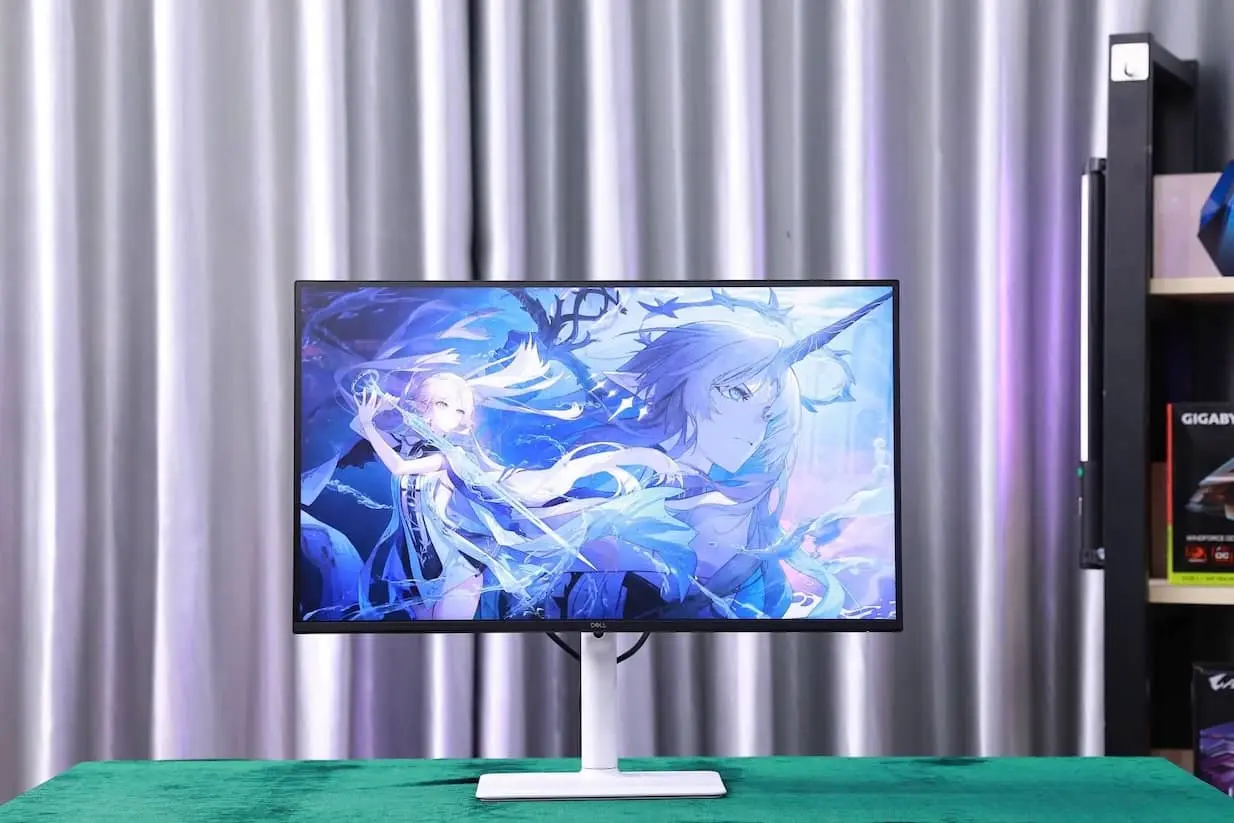
What makes the S2725QS special is its versatility. It is equally comfortable handling spreadsheets, creative projects, Netflix, and gaming sessions. If you only want one monitor on your desk, few options offer a better balance between work and play.
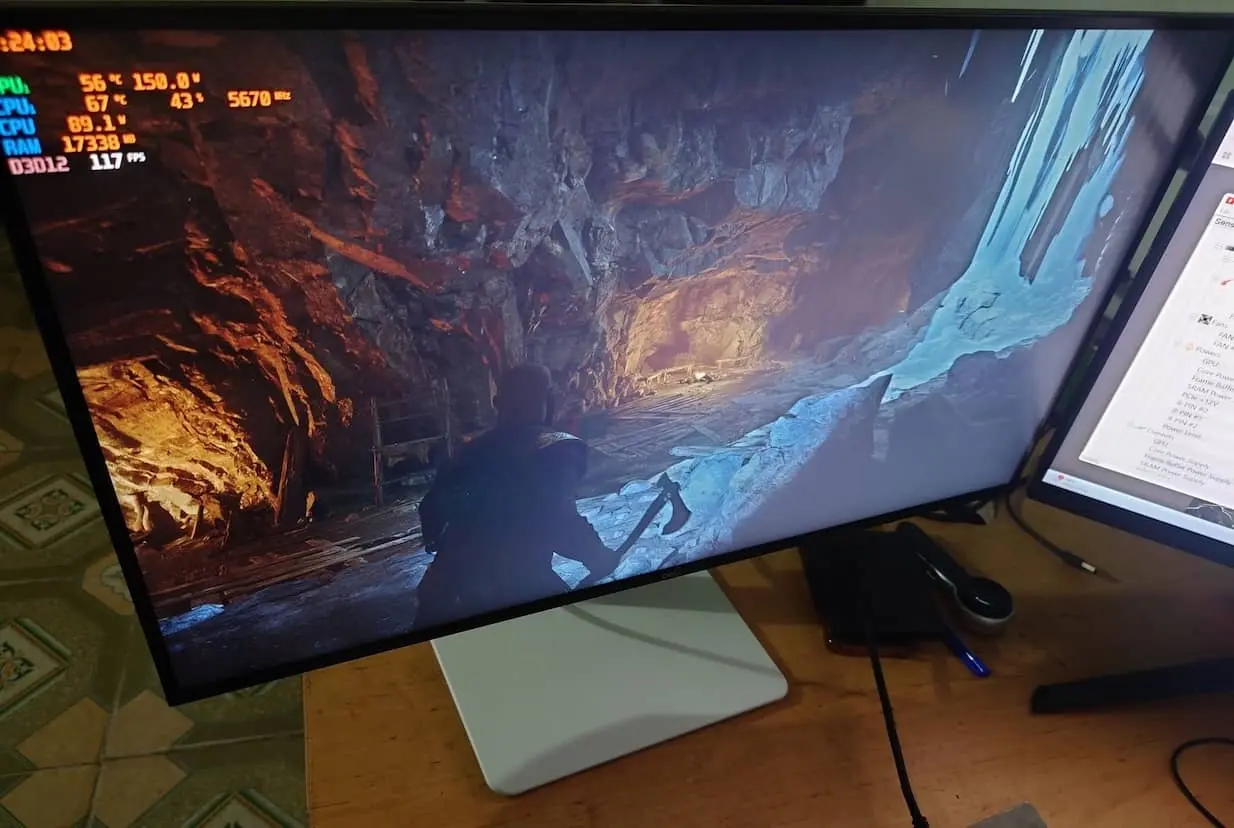
Alienware AW2524HF (500Hz OC)

Imagine seeing an opponent a fraction of a second earlier than everyone else. That is the audience Alienware had in mind when designing the AW2524HF.
Unlike most monitors in this guide, this display is not trying to deliver cinematic visuals. Its entire purpose revolves around competitive performance. The panel runs at 480Hz natively and can be overclocked to 500Hz, creating one of the fastest gaming experiences available on a consumer monitor.
In fast-paced games such as Valorant, Counter-Strike, and Overwatch, motion clarity becomes almost unreal. Mouse movements feel immediate, target tracking becomes easier, and visual blur is reduced to a minimum. For professional or highly competitive players, these improvements can be meaningful.
The AW2524HF is not for everyone. It sacrifices resolution and visual richness in exchange for raw speed. But if winning matters more than visual spectacle, few monitors are better equipped for the job.