What is the Best Way to Learn Graphic Design?
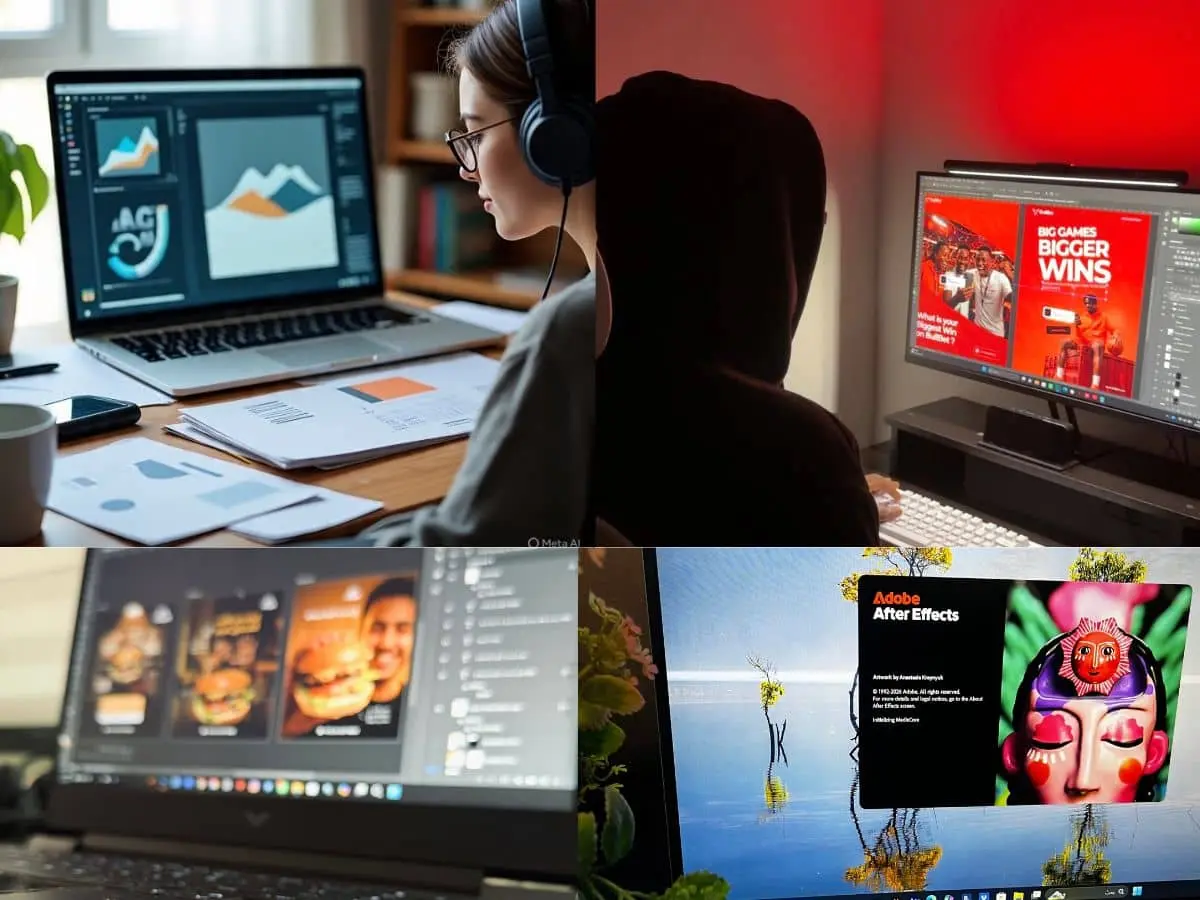
The best way to learn graphic design right now — especially as a complete beginner — is to let AI tools do the heavy lifting while you focus on developing your eye. Instead of spending months learning complex software, start creating immediately with AI design assistants like Claude Design, Gemini, or Canva’s AI features: describe what you want, generate real designs, then tweak and iterate.
This flips the old learning path on its head — you learn why a design works by editing AI outputs, comparing versions, and asking the AI itself to explain choices around typography, color, and layout.
Free tools (Figma’s free tier, Canva, and AI generators) cover everything a newbie needs; expensive programs like Illustrator can wait until a job or client actually demands them.
The one thing AI can’t shortcut is taste — so pair your AI-assisted creating with studying great design daily (Behance, real-world branding, packaging around you) and asking “why does this work?” In short: use AI as your design partner and tutor from day one, and build your fundamentals through doing, not through software manuals.
You can start with something small — like asking it to design a poster or logo concept — then iterate on it and ask why certain choices were made. That’s the fastest feedback loop a beginner has ever had.
For old fashion people
BuIf you want to do it the most efficient way, there is more to just learning what buttons to click on Adobe Illustrator. The recommended route, therefore, is to familiarize yourself with the concept , practice it, and get feedback.
Below, we are going to dive into that and also go through some useful resources you can gain access to.
The 3-Step Shortcut to Learning a Graphic Design
Here are the basic things that you should know. It’s very straightforward now with the wealth of tools that are available to everyone online. You don’t even have to finish a 4 year degree course to be able to hack the basics in graphic design.
Learn the big 4 rules
These are the core of graphic design. Familiarize yourself with these before venturing into mastering classes and all.
- Contrast– this simply means that you have to make the most important thing stand out. Think of small versus big or light versus dark.
- White space– to make the design look concise and less messy, you have to leave a sufficient amount of white space around it. This makes the image feel less suffocating.
- Alignment– do not just line elements and graphics randomly; this makes it obvious that it was made by an amateur. There should be an invisible grid that lines everything up.
- Visual hierarchy- all the elements should be arranged so that the reader’s eye naturally goes to the headline first.
Pick one tool first
There are a myriad of resources available online. Thus, it’s easy to go wild and free and just try everything out. It makes sense that you would want to try a handful to see which works best.
But as a newbie, it’s best to pick a single tool first, commit to it, learn the knicks and knacks before jumping on to the next.
Do not try to learn five different software programs at a time. Just pick one.
How would you know which resources to commit to? It all depends on what you are making.
For instance, if you are making digital products, layouts and web, you can try Figma. This one is free, it is very straightforward and has a less learning curve.
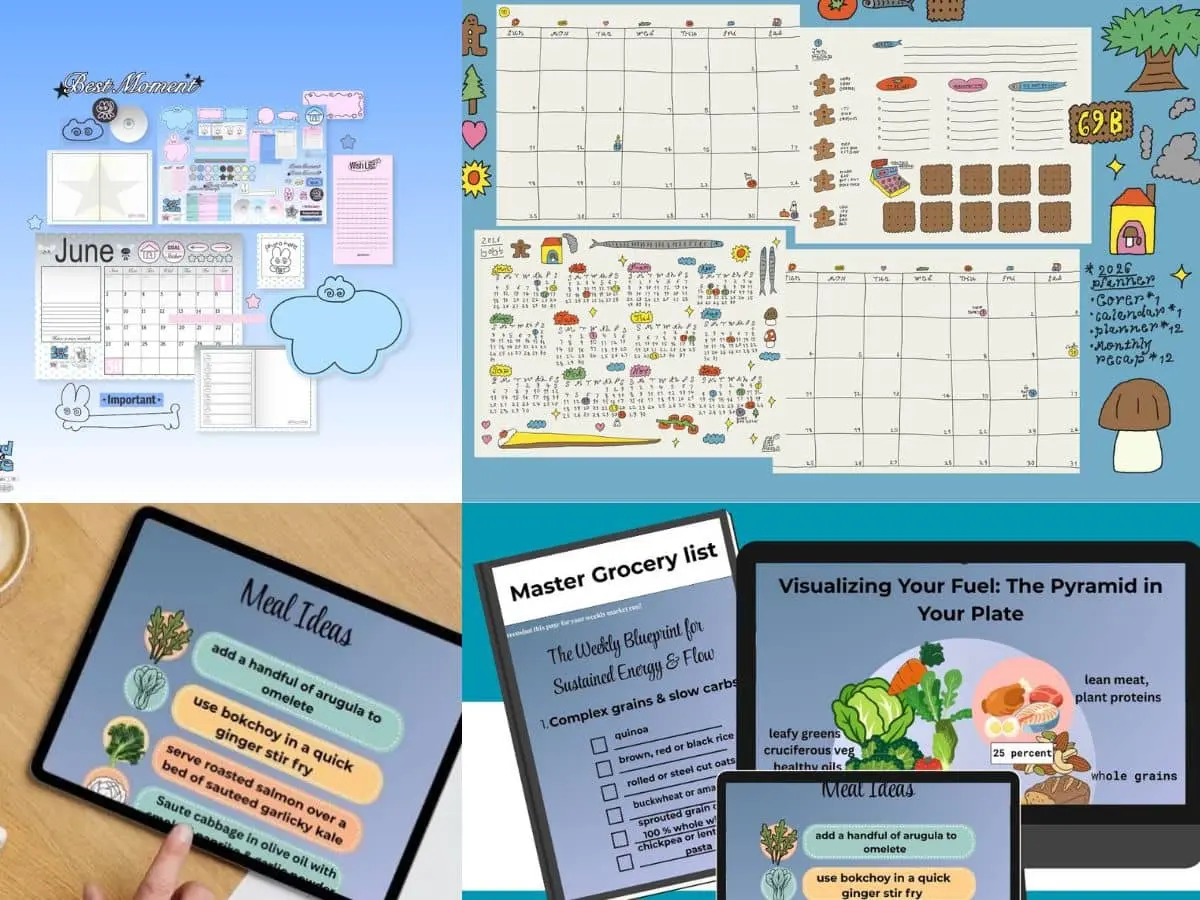
If it’s for branding and vector arts, Adobe Illustrator or the cheaper Affinity Designer are some of the best options. These can create crisp and clear logos and graphics that you can scale to any size.
Practice makes perfect
The quickest way to be a pro is to train your design eye by reverse engineering.
You can do this by recreating a design that you like. Dabble on Behance.net or Dribble.com, pick a design that you fancy, and try to recreate it pixel by pixel. Match everything from the fonts, the space, and shapes exactly as they are.
Shortcuts for the fidgety
If you want to skip the long courses. We have two hacks.
Hover through YouTube and search for Satori Graphics Design Principles or Fix Academy Figma Beginners Guide. These are free, high-quality, and practical tutorials.
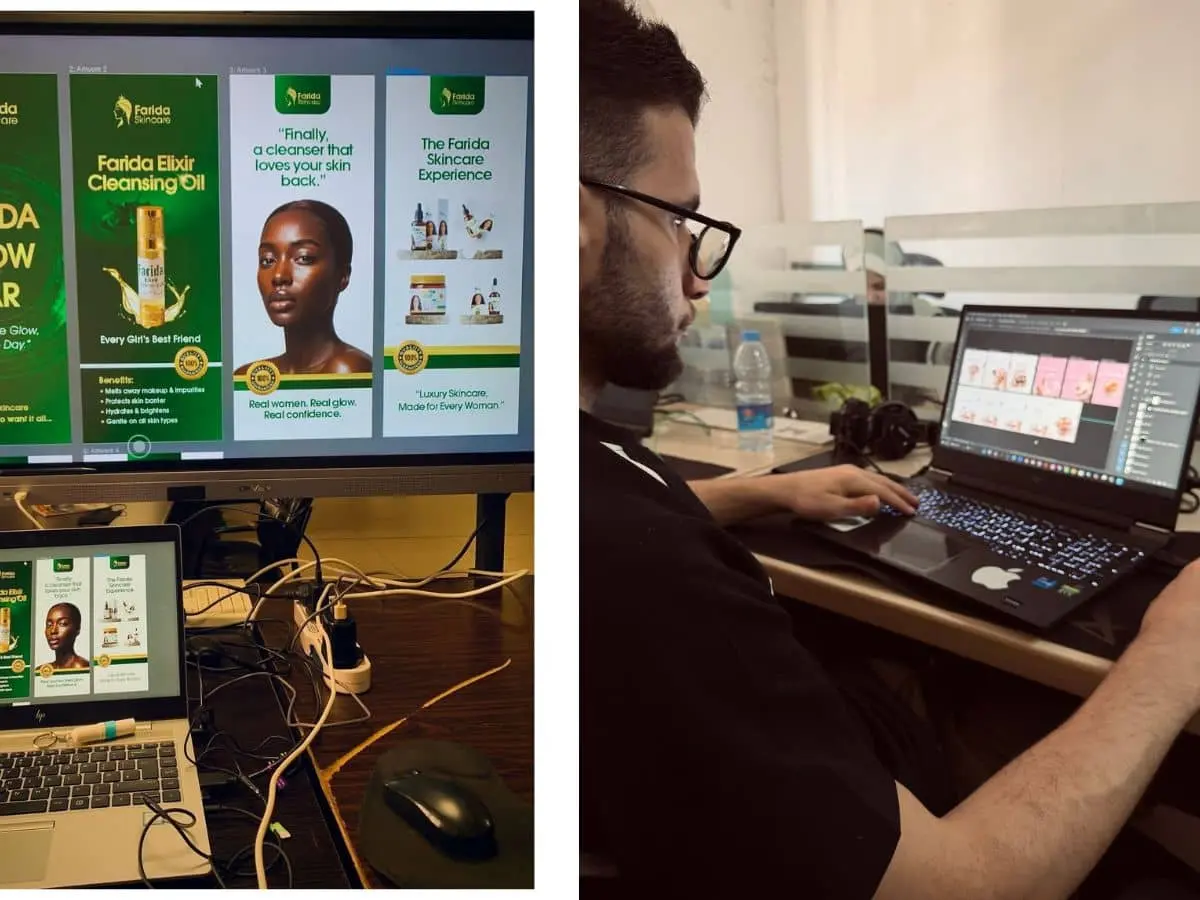
Alternatively, you can enhance your practice by building on GoodBrief.io. Try generating a fake client prompt, so you have a real project where you can practice as if you are building a real product for a client.
Train your design eye
You don’t have to be able to master a particular software overnight. Though it’s true that you do not need four years to be able to hack the system, you will not be able to do it overnight. While resources are straightforward, you also have to manage your expectations.
Apart from familiarizing yourself with the software, one of the crucial things is to train your eye to see visual order.
It is possible to build a professional skill set entirely based on tutorials available online. With the right principle and consistent practice, you have everything you need right at your disposal.