Best Portable Monitors for Laptops & Travel
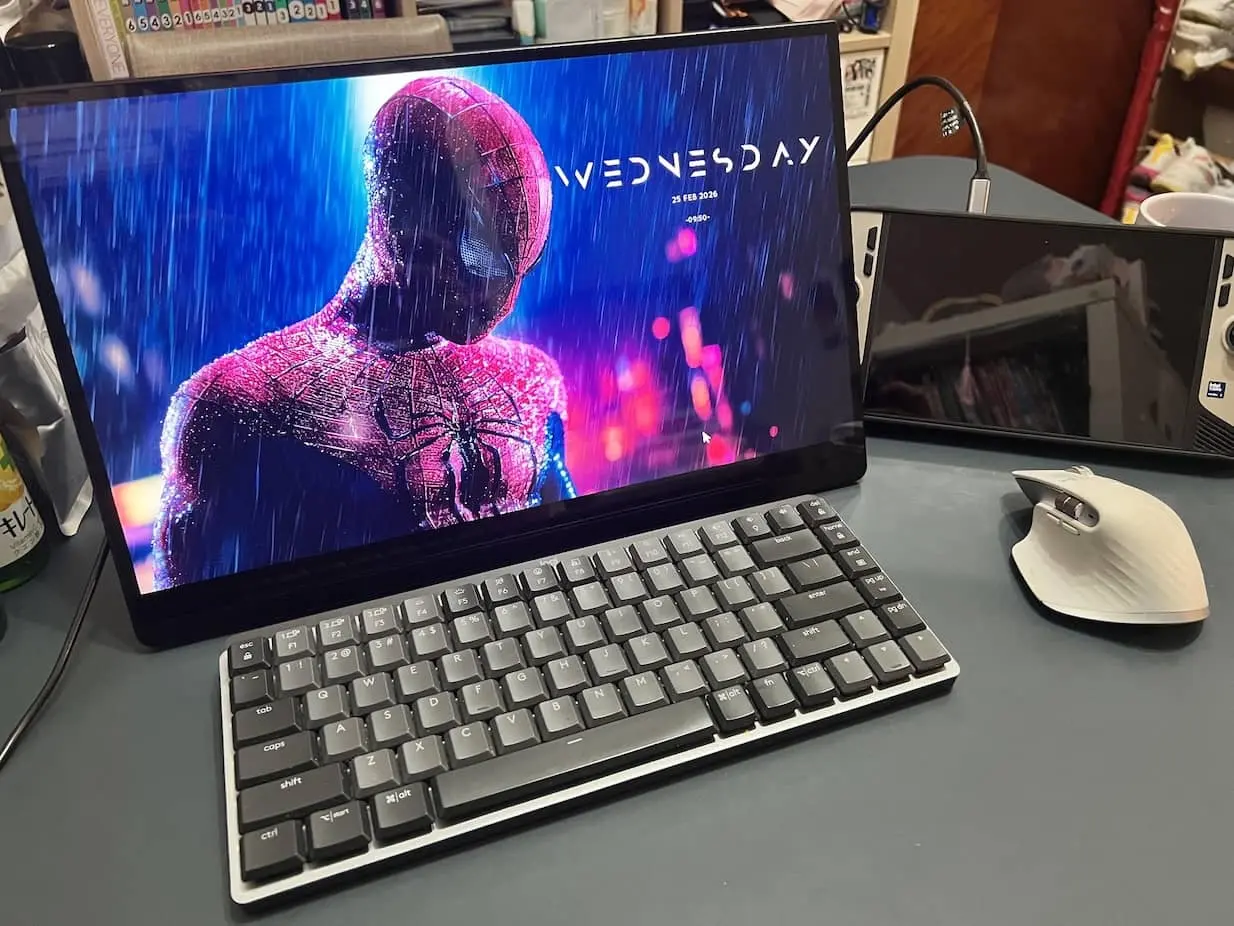
Our resident road-warrior has spent more nights than he’d admit hunched over one laptop screen in a dim hotel room, squinting at a dozen browser tabs piled on top of each other like a losing hand of solitaire. So we emptied a backpack of portable monitors onto his desk and told him to sort it out.
Here’s what we learned fast. A second screen on the road is one of those upgrades you can’t undo. Travel with one for a week and going back to a single laptop feels like cooking dinner on one stovetop burner. The catch is the market itself. It’s a swamp of near-identical 15.6-inch slabs with model names that read like wifi passwords, spec sheets written by the marketing department, and one feature that wrecks more setups than everything else combined. (That feature is USB-C. We’ll come back to it. Bring a notepad.)
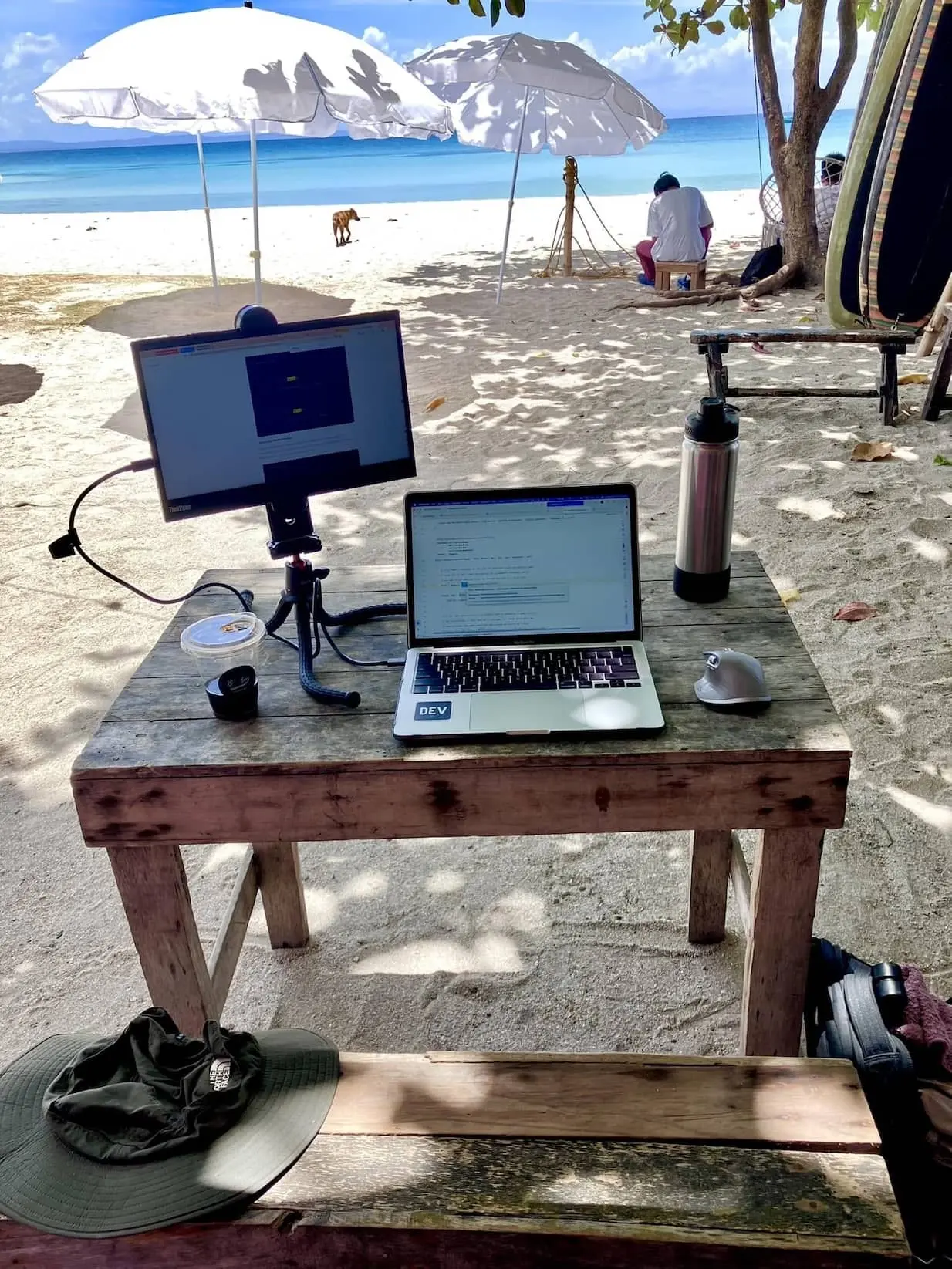
So we did the boring work. We dug through the lab numbers from the people who actually measure this stuff, then checked it against what owners say on Reddit and Amazon six months in, once the honeymoon is over and the thing has been thrown in a bag forty times. What’s left is five screens we’d carry ourselves. Below you’ll find who each one is for, and the reason you might want to walk straight past it.
Right. Enough warm-up. Let’s stop flapping our jaws and get to the list.
Our 5 Best Portable Monitors for Laptops & Travel Today
Lenovo ThinkVision M14 Portable Monitor

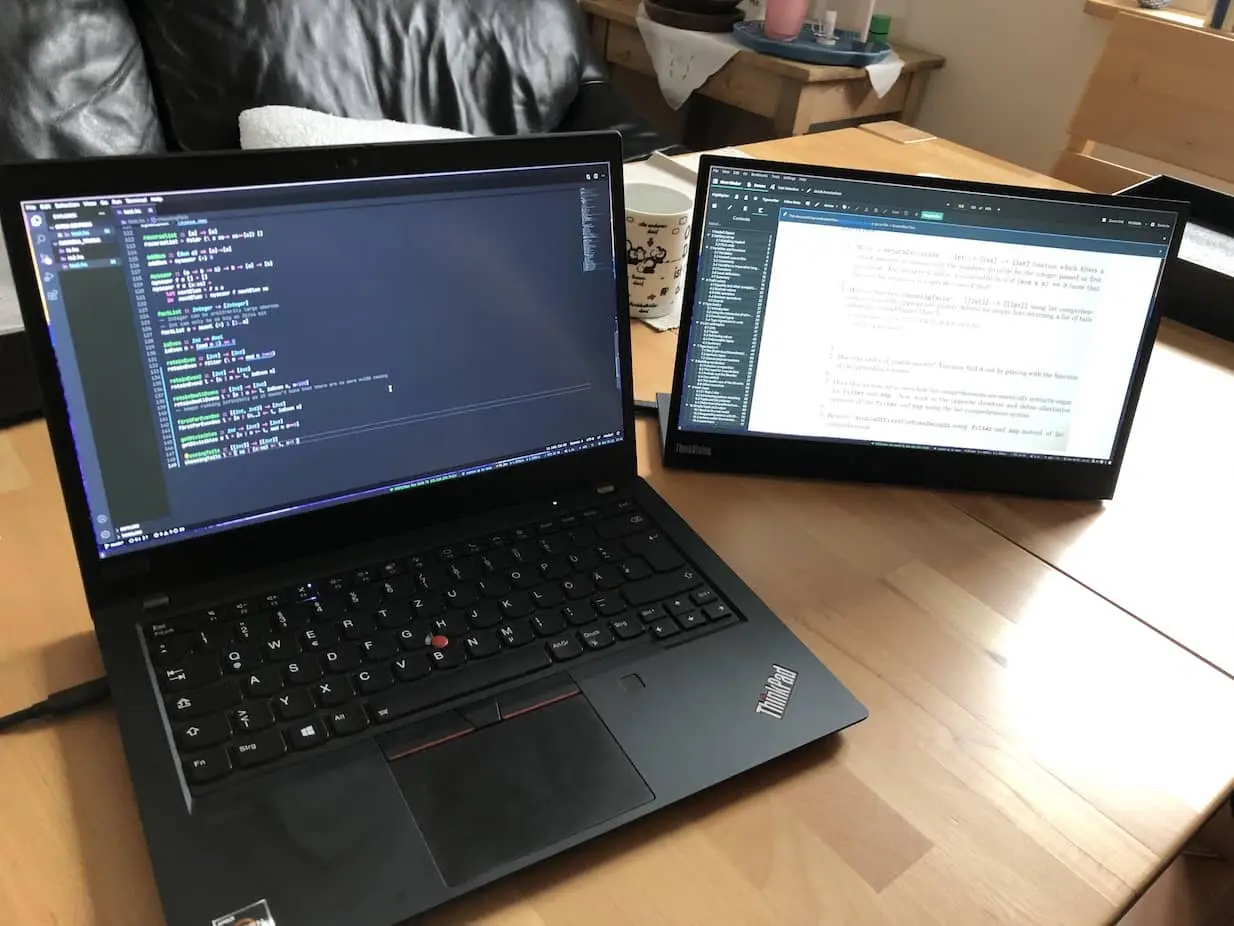
Ask us for one portable monitor with no other context and this is the answer we give, every single time. The M14 is a plain 14-inch 1080p panel that gets the unglamorous things right. It’s light, around 1.3 pounds. The built-in kickstand is the best in its class by a mile. And one USB-C cable can charge your laptop on the way through at 65W. That’s the pitch. No fireworks.
Our guy set it up on a café table that wobbled every time someone walked past, snapped out the kickstand, and worked a morning of spreadsheets with his laptop folded shut beside it. The stand is the whole story here. Most rivals give you a magnetic folio cover that collapses if you look at it funny. Lenovo built an actual hinge instead, slight lean to nearly flat, with a fold-out foot to lift the panel up. You set the angle and it stays put. Sounds dull until you’ve wrestled a piece of origami on three other monitors.
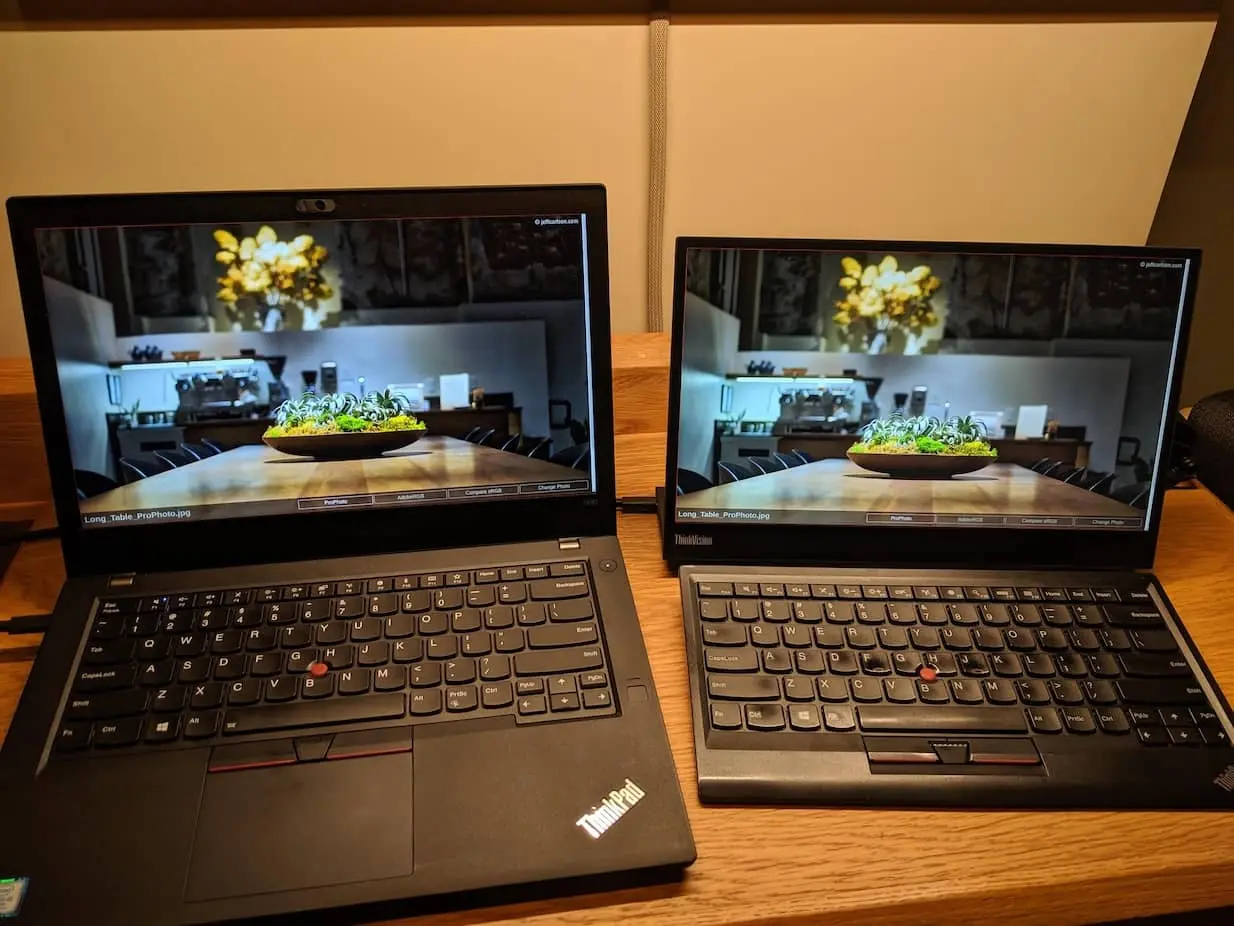
One number to keep an eye on is brightness. Lenovo claims 300 nits. Tom’s Hardware got 244. Windows Central got 331. Spreads like that usually come down to panel lottery and different test gear, but the conclusion is the same either way. This is an indoor screen, full stop. Don’t expect it to win a fight with the sun on a patio. Skip it outright if you want speakers, a battery, or an HDMI port for a console, because it has none of the three. And funnily enough, the loudest owner complaint isn’t the picture at all.
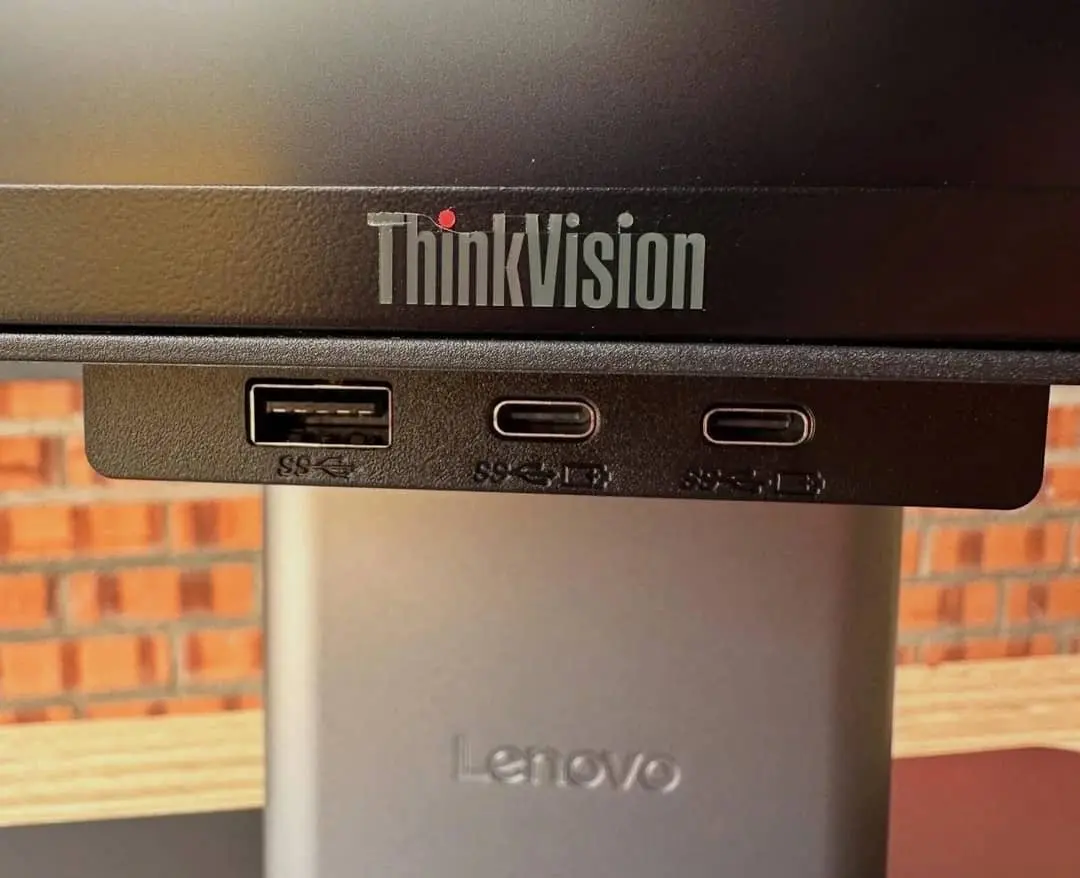
It’s the USB-C handshake. Some units nod straight off to standby the moment you plug in, or sulk their way through a dock. Your laptop has to actually send video over its USB-C port, and how to check that is further down this page. Want touch and don’t mind paying for it? The M14t Gen 2 adds a sharper 2.2K touchscreen and a pen for roughly $270 to $330. It’s glossy, though, so direct sun turns it into a mirror.
Arzopa A1 Gamut Portable Monitor

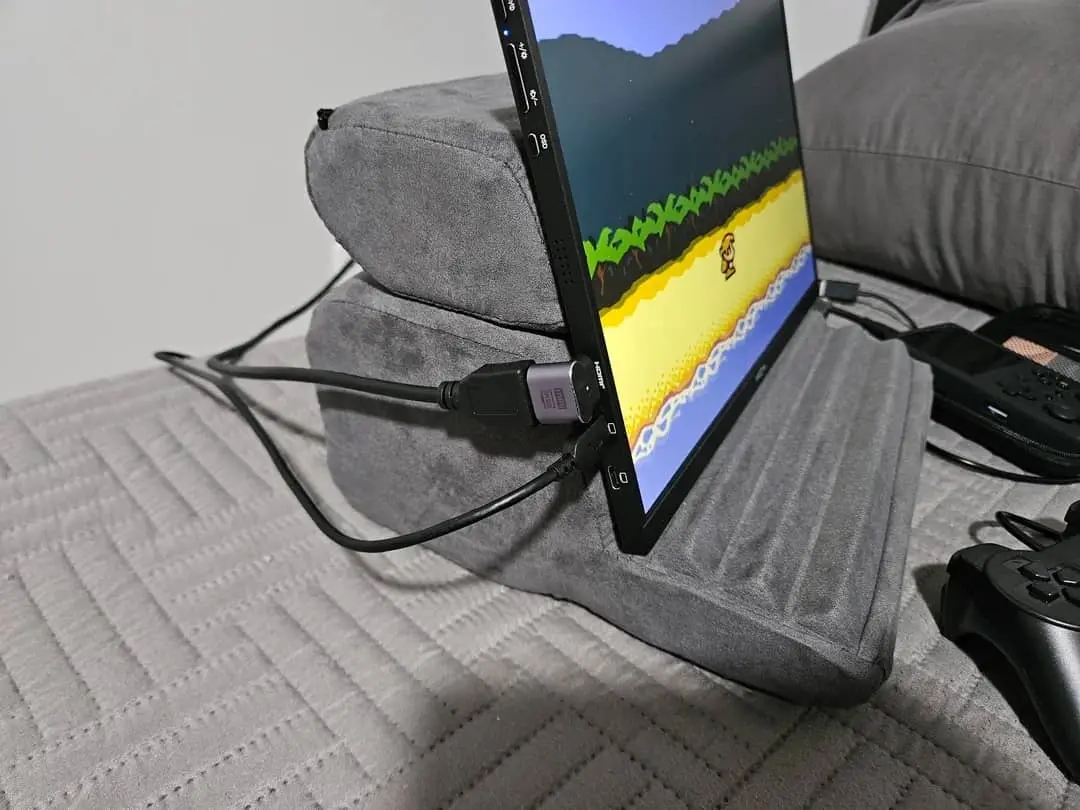
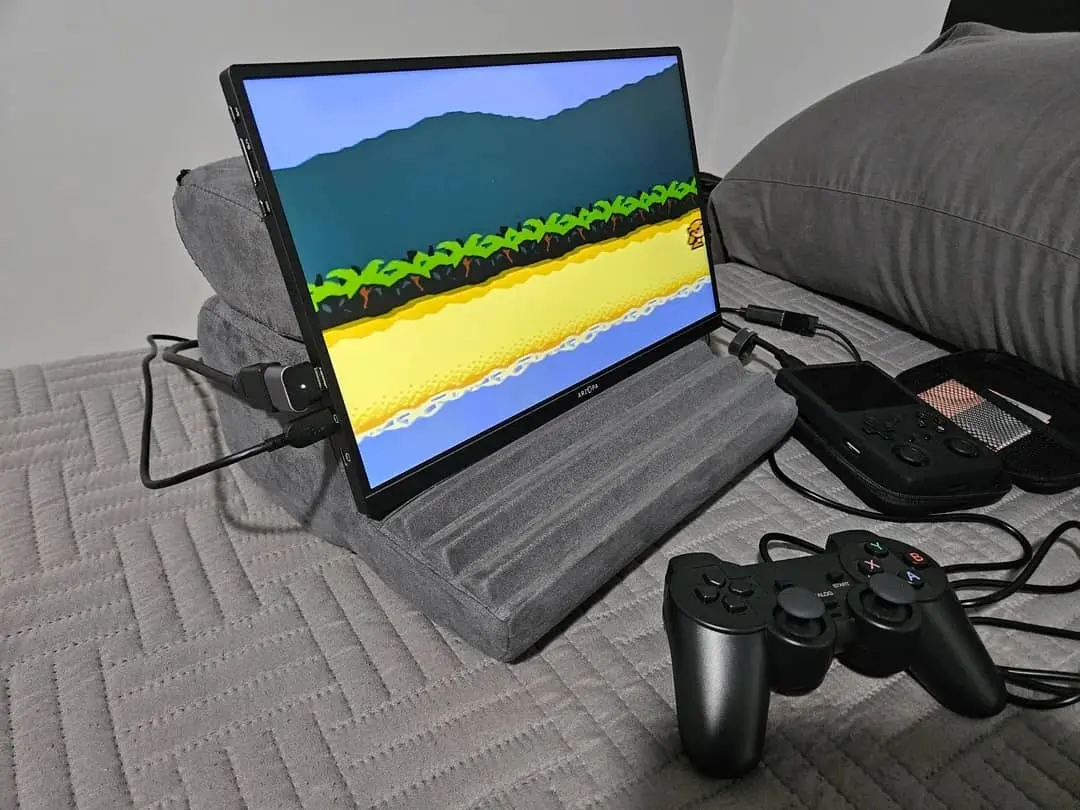
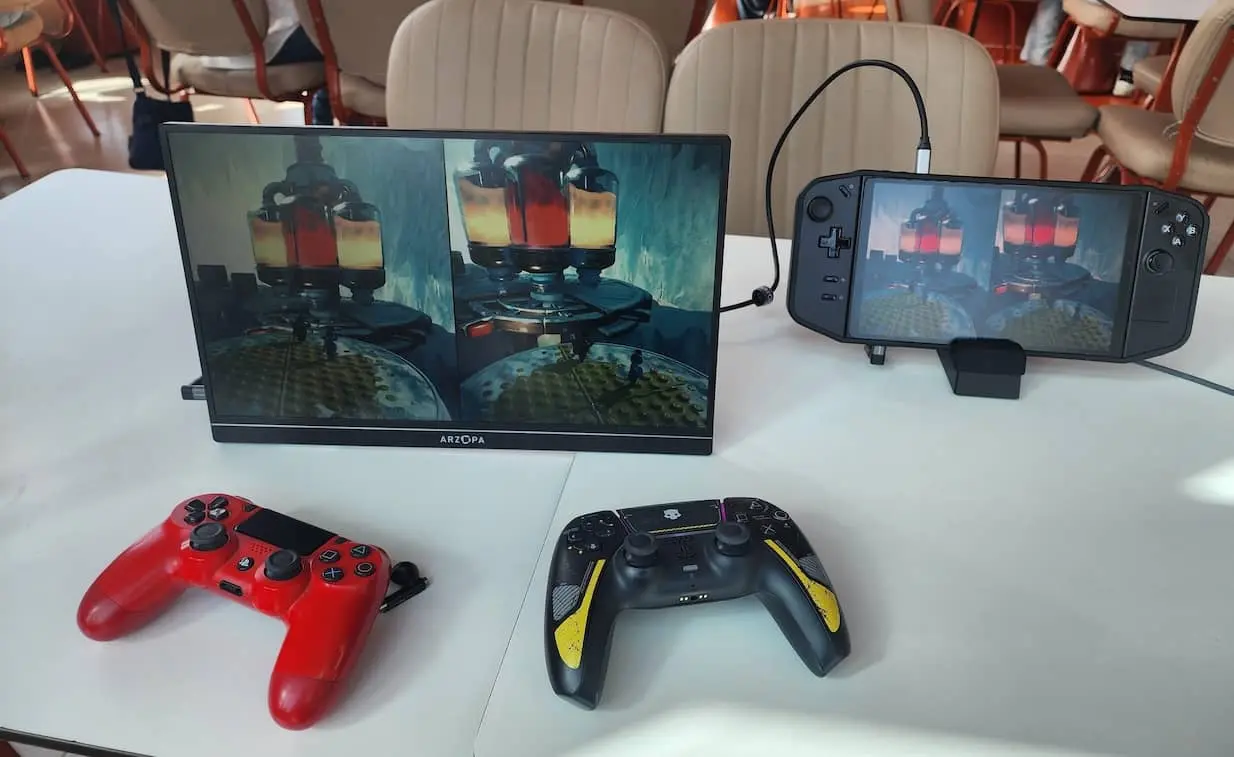
Cheap tech makes us nervous, because cheap normally means something got quietly removed. We went hunting for whatever Arzopa stripped out of the A1 Gamut and mostly came back empty-handed. It’s a 15.6-inch 1080p screen that sits under $150 most days, the aluminum model has dropped as low as $63, and PCWorld still measured roughly 297 nits and 97% sRGB out of it. That beats budget rivals asking for more money. The box even throws in the cables and a power brick, which at this price is almost suspicious.
You brace for dim and grey at sixty-odd bucks. It isn’t either. Our tester ran it beside monitors costing twice as much through a week of email and café work, and the color just held. Stand it next to the usual budget suspects, InnoView at 64% sRGB or KYY at around 67%, and it isn’t a close fight. So where did the money go? Into the places most people never look. Flat 60Hz, no adaptive sync, barely any tilt, no VESA holes, and side viewing angles that fade once you’re off to one side.
Now the part we promised to be straight about. Reliability is a coin flip. Dig through Reddit and Amazon and the spread is right there. The odd unit dead inside two weeks, a stuck pixel here and there, the occasional “no signal” gripe on some MacBook Airs and HP laptops. Most buyers are perfectly happy.
But you are, a little bit, gambling, and that’s the tax you pay for the price. Need something that just works for years? Look elsewhere. The safe-money pick is the KYY K3. Around 11,000 Amazon ratings, owners reporting years of no drama, often under $100, with duller color as the trade (~67% sRGB). Or if you’d rather spend your budget on brightness and speed, the 16.1-inch Arzopa Z1FC does 144Hz at a measured 337 nits for under $110.
Asus ZenScreen OLED MQ16AH Portable Monitor

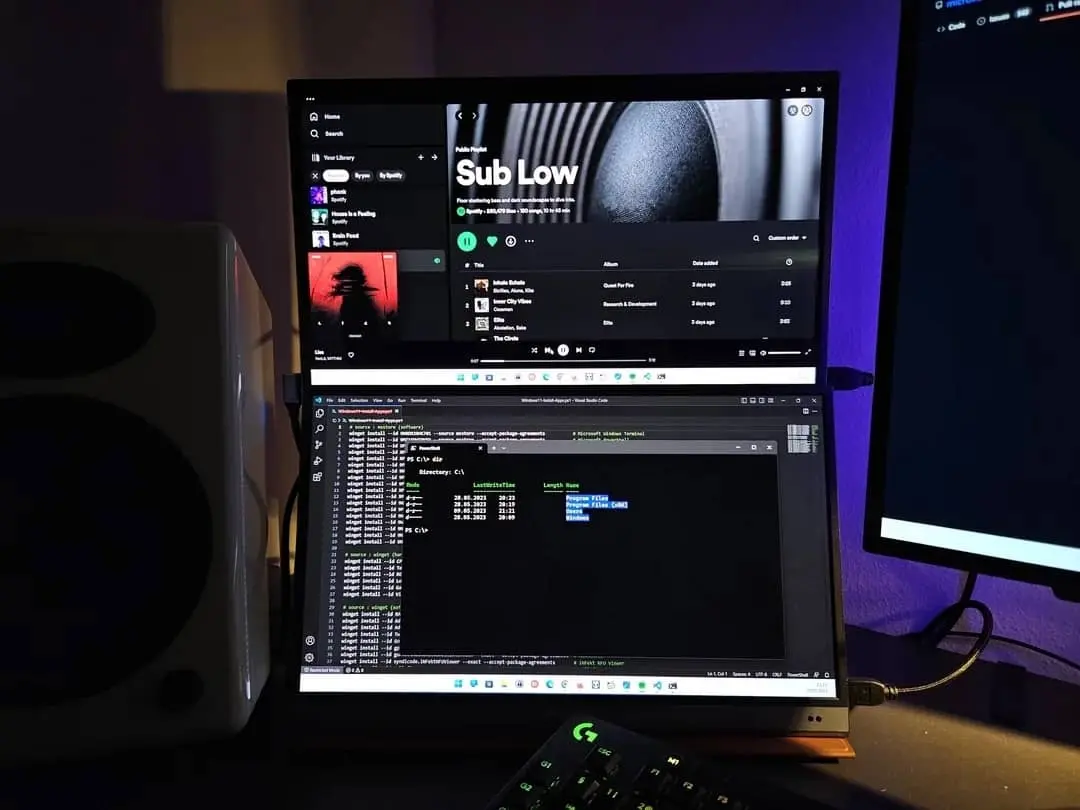
We gave it to the resident photo nerd, and inside a minute he was talking to himself about the shadows. That’s OLED for you. He’d dropped a batch of RAW files into Lightroom, and reds and skin tones that go lifeless on a cheap IPS panel suddenly looked like something again. There really is a before and after with these things. Once you’ve set a good OLED next to a normal LCD, the LCD looks faintly broken forever.
So the MQ16AH is the one we hand to anyone editing photos, grading video, or simply allergic to washed-out color. Black is properly black instead of the dark grey most panels pass off as black, contrast is silly high, and color runs to near-full DCI-P3, which is exactly what creative work feeds on. Notebookcheck’s review lands in the same place, rating the picture and color coverage as excellent. The hardware is lovely too, about 650 grams and a few millimeters at the edge, so it slips into a laptop sleeve like a spare tablet.
Two catches, and both are real. First, you’re paying $250 to $310 for a 1080p screen, so the money is in the panel, not the pixel count. Second, and this one baffles us on a premium product, the original MQ16AH ships with no kickstand at all. Asus expects you to balance it on the bundled origami case, which everyone agrees is tippy, and the newer MQ16AHE finally bolts a stand on. Then there’s the glossy finish. Sit near a window and you’re mostly looking at yourself. Bright room, or you just want pixels rather than color, this isn’t the screen.
If accuracy is the entire job, the ViewSonic ColorPro VP16-OLED arguably edges it. Factory-calibrated, a printed color report in the box, a clip-on glare hood, a delta-E of 0.47, usually around $230. The cheapest way into OLED is the INNOCN 15A1F at $120 to $200, though it turns up with the saturation cranked to eleven and needs dialing back.
Espresso 15 Pro Portable Monitor

Every list has a top shelf, and the espresso 15 Pro is up there with its shoes off. This is the one we’d buy with the budget conversation switched off, and it’s built for people already living deep in Apple’s world. The pitch is a 15.6-inch 4K touchscreen, full brightness off a single USB-C cable, rich and glassy to look at. The trick almost nobody else manages is touch on a Mac, and it carries over to iPad and DeX as well.
Our Apple lifer plugged it into a MacBook Pro, stood an iPad next to it, and spent an afternoon prodding the screen like an oversized phone, which on macOS still feels vaguely against the rules. Tom’s Hardware measured it past 550 nits, so a bright window doesn’t wash it out, and Engadget’s review singles out that Mac touch trick as the one thing nothing else really matches. The magnetic aluminum stand comes in the box rather than as a $50 “accessory,” it’s a manageable 1.76 pounds, and the enthusiast crowd rates it above everything else around, roughly 95% positive in the aggregated Reddit data.
And then the price slaps you. $699, and it basically never goes on sale. That’s a whole laptop for a second screen, which lands the 15 Pro squarely in pro and serious-creator territory. It’s 60Hz only, the speakers are an afterthought, the glass glares, and it’ll chew through your laptop battery, while Windows touch wants more fiddling than the Mac side does. So if you’re on Windows and don’t care about touch, you’re overpaying. If you just want more pixels in a hotel room, you’re also overpaying. Want the same look for a third of the money? The non-Pro espresso Display 15 keeps the absurdly thin body but drops to 1080p, 300 nits, and no touch, at around $299.
Asus ROG Strix XG16AHPE Portable Gaming Monitor

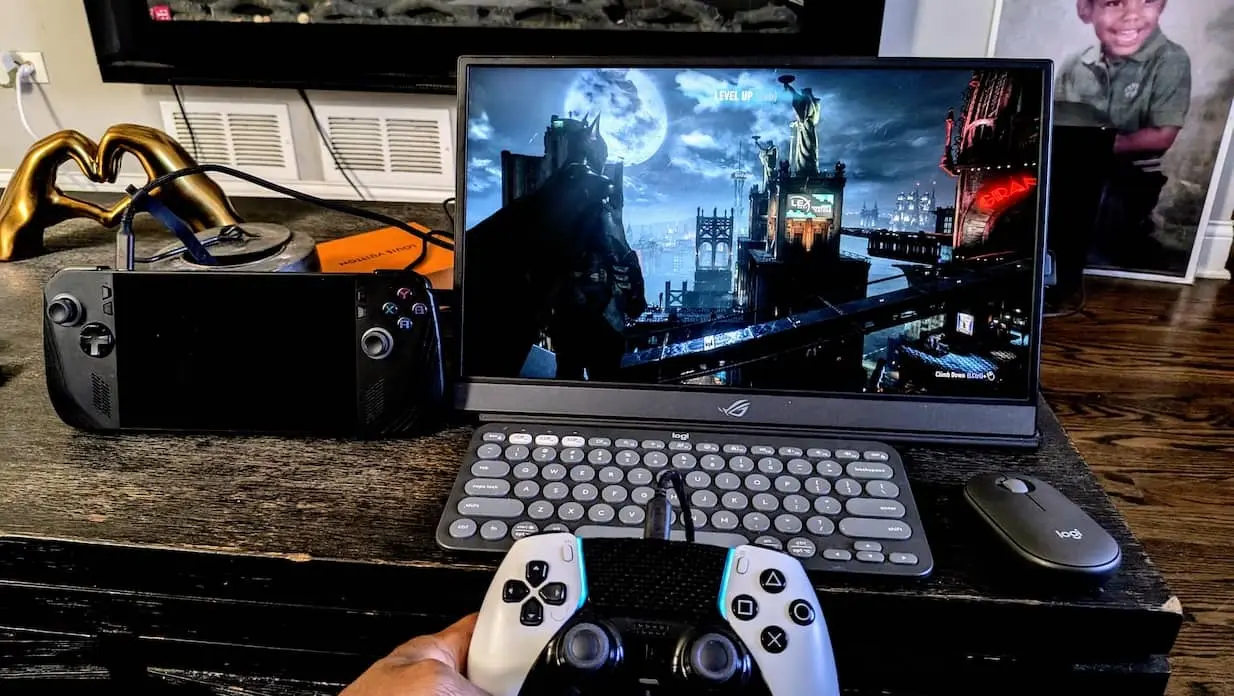
We handed it to the office gamer with a handheld, put him on a train, and he came back grinning. The internal battery got him two to three hours unplugged. Asus and Tom’s Hardware say about three at 144Hz, MonitorNerds clocked closer to two, but either way it was enough to game the whole ride without hunting for an outlet or murdering his laptop battery. And 144Hz on a portable is a genuinely different feel, glassy next to the choppy 60Hz panels filling the rest of this list.
That’s the entire point of this one. Most portable monitors treat gaming as a box to tick. The ROG Strix XG16AHPE treats it as the reason it exists, and it’s the only screen here we’d trust to keep up with a twitchy shooter away from a desk. Putting 144Hz and a battery in the same body is rare enough on its own, and it handles both NVIDIA G-Sync and AMD FreeSync, which is almost unheard of at this size. A case and a proper kickstand come in the box.
It’s not all confetti, though. Contrast and black levels are nothing to write home about, there’s no real HDR, $399 or so is a lot to ask for 1080p, the 1W speakers are basically decorative, and you’ll want a real mobile GPU to actually feed 144 frames. Game once in a while? A cheaper all-rounder is the smarter buy. Doing color work? Wrong tool entirely. After more speed instead? The 17.3-inch ROG Strix XG17AHPE climbs to 240Hz and keeps a battery, the NexiGo NG17FGQ reaches 300Hz but drops the battery (and reviewers reckon 300Hz sits a whisker past 240 anyway), and the cheaper, battery-less Asus ZenScreen MB16AHG holds 144Hz for around $222.
What Actually Trips People Up!
Choosing the model is the easy bit. This next part is what saves you from buying the wrong screen, or sending back a perfectly good one because you assumed it was broken.
USB-C Is the Number One Thing to Get Right
Almost every slim portable monitor takes power and video down a single USB-C cable, using something called DisplayPort Alt Mode. The key word is if. Your laptop’s particular USB-C port has to be able to push video out, and plenty of ports simply can’t. So before you spend a penny:
- Check your port first. Look for a little DisplayPort or Thunderbolt logo next to the USB-C socket, or dig through your laptop’s spec page for “DisplayPort Alt Mode,” “Thunderbolt,” or “USB4 video out.” A port built only for power and data will sit there showing “no signal” no matter how good the monitor is.
- Watch the cable trap, because it catches everyone. A charge-only USB-C cable will happily power the monitor and show you nothing. If the screen lights up but stays black, blame the cable or the port before you blame the monitor, and grab one rated for video and at least 60W.
- No Alt Mode? Then you’re looking at DisplayLink, a driver-based workaround that pushes video over ordinary USB, even USB-A. It works, but it’s weaker for video and gaming and has a nasty habit of breaking every time macOS updates.
- Consoles and phones play by their own rules. Xbox and PS5 put out normal HDMI, so any monitor with an HDMI input is fine. The Nintendo Switch won’t drive a plain USB-C monitor without its dock, and most phones, Android included, don’t send video over USB-C at all.
Power and the One-Cable Dream
- To run the monitor and charge the laptop off one cable, you need PD passthrough, marked by a second USB-C power-input port and a stated wattage. A vague “USB-C powered” label only tells you the screen takes power in, not that it passes any back out.
- Mind the wattage. Portable monitors only sip 5 to 15 watts, but passthrough is lossy, so a 65W charger won’t hand the full 65W to your laptop. Treat 65W as the floor, and reach for 100W if you’re running a creator or gaming machine.
- Flicker or dimming when a bright window opens is almost always a power problem rather than a fault. Give the monitor its own power and it calms right down.
Brightness, Resolution, and Panel Type
- Brightness: aim for at least 300 nits indoors, and 400 or more if you work near windows or outside. Around 250 nits is only fine in soft office light.
- Resolution: at 14 to 16 inches, 1080p is the sweet spot for documents, code, and email. Step up to 2K for design work, and only pay for 4K if you edit photos or video.
- IPS or OLED: IPS is the sensible default, accurate and bright. OLED gives you deeper contrast and richer color, but runs dimmer and carries a small burn-in risk from static taskbars over the long haul.
- Matte or glossy: matte wins for travel. Glossy looks a touch punchier but mirrors every light in the room, which is exactly why those gorgeous OLED panels can be a pain next to a window.
Durability and Warranty
- Protect the glass. A thin panel rattling around a bag will crack if you let it, and cracked screens are the single most common way these things die. Use a hard case or a padded sleeve, and don’t trust the flimsy bundled cover for real travel.
- Know what’s covered. Most warranties run one to three years against defects but exclude accidental damage like a cracked screen. Asus and Lenovo are typically one year, some lines three, and espresso is two.
- On the cheapest brands, keep an eye out for backlight bleed in the corners and tinny speakers, and lean toward models with strong image-quality reviews rather than the lowest sticker price.
Pack Light, See Everything!
We put a silly amount of time into keeping this list to screens we’d actually own, so here’s the short version. Get the Lenovo M14 for everyday travel and stop reading reviews. Grab the Arzopa A1 Gamut if the goal is spending as little as humanly possible. Reach for the ZenScreen OLED, or the ViewSonic VP16-OLED, the moment color matters. Stretch to the espresso 15 Pro if you want the best and the budget isn’t in the room. And throw the ROG Strix XG16 in the bag if you genuinely game away from your desk.
Any one of them beats squinting at a lone laptop in a dim hotel room for the rest of the trip. That’s the whole point. Fold one up, drop it in your bag, and go get your second screen back.