Whether you are heading to high school or college, a laptop is one of the most suitable and versatile gadgets that you have to get your hands on. You will need one that can handle everyday tasks and a smorgasbord of student workloads, at least.
And it is our goal to help you find the most appropriate laptop that you can use for all of your classes. These can help you be on top of your priorities whilst staying within budget.
Our Top Recommendations of College Laptop in 2026
From budget laptops to a bit steep, but not necessarily premium ones. You can find one that suits your needs.
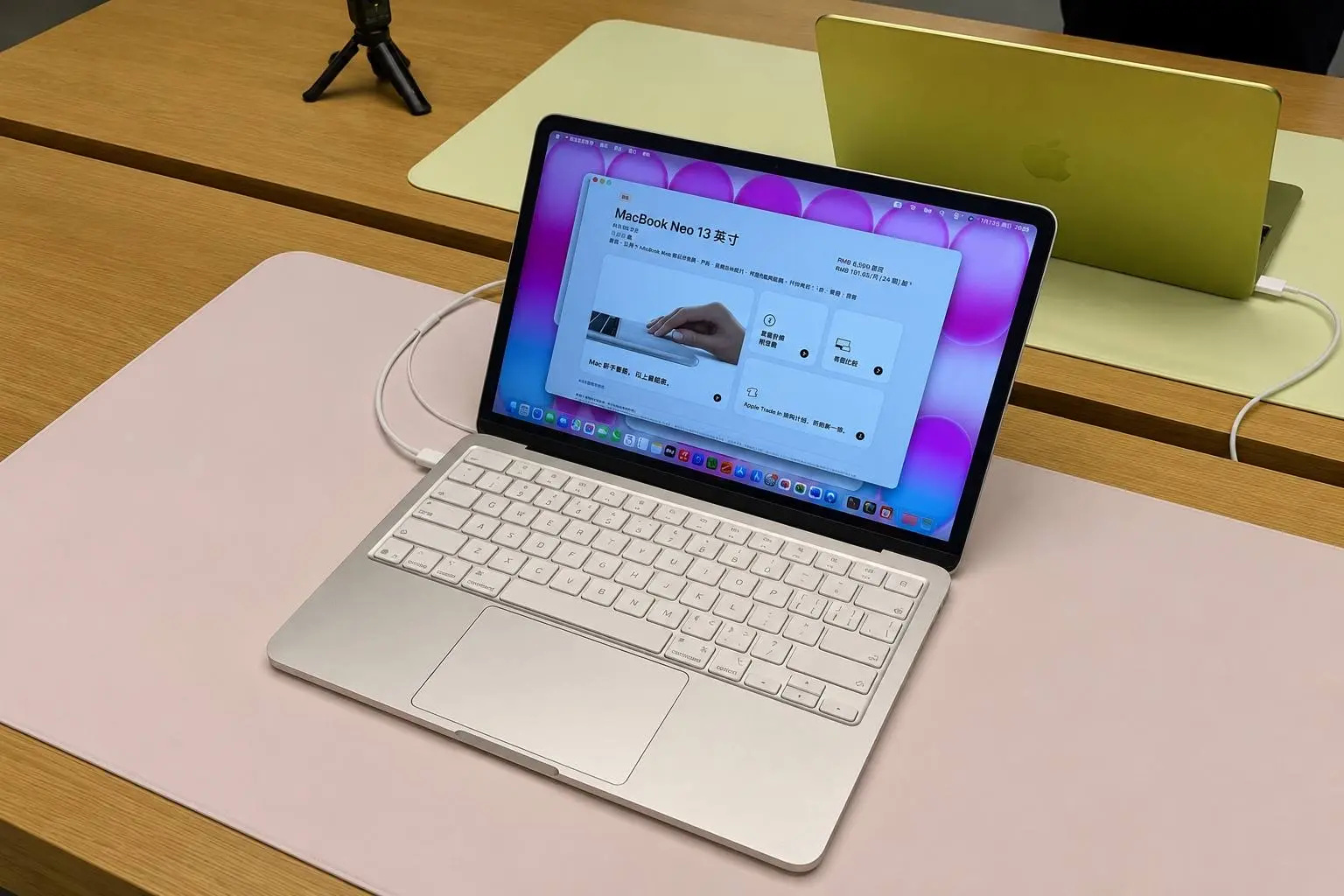
Apple MacBook Neo

This boy delivers the polished experience that inexpensive laptops often lack. Its 2.7-pound aluminum body is light enough for a crowded backpack, while the 13-inch display is sharp and bright; Tom’s Guide measured 480 nits in HDR. The A18 Pro chip feels responsive during web browsing, document work, and moderate multitasking, and the laptop lasted 13 hours and 28 minutes in the publication’s web-browsing battery test….enough for most students to leave the charger at home.
Apple made noticeable compromises to reach the lower price. Its 8 GB of memory cannot be upgraded, the keyboard is not backlit, and neither USB-C port supports Thunderbolt; one is limited to USB 2 speeds. Touch ID is available only with the more expensive 512 GB configuration. Still, for writing, research, streaming, and online classes, the Neo offers an unusually complete experience for the money. Students who edit video, run large datasets, or depend on specialized Windows software should look elsewhere.
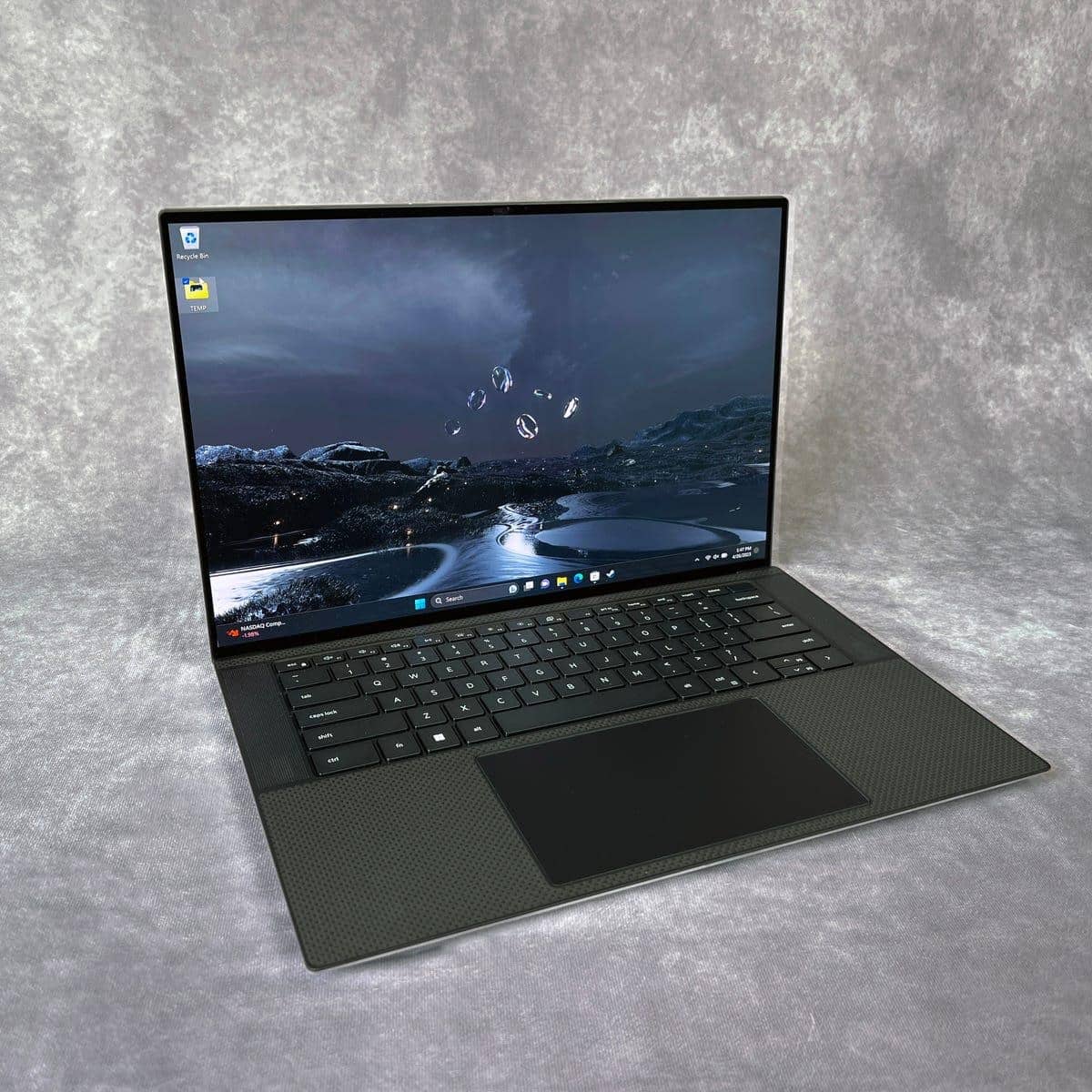
Dell XPS 13

If you want MacBook-like portability without leaving Windows, the 2026 Dell XPS 13 is the most convincing of these options. At just 2.2 pounds and half an inch thick, it slips into a crowded backpack more easily than the MacBook Neo, yet its CNC-aluminum chassis remains reassuringly rigid. Dell has also returned to a conventional keyboard with naturally spaced keys….a welcome change for anyone who spends long lectures typing notes, essays, or code.
The 13.4-inch touchscreen combines a 2560-by-1600 resolution with a variable 30-to-120 Hz refresh rate, keeping text crisp and scrolling unusually smooth for a laptop at this price. It isn’t quite as bright as the Neo-Tom’s Guide measured 398 nits in SDR….but it lasted 14 hours and 26 minutes in the same continuous web-browsing test, exactly an hour longer than Apple’s machine.
Its Core 5 processor and integrated Intel graphics are best suited to productivity rather than demanding creative work. The XPS is an excellent match for law, education, communications, psychology, humanities, and general business majors whose days revolve around research, Office apps, video calls, and presentations. Native Windows support also makes it a sensible choice for accounting and economics students using desktop Excel or Power BI. I would choose at least 16GB of RAM, however, for statistical software, large spreadsheets, RStudio, or computer-science courses involving Python, Java, and web development.
Connectivity is the principal drawback. The XPS provides only two USB-C ports, with no headphone jack or card reader, and its 1080p webcam produces somewhat blurry, washed-out video. More importantly, this isn’t the right machine for architecture, engineering, animation, or film programs built around complex CAD, 3D rendering, simulations, or professional video editing. Those students need stronger graphics and cooling; everyone else gets an exceptionally portable Windows laptop with the battery life to survive a full day on campus.
Lenovo ThinkPad P14s Gen 6

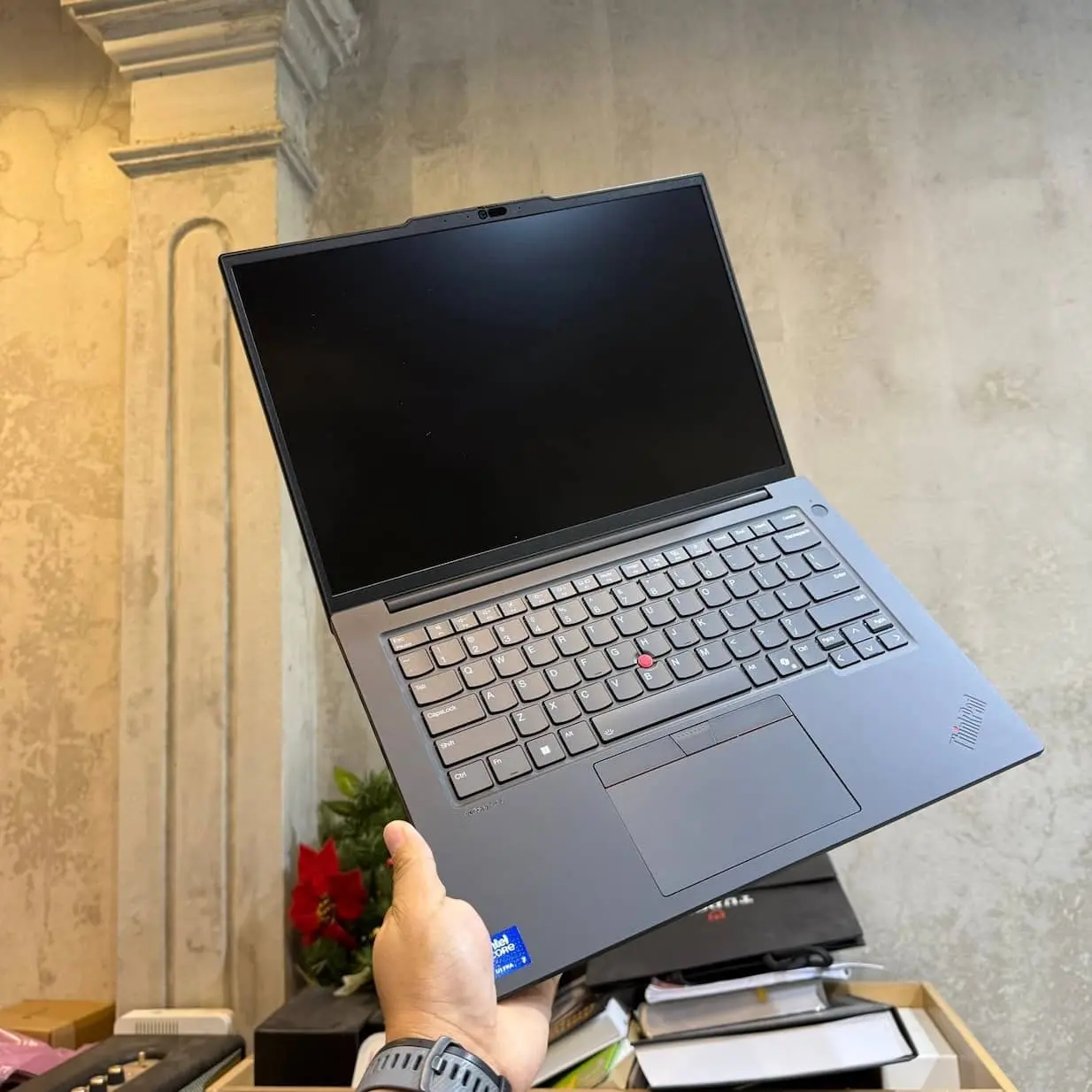
The AMD version of the ThinkPad P14s Gen 6 is built for students whose assignments extend beyond browsers and office apps. Its available Ryzen AI PRO processors provide strong CPU performance for programming, statistical analysis, and engineering workloads, while the machine supports as much as 96 GB of replaceable DDR5 memory and a 2 TB SSD. Unlike many thin laptops, its RAM, storage, battery, and keyboard can be serviced or replaced.
Its excellent keyboard is particularly useful for long reports or coding sessions. The full port selection, two USB-A ports, two Thunderbolt 4 ports, HDMI, Ethernet, and a headphone jack…also lets students connect lab equipment and multiple monitors without building their setup around adapters.
Choose the display carefully. The basic WUXGA panel covers only 45% NTSC, whereas the 500-nit low-power option covers 100% sRGB. Notebookcheck measured the latter at an average of 545 nits and confirmed 98.6% sRGB coverage, making it the more sensible configuration for outdoor use and basic visual work.
The trade-off is endurance. Notebookcheck’s Ryzen AI 9 HX Pro 370 test unit lasted 9 hours and 19 minutes during Wi-Fi browsing, falling to 7 hours and 3 minutes at maximum brightness. Its integrated Radeon graphics also cannot replace a powerful discrete GPU for complex 3D rendering. But for students who value expandability, connectivity, and sustained professional work more than maximum battery life, the P14s is the most capable long-term investment here.
Apple MacBook Air 13 M5, 2026

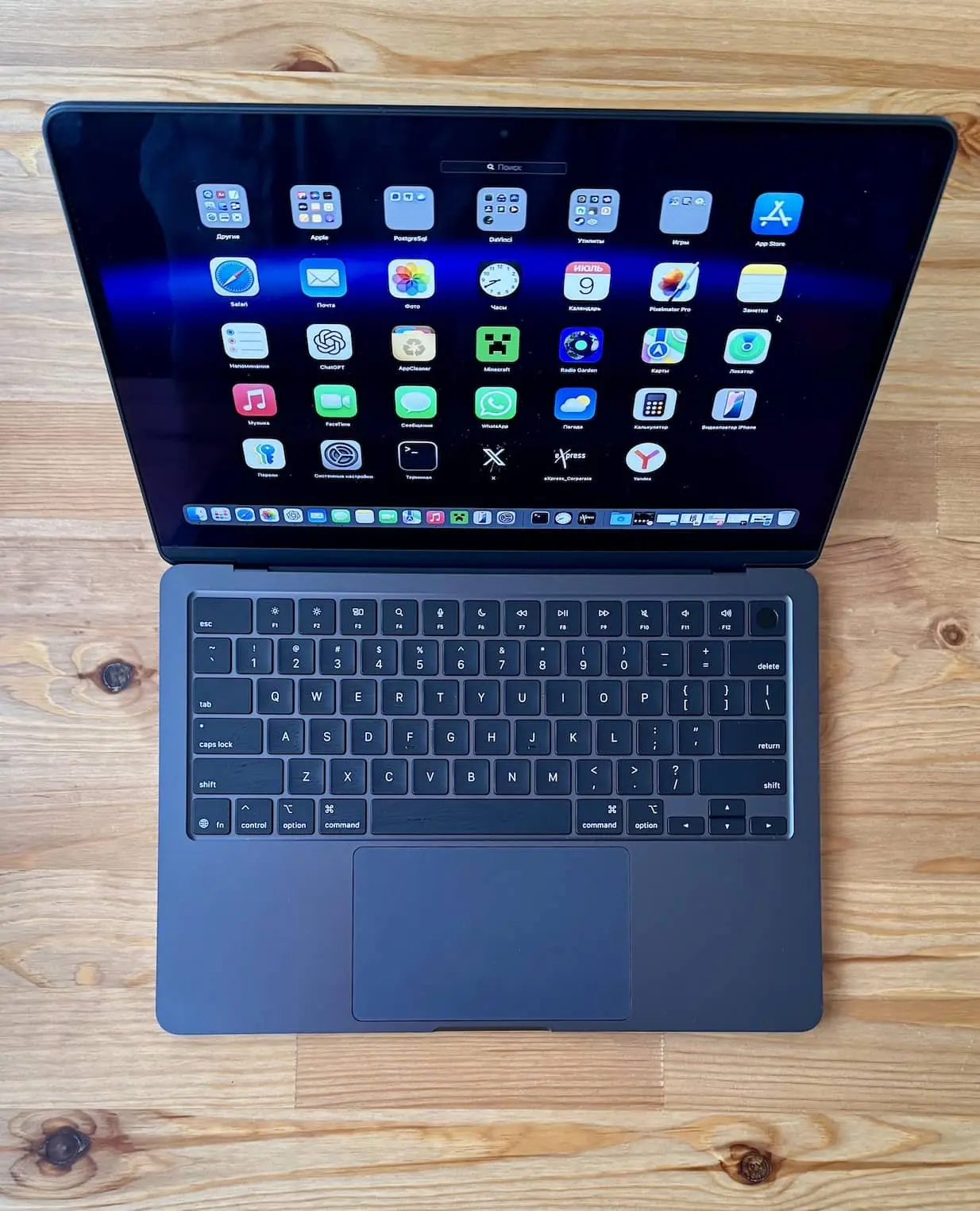
If you need to multitask, this is definitely one of our go-to laptops. This is a reliable device for college students and perfect for accomplishing everyday tasks. You can browse the net, write essays and reaction papers, stream videos, and consume media. The fast M5 chip allows you to even do light video editing and 3D design. As such, we see this as suitable for a lot of students regardless of what they are majoring in.
What makes it ideal is that it is not a burden to carry, it is quite compact and lightweight. So you can jump from one class to the other with ease. Even if your next literature class is located on the other side of the campus, you won’t mind carrying this in your backpack.
It also has an excellent battery life, so you can always bring it with you to the open field should you need a breath of fresh air to finish your term paper. And oh, it pretty much has an affordable starting cost that a lot of students will be able to afford.
Microsoft Surface Laptop 13”

- This is a Copilot+ PC
- Incredibly Fast and Intelligent
- Stay Unplugged All Day
- Built-in AI That Works for You
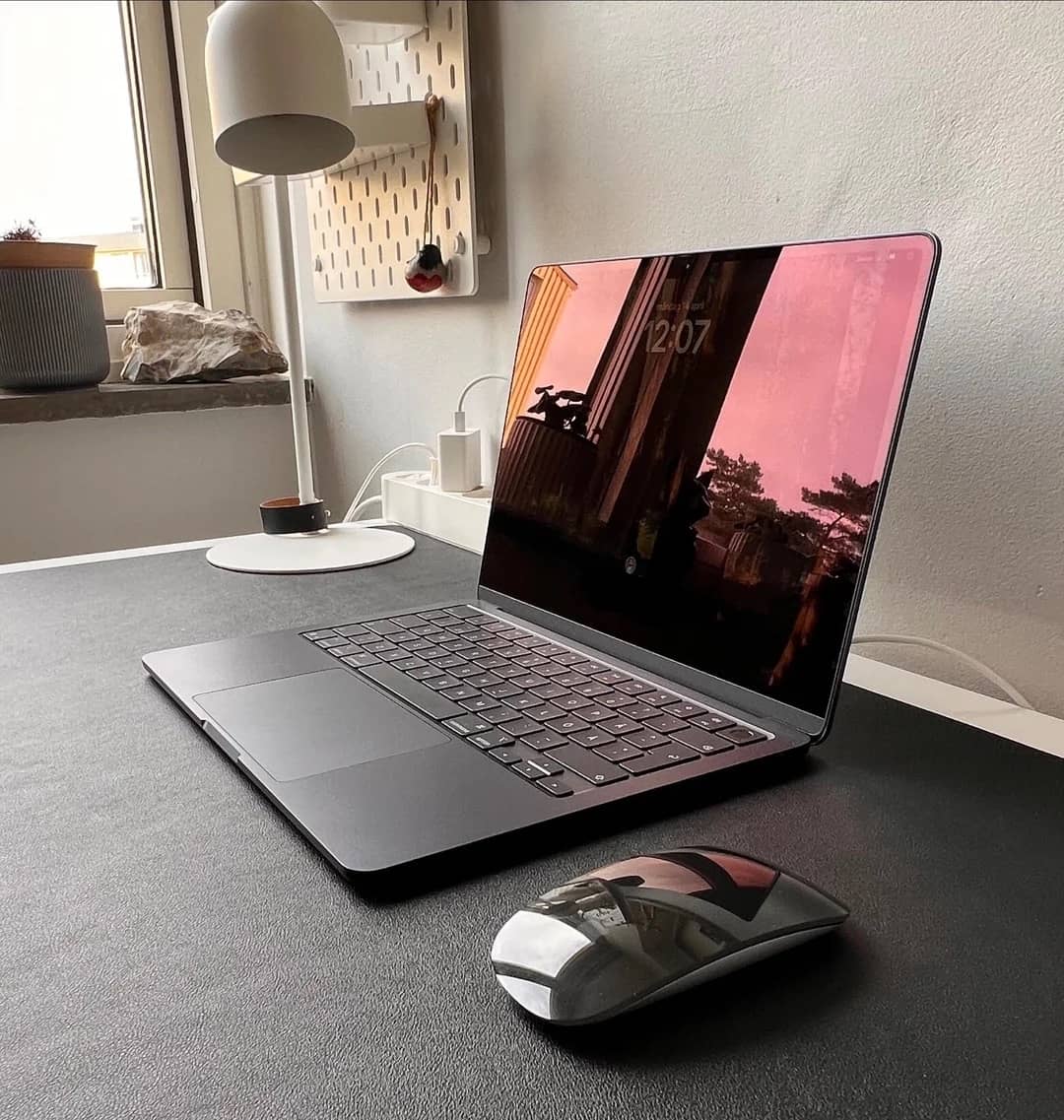
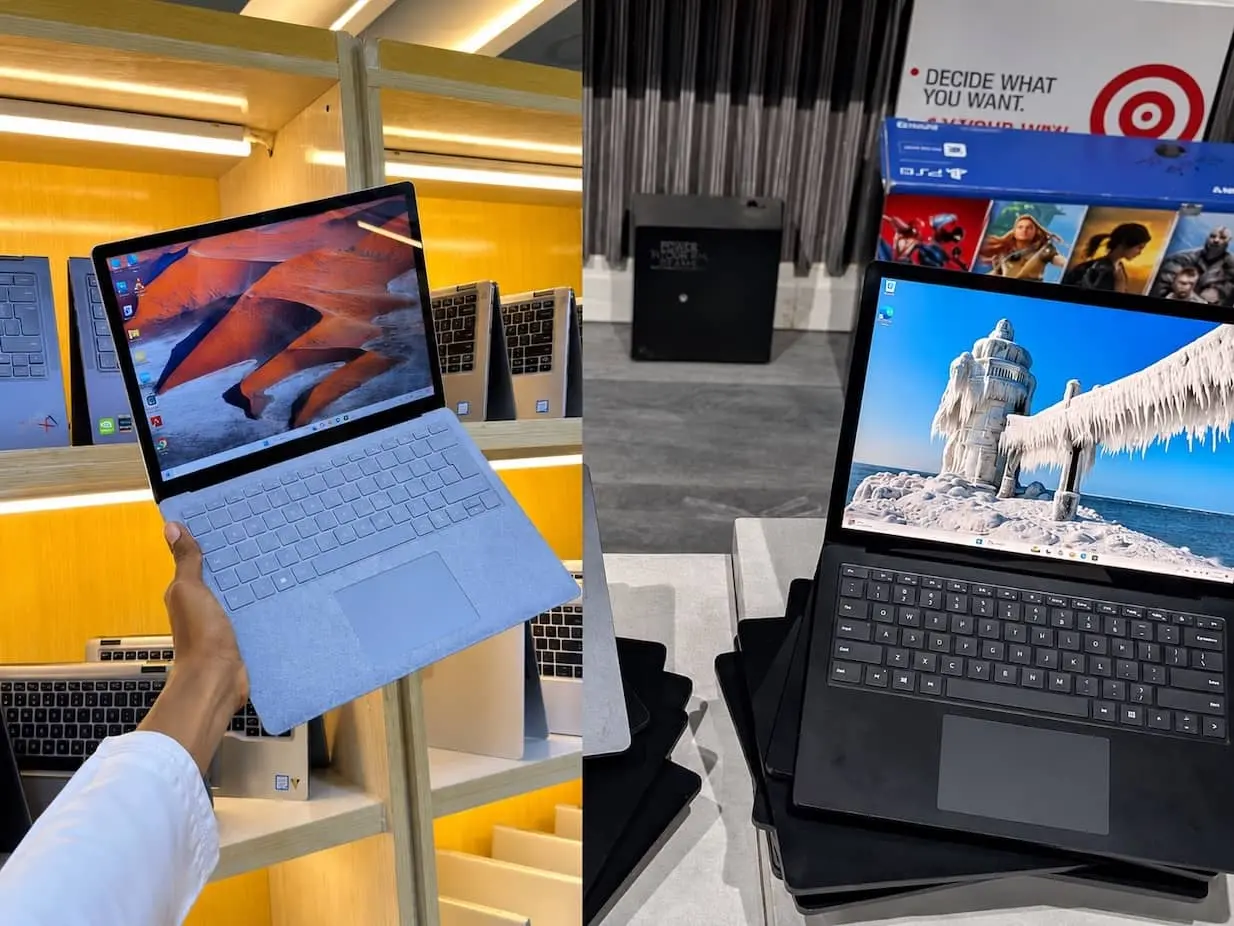
This is an aesthetic and pretty compact laptop that you can easily sneak into your bag and knapsack. As much as it is eye candy, it is also very nice to the touch and easy to use. The keyboard has one of the best mechanical trackpads that we have tried for laptops in its price range. The build of the metal chassis is quite exceptional, too. This is perfect for general productivity and computing tasks.
The caveat is that this may be an odd one. Instead of the usual media controls, it has Home, Page Up, and Page Down keys instead. So this might take some getting used to for some students.
This also has a rather good battery life. So we reckon this’d be great for students who are around the whole day and need to be on the go. Since it is quite compact, you would not mind carrying it along for the entire day.
Who should avoid buying it? If you are a creative designer who needs to run demanding programs, this might not be the best laptop to use.
ASUS Vivobook 16 M1605

- TÜV Rheinland-certified with 86% screen-to-body ratio
- Extensive connectivity
- US MIL-STD 810H military-grade standard
- Sleek and lightweight at only 4.14 lbs and 0.78 inches thick
This is a well-built and solid laptop that will serve students who are on a budget. For its price, we cannot argue that this is a value for money. It has a good build and can last for a while.
And it is decent to carry around the entire day since it is quite portable and compact. The battery life is also good and perfect for students on the go.
User experience is also good, and it has a lot of ports for connectivity. You will have to multitask and use this for most student workloads, such as typing, web browsing, and video playback.

The display is also decently large, and the keyboards are quite comfortable to use. But we do not recommend using this in well lit rooms, this might not be the most comfortable laptop to use due to its dimness.
Also, the memory is quite limited, and you can only get it with 8GB or 16GB. It will also be challenging to find one with the latter.

Acer Aspire 3 (A315-24P)

- Purposeful Design
- Ready-to-Go Performance
- Visibly Stunning
- HD front-facing camera uses Acer’s TNR technology
For a laptop of this price, this has a rather good build and an acceptable and decent display. It’s not the fanciest laptop on the lot and may have an outdated design. So if aesthetics is not your priority, this can help you with most of the student workloads.
The lackluster display may be a turnoff for some, but the unit does have an extensive battery life. It is very reliable if you often don’t have access to a charging port or an outlet.
It does not skimp on storage and instead provides plenty of it. Though lacking in the physical aspect, it did make up for some of the most useful features you might need.
This is an affordable daily driver that lacks luster. This is often expected for a budget laptop, so it didn’t surprise us that much.

Framework Laptop 12
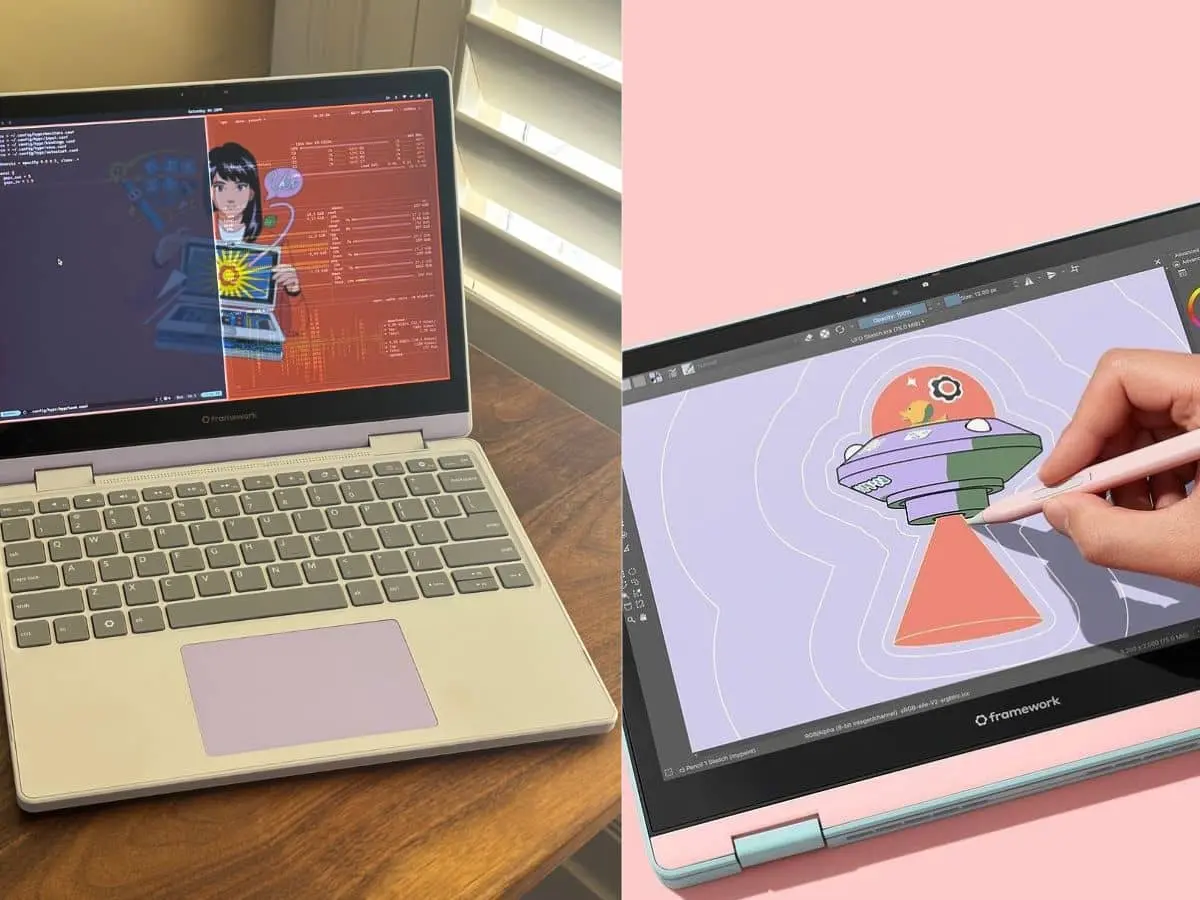
If you need a laptop with a modular design and one that can be upgraded in the future, we highly recommend this one. It is also easily repairable, thus upgrades are accommodated so you can use the same laptop even if your requirements have changed.
Such a laptop can give you leeway. If you don’t have the budget to buy one with the complete specs and the fancies, you can settle for the basic unit and upgrade as needed, or once your budget allows you to.
This is an ideal laptop if you are a bit clumsy, too. It has rubberized TPU edges, so if you accidentally drop it, it has excellent shock absorption and can be very durable. That’s why if you have kids, this is also a great choice. Once knocked over, it’s still good to go.
This is quite decent for everyday tasks. But keep in mind that the display is not that bright, and it has limited color accuracy. So we’d best see this as suitable for activities such as browsing the net and writing papers. It might not be a good unit if you need to do light video editing or if you often need to stream videos.

Buying Guide: What We Looked For!
-
Acceptable to great battery life
While you may have access to charging ports and outlets, sometimes you don’t. And there are students who are always on the go, jumping from one class to the other and not having access to charging ports at the time.
Some may want to browse or study in the open field. So, regardless of where you are, the lack of charging ports must not always hinder you from accessing your laptop. So we best choose units that have impressive battery life, thus eliminating the need for frequent charging.
-
Portable enough, but useful at the same time
Who wants to carry a big laptop to class each and every time? No one, right? Thus portability is essential for every student. Laptops must not be a burden to carry.
We weighed how compact a laptop is with how useful it can be. It is useless to bring a portable laptop and not be able to use it conveniently.It should have at least a decent display and acceptable memory storage. We also chose units that can handle multitasking.
Suitable laptop for every student!
For most students, budget is the primary determining factor in picking a laptop they can use for college. While this may be the first consideration, you have to pick units that are reliable and can help you with versatile student work ads. Otherwise, what’s the point in buying one if you will not be able to rely on it?
Thus, the price-to-performance ratio is crucial. And it can be challenging to find that, so we did the hard work for you.