The 10 Best Mouse for Work and Gaming – Tested & Rated by our Experts
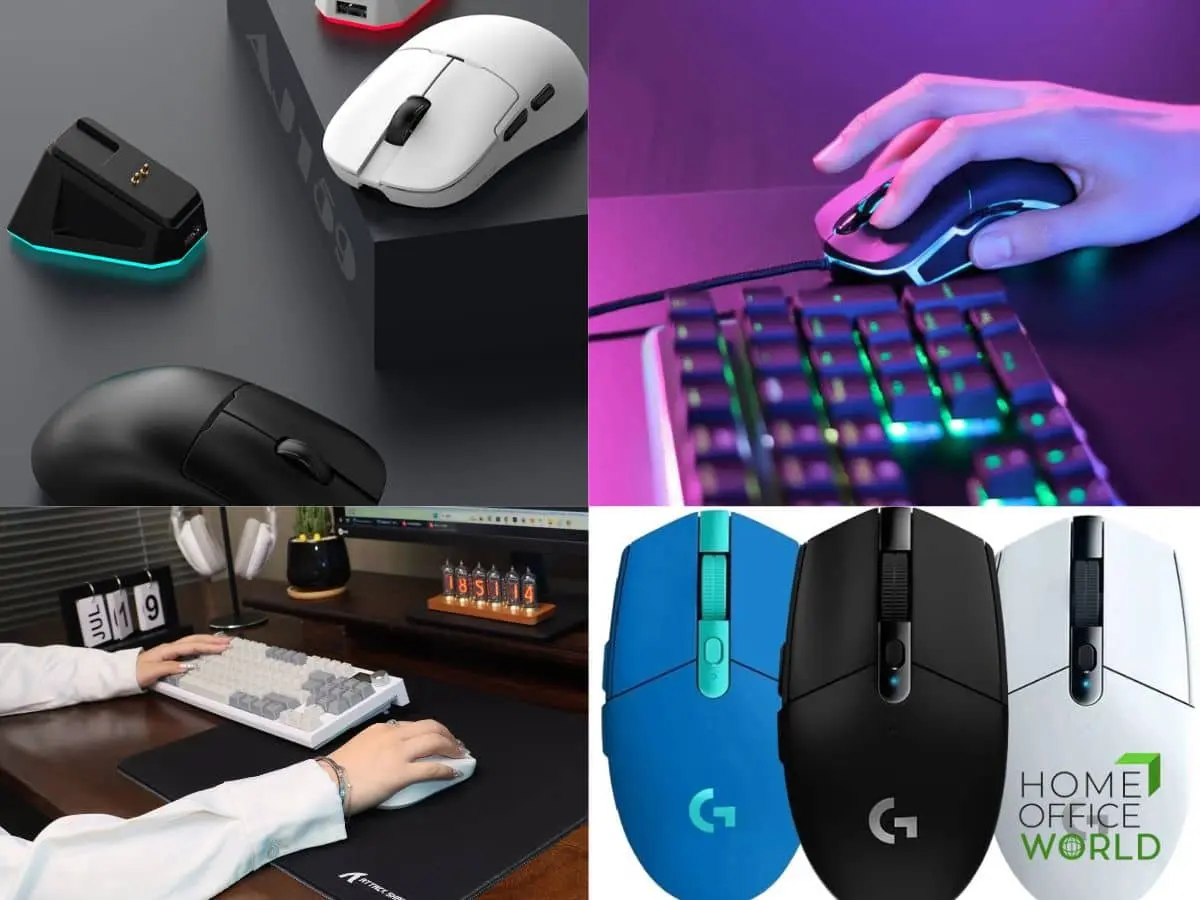
While it may seem like a small, not-so-important peripheral, a mouse is quite essential. A suitable mouse can help you be more productive. It can also help prevent wrist pain associated with repetitive movements, especially if you’re going to burn the midnight oil or play games from dusk to dawn.
Get the wrong-sized or crappy mouse then you’re bound for some unpleasant experience.
Best Mouse for Work and Play – Our Top Picks:
Whether you’re hustling at work or need to play FPS games, these bad boys can keep up. Check out our favorite picks.
Microsoft Modern Mobile Mouse

If you’re looking for a more techy and modern-looking one, this lightweight mouse from Microsoft will satisfy your fancy.
It glides sublimely and effortlessly on a mousepad, making repetitive movements seamless.
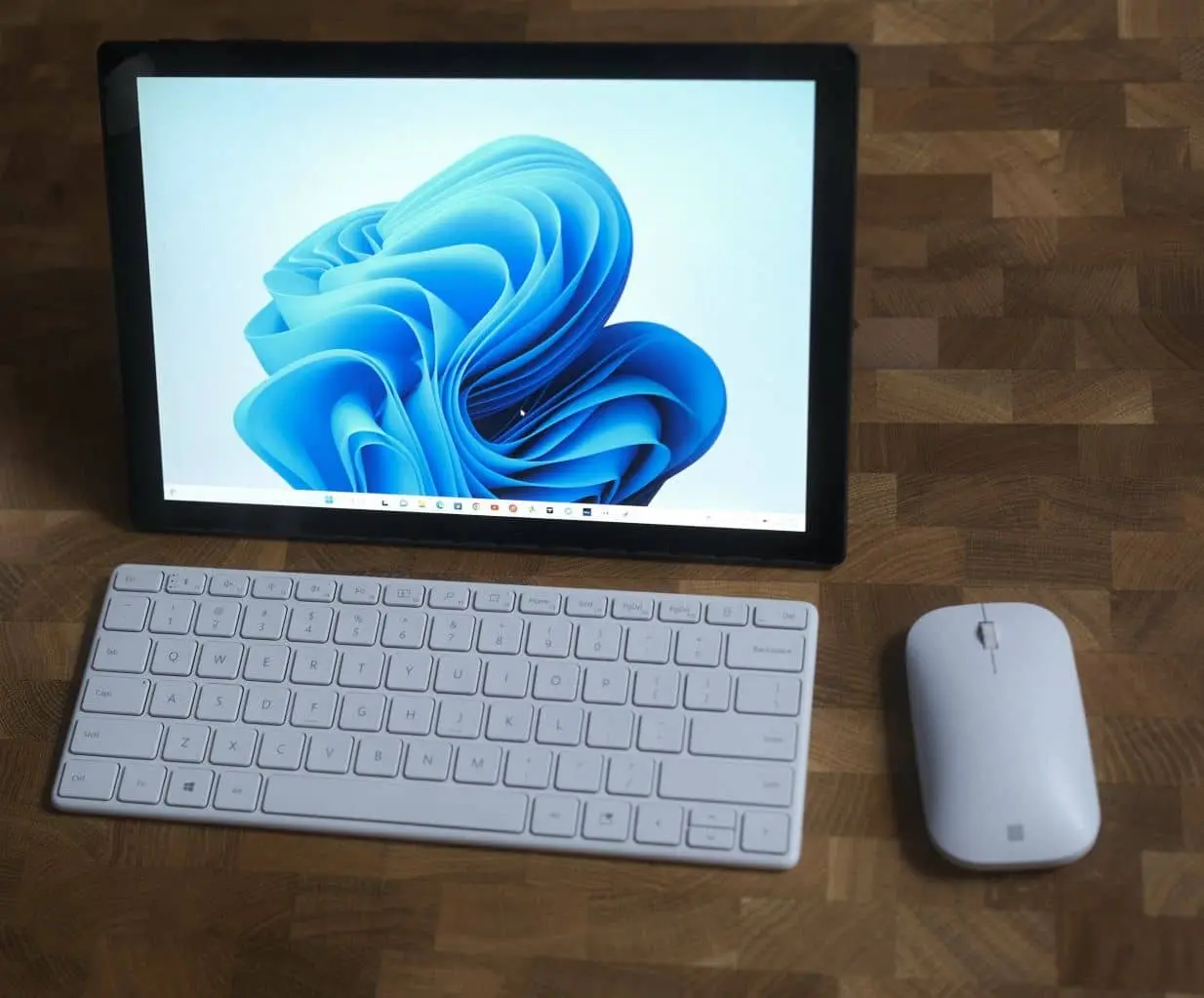
The shape comes in a rounded rectangular design with a rather thinner and lower profile. So this baby can be easy to grasp even with small hands. But of course, the smaller profile might make it not a favorite among those who favor that clunky and full grasp you get from a standard-shaped mouse. So for some, it might take time to get used to how it feels on the hands.
As mentioned, it is packed with modern conveniences like BlueTrack technology, Bluetooth connectivity even at 33 ft range, and satisfyingly clicky loud noises. These will ensure that there will be no interruptions so you can be quite productive and efficient with your time.
The downside is, that it’s non-rechargeable and can be too small for those with big full hands.
Logitech MX Anywhere 3S

Like our first options above, we chose this mouse because of its reliability and modern conveniences. It also features a BlueTrack Technology that works up to 33 ft in range.
It’s a workhorse, designed to keep you at the top of your game. It can make your workflow a lot smoother with convenient modern features like three-device connectivity. You will be able to switch from the laptop to your tablet to your phone with the click of a button.
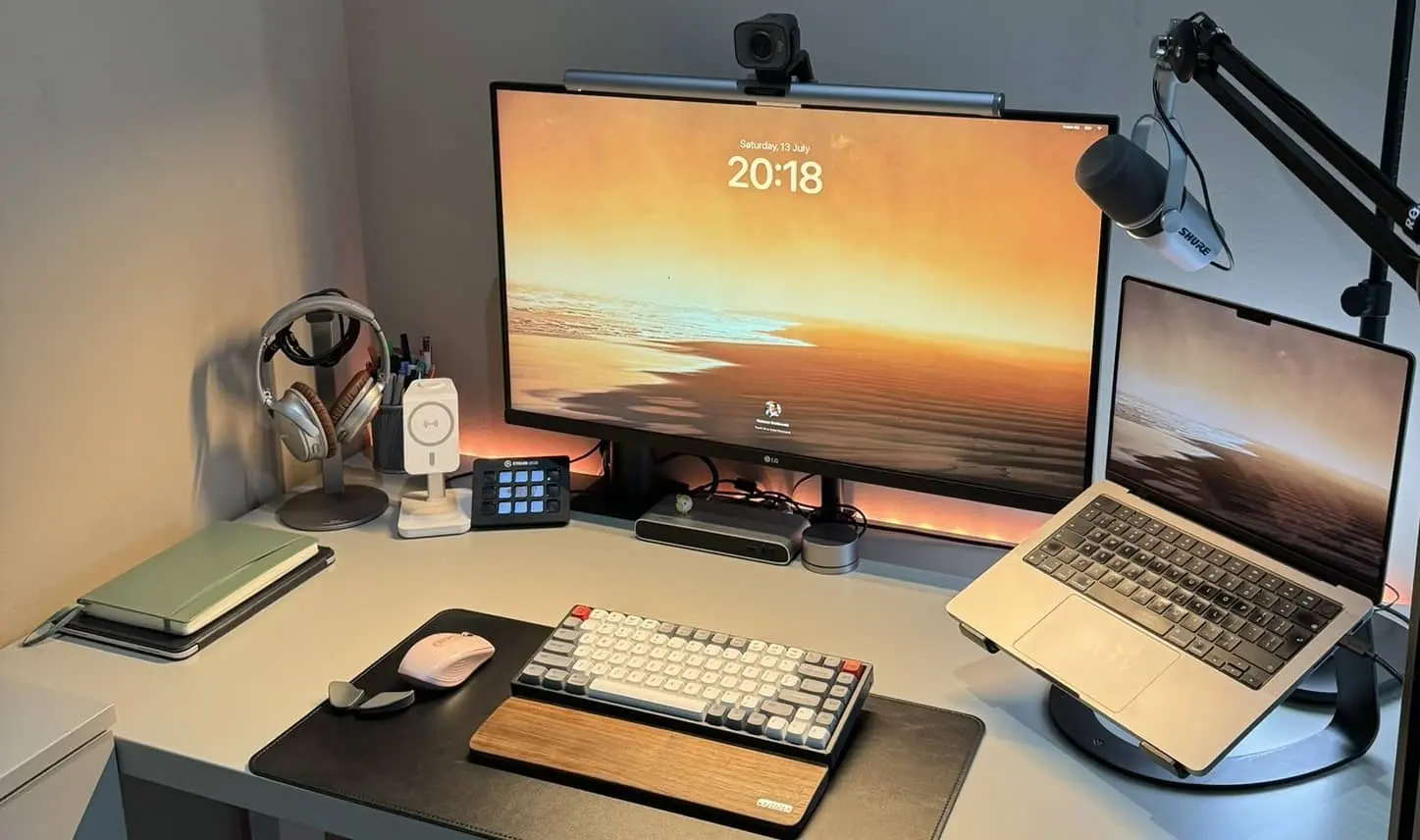
This mouse has no lags, no stalling, and is quite accurate. This is a perfect choice if you’re looking for a wireless mouse that fits perfectly in your small hands. But of course, as with units with a slimmer and shorter profile, those who enjoy a fuller grasp may find this lacking.
Logitech Pebble M350

This is a well-built, decent, and minimalist mouse that gives you an option between Bluetooth and 2.4GHz dongle connectivity. The minimalist design allows for only three buttons, the standard left click, right click, and click wheel.
And oh, one of its strengths is the battery life, it has an excellent battery life that can help you work and play uninterrupted.
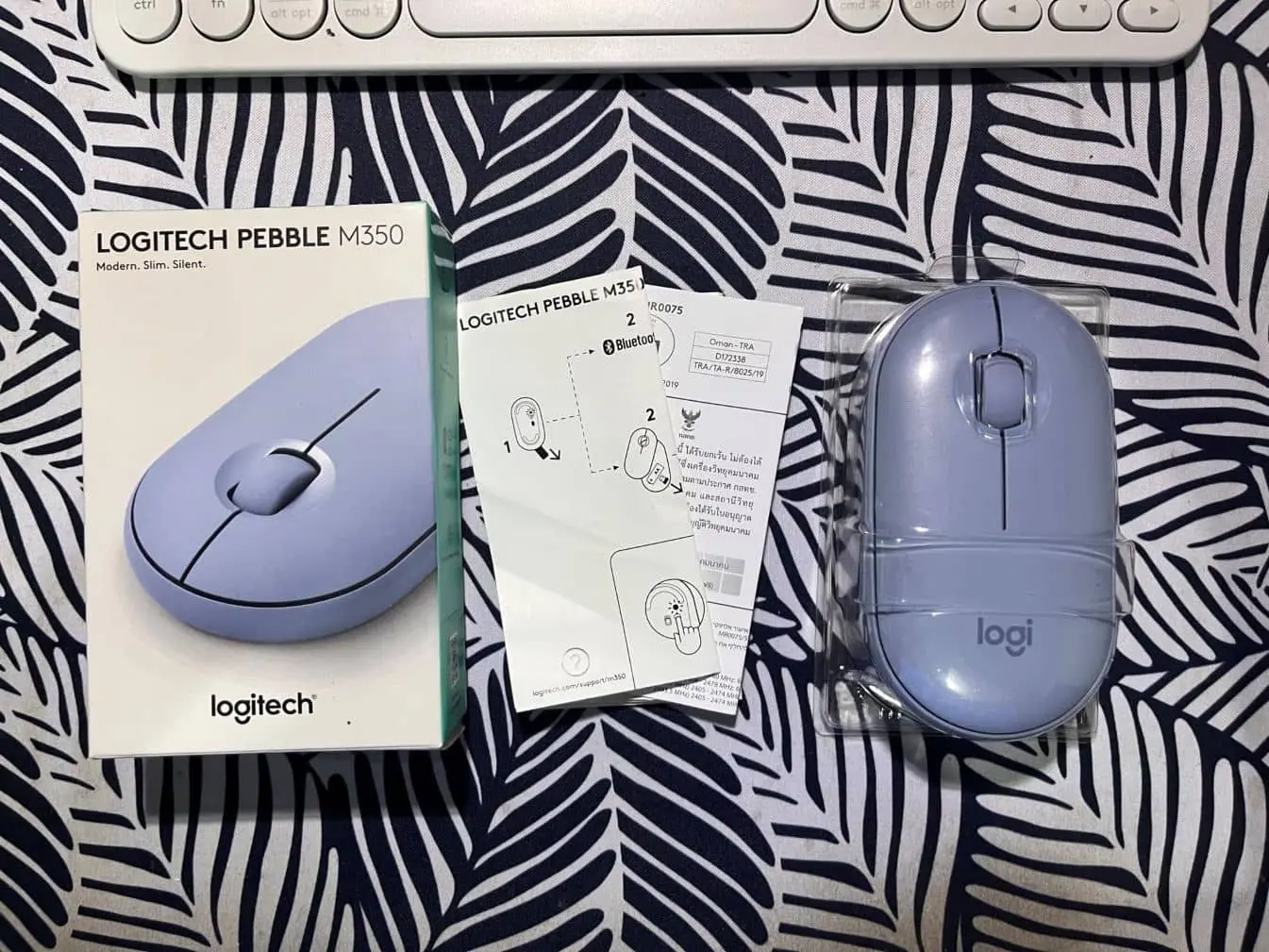
The downside is that it has a slight angle to it which can make your hand arch unnaturally.
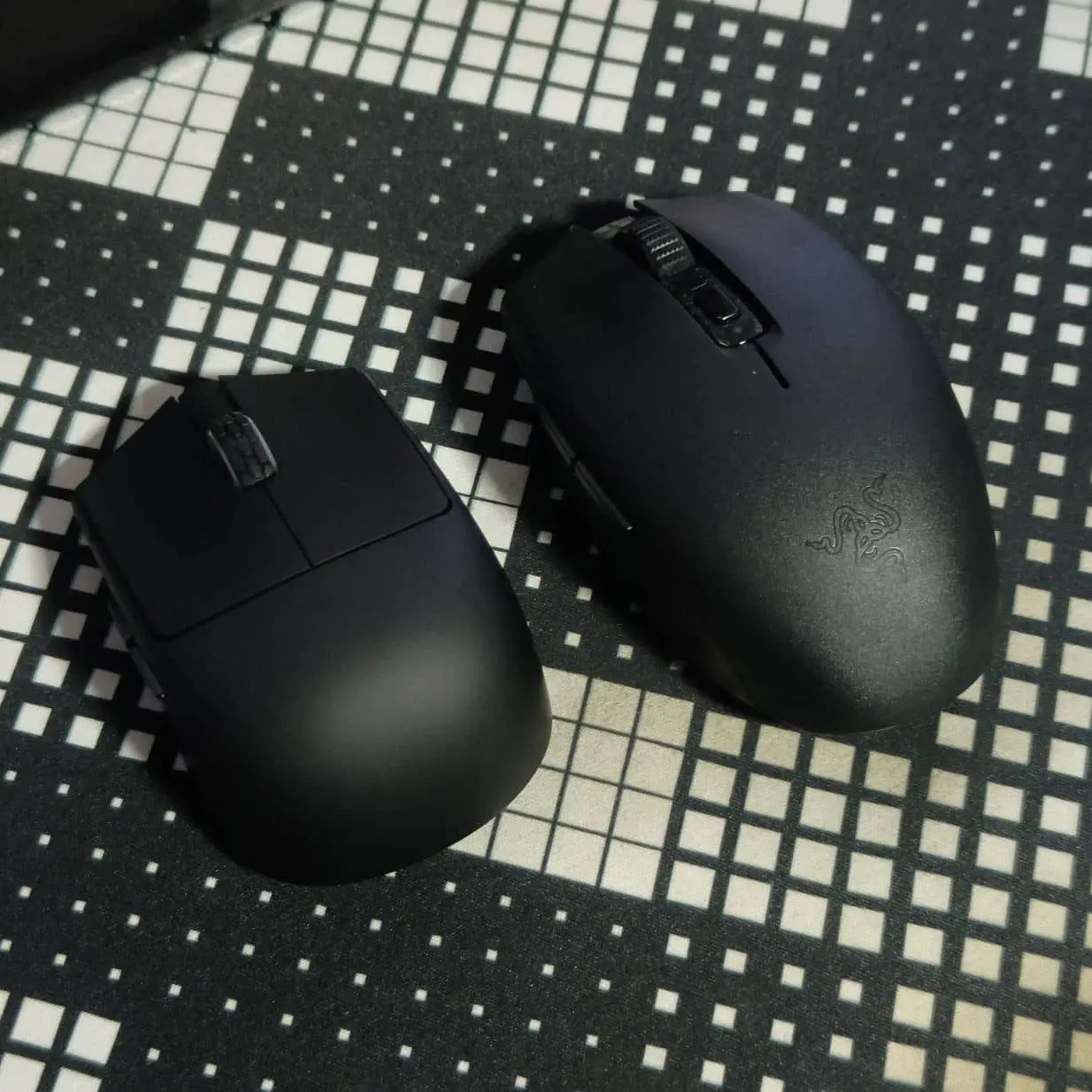
Razer Orochi V2

Most gaming mice are built for desks. The Orochi V2 is built for backpacks. It’s small, light, and runs for hundreds of hours on a single battery, yet it brings genuine gaming hardware along for the ride.
Sensor: 5G Advanced 18K optical · Max DPI: 18,000 · Tracking: 450 IPS, 40G · Weight: Under 60 g without battery · Connectivity: HyperSpeed 2.4 GHz, Bluetooth · Battery: Up to 425 hours (HyperSpeed) or 950 hours (Bluetooth) on one AA · Buttons: 6 programmable · Switches: Razer 2nd-gen mechanical, rated for 60 million clicks
Reviewers loved it. Tom’s Guide gave it a Highly Recommended honor in its 2021 gaming awards, Windows Central called it the best featherlight gaming mouse for travel you can buy, and GamesRadar called it a resounding success for gaming or work. RTINGS highlighted its superb click latency.
Battery life is the headline. The Orochi V2 runs on a single AA or AAA battery, and with a lithium AA, Razer rates it for up to 425 hours over its HyperSpeed dongle or up to 950 hours over Bluetooth. Razer even angles the battery inside the shell to keep the weight balanced. Dual connectivity means you can use the low-latency dongle for gaming and Bluetooth for a laptop or tablet, and 100% PTFE feet help it glide smoothly on any mouse pad.
Its compact, egg-like shape has a gentle thumb groove on the left and two side buttons, so it’s designed for right-handed players. It’s especially comfortable for small to medium hands in a claw or palm grip, while larger hands will find it best in a fingertip grip. With a battery installed, it weighs a few grams more than its sub-60-gram rating, and there’s no RGB lighting, a deliberate choice that helps it last so long.
Apple Magic Mouse
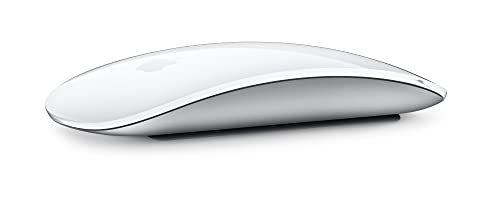
If you’re looking for a mouse to pair with your Macs and MacBooks, there is no better choice than this. This cohesive system can help create a more seamless environment either for work or play.
The minimalist and clean design screams Apple. And can we say that the multi-touch feature is rather clever and up to now maintains unrivaled.
This mouse can be completely controlled by gestures, so it will give you the works of a trackpad and a mouse at the same time.
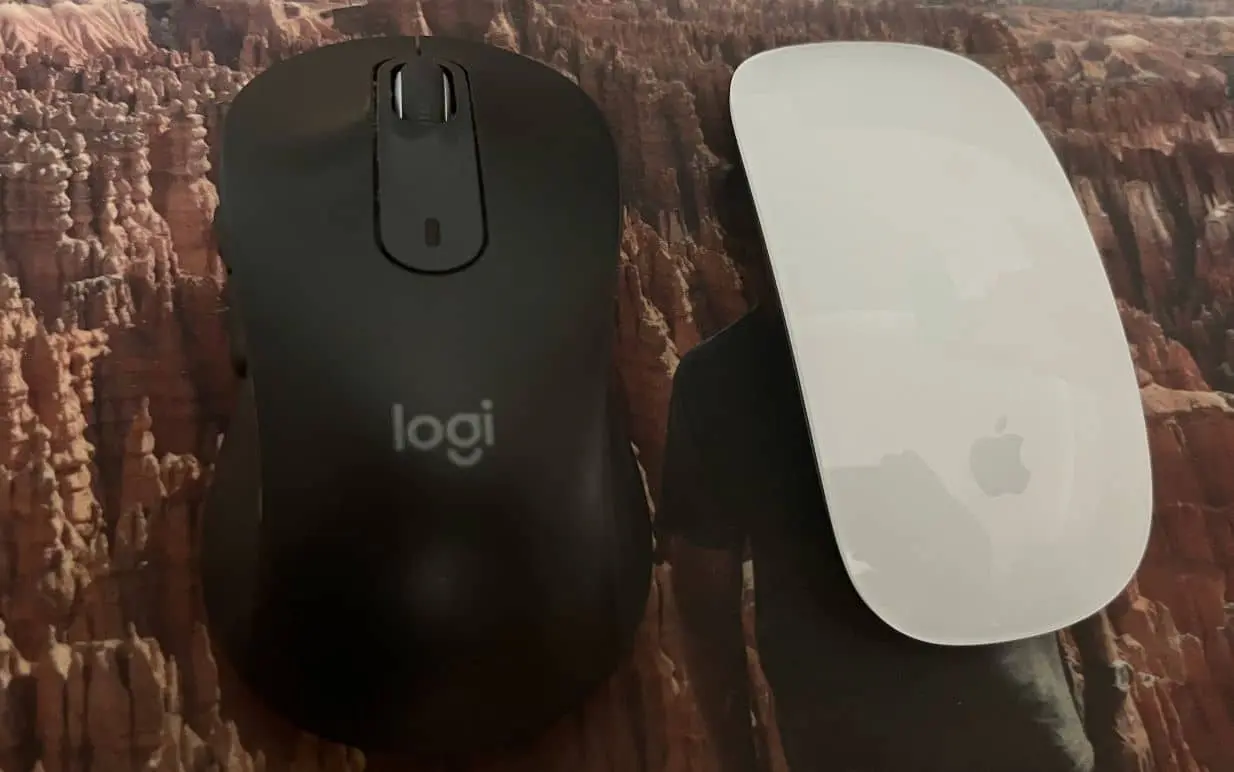
The battery life is also long, so you can go on working and playing uninterrupted for hours. But you will not be able to charge the mouse while it’s still in use since the charging port is located on the underside of the unit.
Razer DeathAdder V3 Pro
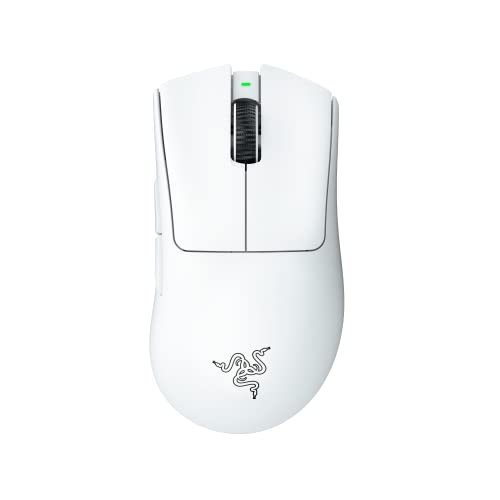
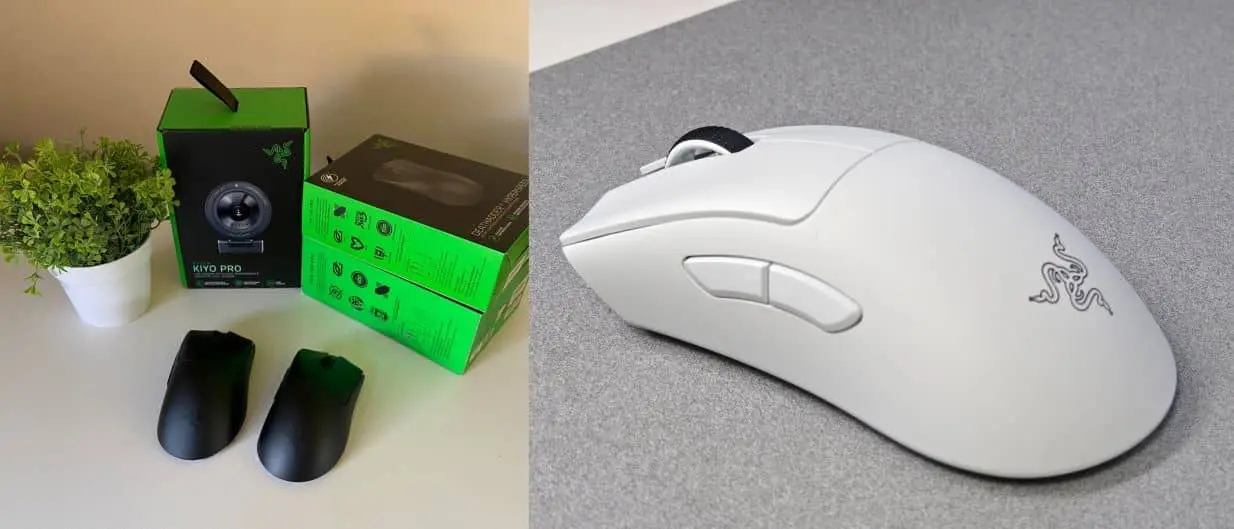
The DeathAdder has been one of the most popular gaming mice in the world for more than a decade, and the V3 Pro is the version that won over esports players. Razer smoothed out the classic ergonomic shape, cut the weight by more than 25% compared with its predecessor, and dropped in its Focus Pro 30K sensor. Tom’s Hardware called it a fantastic gaming mouse with a ridiculously ergonomic design, Windows Central named it one of the best gaming mice around, and Trusted Reviews described it as arguably the best DeathAdder for competitive play that Razer has ever made.
The combination of comfort and speed is what makes it special. At 63 grams, the V3 Pro is easy to lift and flick across a large mouse pad, yet its sculpted right-handed shape supports your whole hand through long sessions, a balance most ultralight mice can’t match. The sensor tracks at up to 750 inches per second with 70G of acceleration, and Razer’s third-generation optical switches, rated for 90 million clicks, register presses instantly without the double-clicking that can plague mechanical switches over time. Out of the box, it polls at 1,000 Hz; add Razer’s HyperPolling dongle and you can push wireless polling to 4,000 Hz for even smoother tracking on high-refresh-rate monitors.
Battery life is rated at 90 hours at 1,000 Hz, which TechPowerUp’s testing confirmed. Expect closer to 24 hours at 4,000 Hz, so most players will save the higher polling rate for competitive matches. The trade-offs are minor: there’s no RGB lighting, no charging dock support, and the shape is built strictly for right-handed players with medium to large hands.
Want the newest version? Razer’s DeathAdder V4 Pro keeps the same shape but trims the weight to 56 grams, upgrades to the Focus Pro 45K sensor, supports 8,000 Hz wireless polling out of the box, and stretches battery life to up to 150 hours at 1,000 Hz.
Logitech G Pro
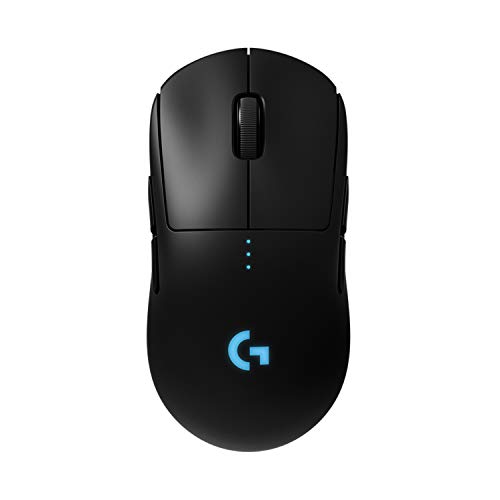
| Spec | Logitech G Pro Wireless |
|---|---|
| Sensor | HERO 25K |
| Max DPI | 25,600 |
| Tracking | 400+ IPS, zero smoothing or acceleration |
| Weight | 80 g |
| Connectivity | LIGHTSPEED 2.4 GHz wireless, wired |
| Battery | Up to 48 hours with lighting, 60 hours without |
| Buttons | 4 to 8 programmable (removable side buttons) |
| Shape | Ambidextrous |
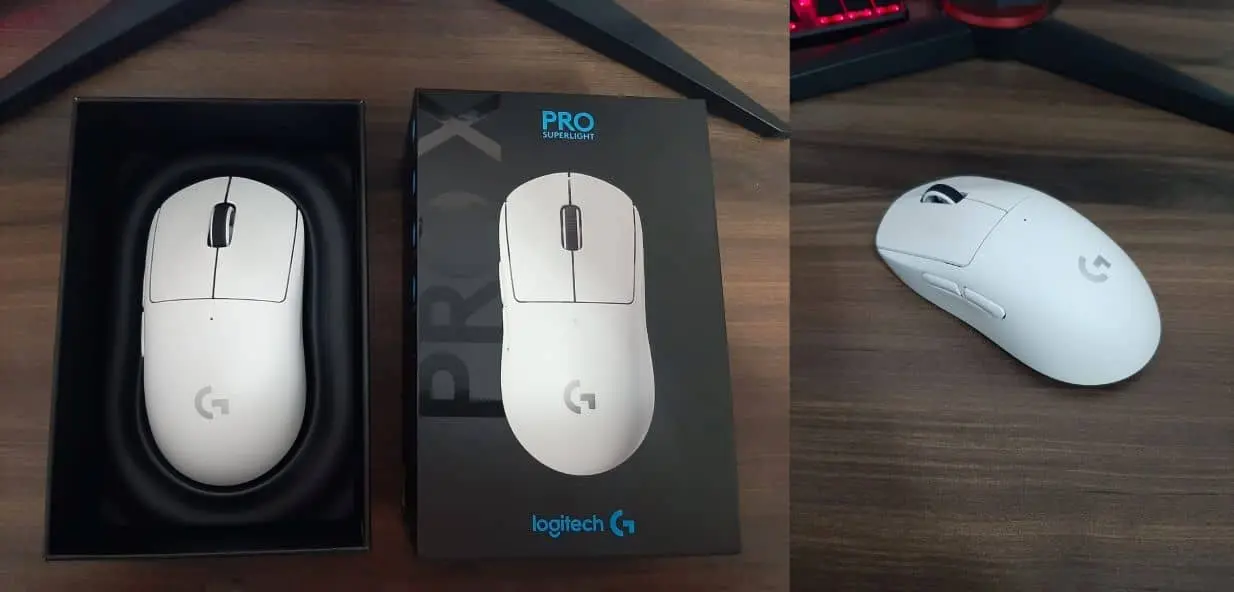
Few mice have a résumé like the G Pro Wireless. Logitech designed it with more than 50 professional players, and it became one of the most popular mice in esports. Windows Central still calls it a top gaming mouse years after launch, GamesRadar says it remains one of the top performers on the market, and Trusted Reviews went as far as calling it gaming mouse perfection.
Its signature feature is flexibility. The magnetic side buttons pop off and swap sides, so you can run zero, two, or all four, and left-handed players get full use of thumb buttons, something very few gaming mice offer. Logitech also moved the DPI button to the underside to prevent accidental sensitivity changes mid-match. The HERO 25K sensor tracks with zero smoothing or acceleration across its full range, and LIGHTSPEED wireless delivers a 1 ms report rate that feels indistinguishable from a cable.
At 80 grams, it’s heavier than today’s ultralight flagships, but many experienced players prefer that bit of heft for controlled tracking. Battery life is a strong suit: up to 60 hours with the lighting off, and it’s compatible with Logitech’s POWERPLAY mouse pad for wireless charging while you play. Five onboard profiles let you take your settings to any PC.
Want the newest version? If you want something lighter and don’t need right-side buttons, Logitech’s PRO X Superlight 2 and PRO X Superstrike line carry the G Pro shape forward in far lighter bodies.
Logitech G502

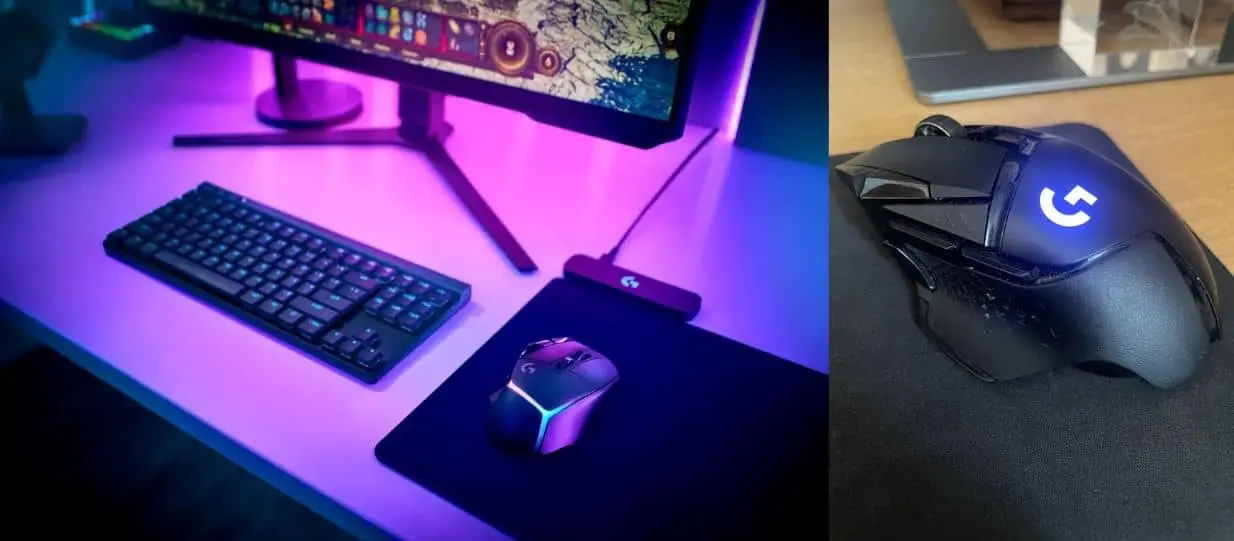
If you’ve walked through a gaming aisle in the last few years, you’ve seen a G502. It’s one of the best-selling gaming mice ever made, and the HERO version keeps the formula that made it famous: a sculpted right-handed shape with a deep thumb rest, a pile of programmable buttons, and Logitech’s excellent HERO 25K sensor.
What sets the G502 apart is how much you can tune it:
- 11 programmable buttons, including a sniper button that drops your DPI on demand for precise shots, plus DPI shift and cycle buttons.
- A dual-mode hyper-fast scroll wheel that switches between precise, notched scrolling and free-spinning mode for zipping through long pages or inventories.
- An adjustable weight system with five 3.6-gram weights, so you can add up to 18 grams and fine-tune the balance.
- Five onboard profiles and LIGHTSYNC RGB lighting you can sync with other Logitech G gear.
The HERO 25K sensor tracks from 100 to 25,600 DPI with zero smoothing, filtering, or acceleration, and a metal-spring tensioning system gives the main buttons a crisp, consistent click. Because it’s wired, there’s no battery to charge and no wireless interference to worry about.
The G502 is a big, heavy mouse at 121 grams before weights, so it suits palm-grip players with medium to large hands more than flick-heavy competitive shooter fans. Want the newest version? Logitech’s G502 X family refreshes the design with lighter bodies and hybrid optical-mechanical switches, and PC Gamer names the G502 X its best wired gaming mouse.
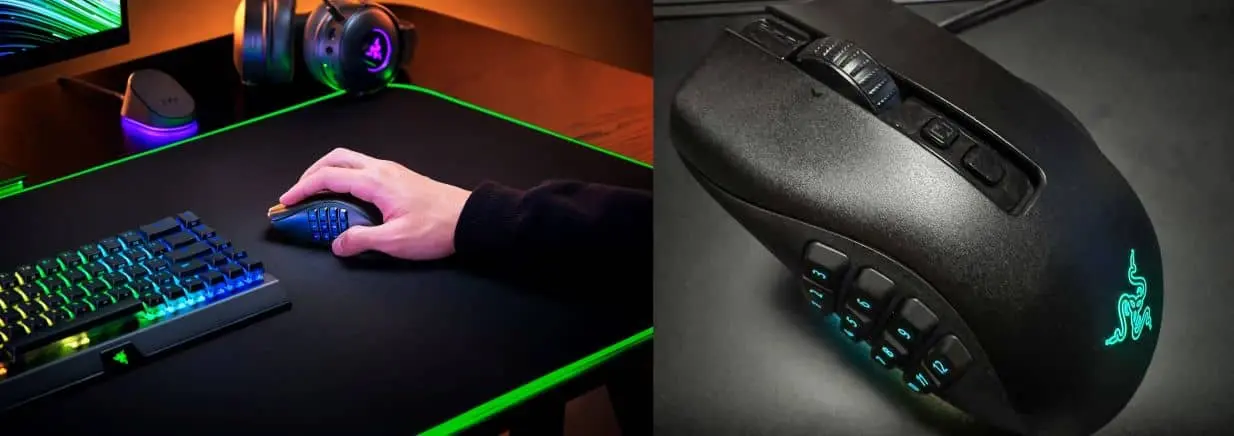
Razer Naga PRO

This is highly recommended if you are on the hunt for a larger mouse with a full palm grip. It has contoured mouse buttons and a rest for your ring finger. This makes it easy and comfortable to hold onto
Beyond the side plates, it’s a genuinely premium wireless mouse. Razer’s optical switches respond instantly, the scroll wheel tilts left and right for extra inputs, and the Focus+ sensor stays precise across its range. Remapping every button in Razer Synapse is a simple point-and-click process, and five onboard profiles store your setups for different games. Battery life is excellent for a mouse with RGB lighting, and you can plug in the included cable to keep playing while it charges.
At 117 grams, it’s heavy by competitive-shooter standards and best suited to palm-grip players with medium to large hands. Want the newest version? Razer’s Naga V2 Pro and Naga V3 Pro add newer sensors, a HyperScroll wheel, and longer battery life while keeping the swappable side plates.
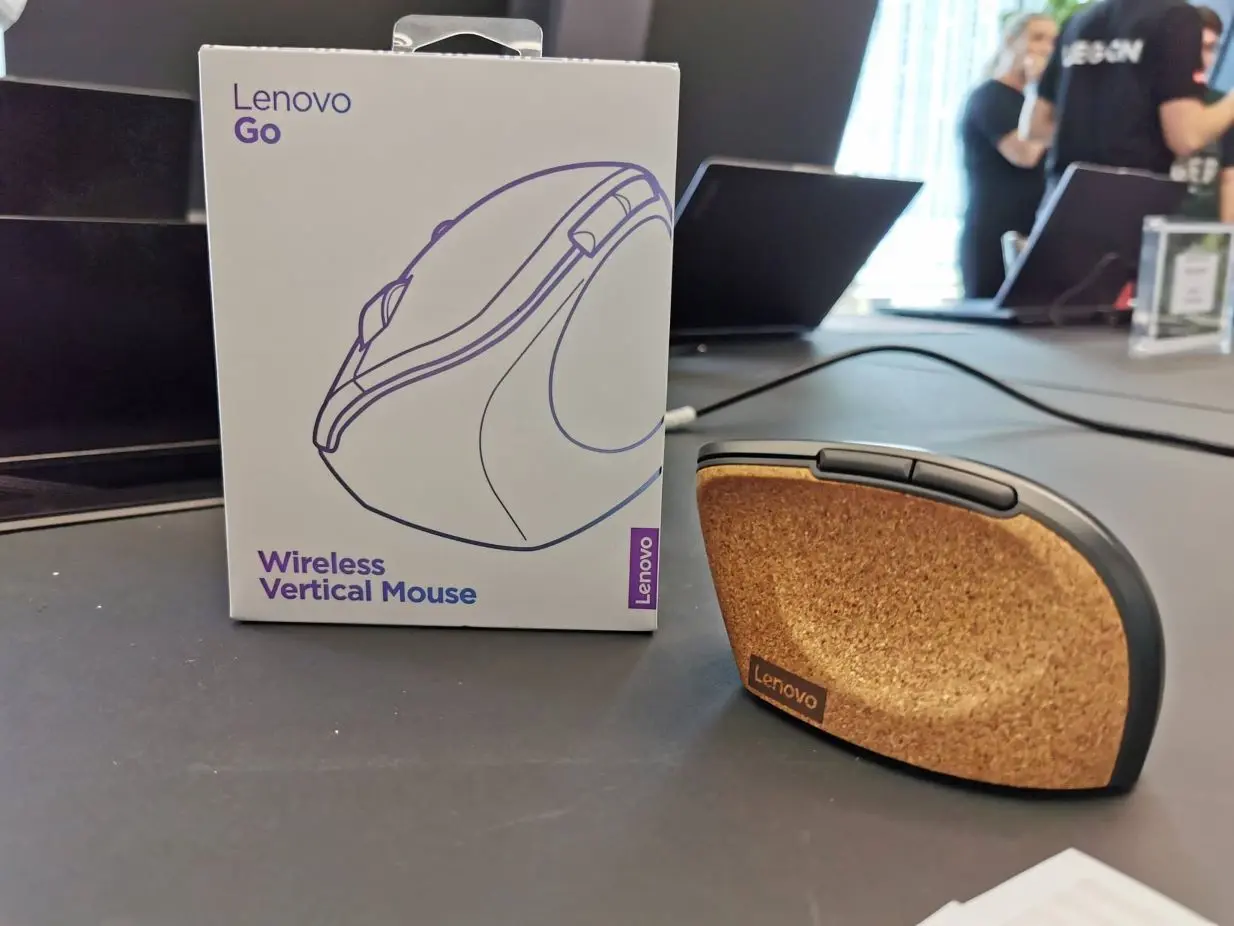
Lenovo Go wireless vertical mouse

This is an affordable mouse that doesn’t feel like it. It still has that premium luxury feel that can make it feel and look more expensive than it really is. And oh, it has 6 programmable buttons that you can tinker through. The cork material is not only unique but also decently built.
Why should you not buy this? The side buttons might feel a bit awkward to use for some, but other than that, it’s all good on the ergonomics side.
We also tried these mice
These have some good bits but lack the prowess our top picks have.
- Microsoft Surface Arc
This is a minimalist and edgy-looking mouse that can fit most hands. The unit can be flattened and make it pretty easy to squeeze in a small laptop case or bag.
Portable and creatively designed, yes, but ergonomics, there is a bit of a mishap. The curve of the arc will lead your thumb and little finger to be in an unusual claw position, which can be uncomfortable especially when using it for a few hours.
- HYPERX PULSEFIRE HASTE 2
Battery life is one of this unit’s strengths. It is also prey lightweight and quite accurate and speedy,
What made it slipped off the list? It has not-so-pleasant rubber stickers on the grips that do not add value to how well you can grasp the mouse.
- Mountain Makalu Max Mouse
This is a very responsive mouse you can use for fast games. It can also help you to get more work done. Also, the mouse is easy to grasp and feels quite nice on the hands.
But when it comes to the Bluetooth connectivity of this wireless mouse, we were underwhelmed, a lot. It is actually borderline annoying. The battery life is also quite short.
What You Need To Consider Before Buying
If you need a mouse that you can use for multiple purposes, here are things that you need to keep in mind.
Ergonomics
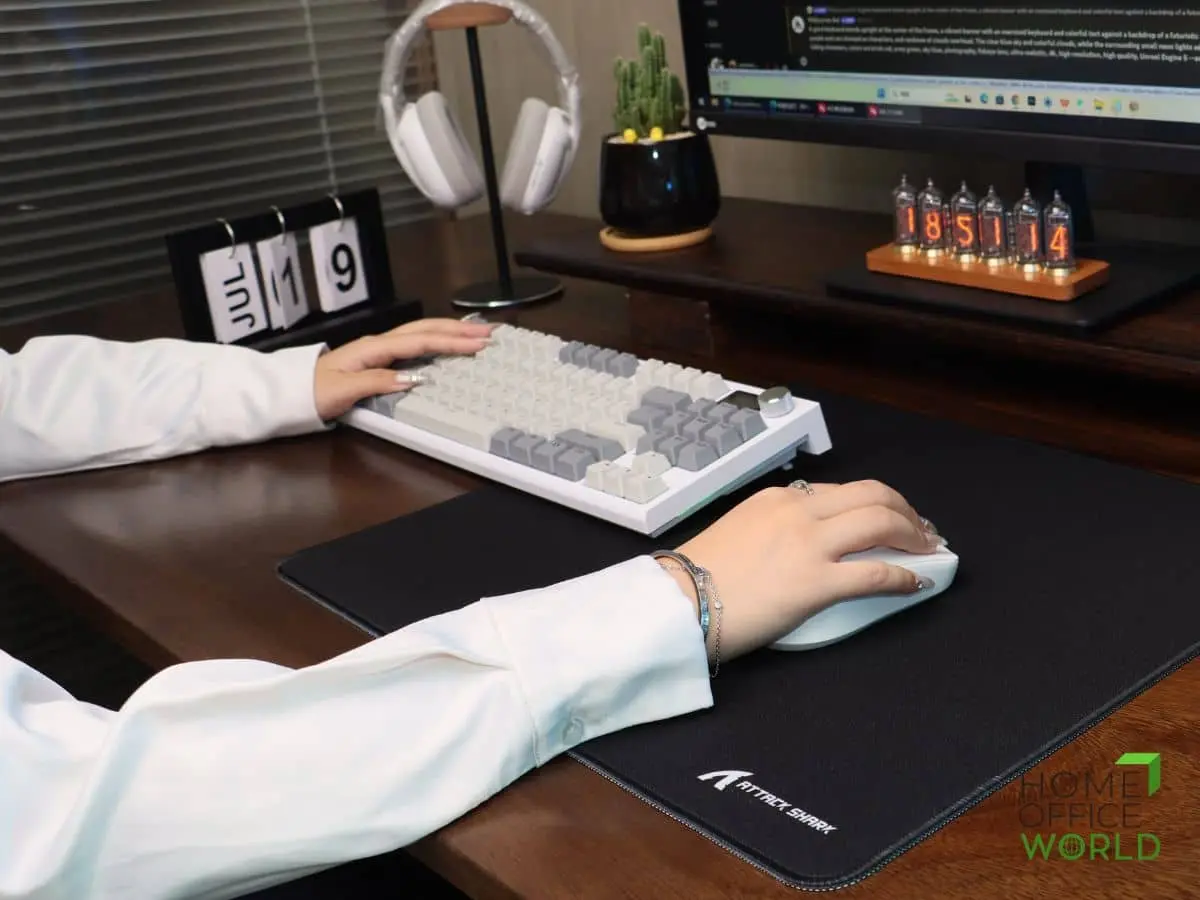
We have a handful of well-designed mice with quirky shapes. We also have options for more traditional-looking mice on the list. Regardless of the design, these are easy to grasp, feel sublime on the hands, and easy to move along the pad. But of course, we have options better suited if you have exceptionally larger or smaller hands.
Your mouse acts as an extension of your arms and not a separate unit, so ergonomics is of primary importance, it should not cause any strain or pain.
An ergonomically designed mouse should be able to alleviate and prevent pain in your hand, wrist, or shoulder.
Speed
Apart from an ergonomic mouse, an ultra-responsive and speedy mouse can also help you get more work done and have more games played. We chose these bad boys also because of their impressive click latency.
Portability
We have a handful of portable mice on the list, which can satisfy your needs if you are traveling and working on your laptop.
Whether you’re a digital nomad or just need to travel with work in your handbag, these have you covered. So aside from the size and shape, the reliability of the Bluetooth connectivity is very crucial, there is no space for a mouse that lags on this list.
Where we stand
This is how we also made our choices.
- Wired vs wireless
While wireless may be king nowadays with the modern conveniences it offers, we still included one or two mouse units that require a wired connection. The choice between the two is pretty simple.
If you can’t stand having cords connected to your computer, go for a wireless Bluetooth mouse. But you have to choose units that have excellent Bluetooth connectivity even at far range, otherwise you will not get any work done.
- Minimalist vs customizable
Like choosing between a wired or wireless mouse, this is also highly subjective. Your choice between a minimalist or a customizable mouse boils down to what you want to get more out of your mouse aside from the basic functions.
If you want to remap the buttons and controls, a customizable mouse will satisfy your fancy, while if you prefer the limited buttons go for minimalist mice.
How We Tested
A mouse might seem like a small cherry on the cake, but if you’re using a crappy mouse, you will not be able to enjoy a seamless experience or get more job done, if not at all.
One that is too heavy or light can have the same counterproductive effect. So we had three groups test the mice, those with large, medium-sized to dainty hands. This will ensure you find the one that fits perfectly in your palms.
They should also be able to glide easily. How else will you be able to get more done in less time if otherwise?
Speed and accuracy are also other parameters we considered. The goal is to round up the more responsive mice. And for wireless mice, the reliability of the connection sets the bar, there is no space for lagging mice or slow ones on this list.
Get a Good Mouse for Work and Play
A suitable mouse can make you more productive at work, and get more work done without causing any pain on the wrist and hands. At play, it should be able to help you conquer FPS games seamlessly while preventing wrist pain associated with fast repetitive movements.
This may seem like a not-so-important peripheral that you can just buy anything that functions as is, but there’s a lot more to it.
We picked mice that can not only help you be more productive but can help keep your wrists happy so you enjoy a more seamless experience.