Technically inclined buyers like numbers, just like a fantasy football league player likes his team stats. For the rest of us, number laden specs quickly cause confusion. For simplicity’s sake, think of a 1440p 144Hz gaming monitor as a semi-affordable buy that straddles the full HD to 4K market. It’s higher than HD but not as pixel dense as an ultra HD screen. The refresh rate, at 144Hz, maintains smoother, frame tear-free gameplay, much superior to standard 60Hz.
It’s still a lot of numbers to throw at an unsuspecting readership, but at least some kind of explanation has been tagged on to each, letting buyers know just where they stand. You’ll also see these gaming screens called Quad HD or WQHD (Wide Quad High Definition). As for the 144Hz part of the label, the gaming world hasn’t felt the need to tag this figure with a name, although you might find it on a monitor box just marked High Refresh Rate Gaming Monitor. Just know that, as well as looking smooth, high refresh rates give you a competitive edge, letting you spot enemies and then react faster. It’s exactly what you need if you want a tech advantage, along with a low-latency internet connection.
Mission accomplished, and it wasn’t even vaguely impossible, all the key descriptive elements have been unpacked for your benefit.
Refresh rate note: Two refresh rates are quoted on some of these models. To clear up any confusion, their native refresh rate is indeed 144Hz when connected via an HDMI cable. That figure then jumps to 165Hz if DisplayPort is used.
Our top suggestions today – Best 1440p Gaming Monitors commonly picked at every budget!
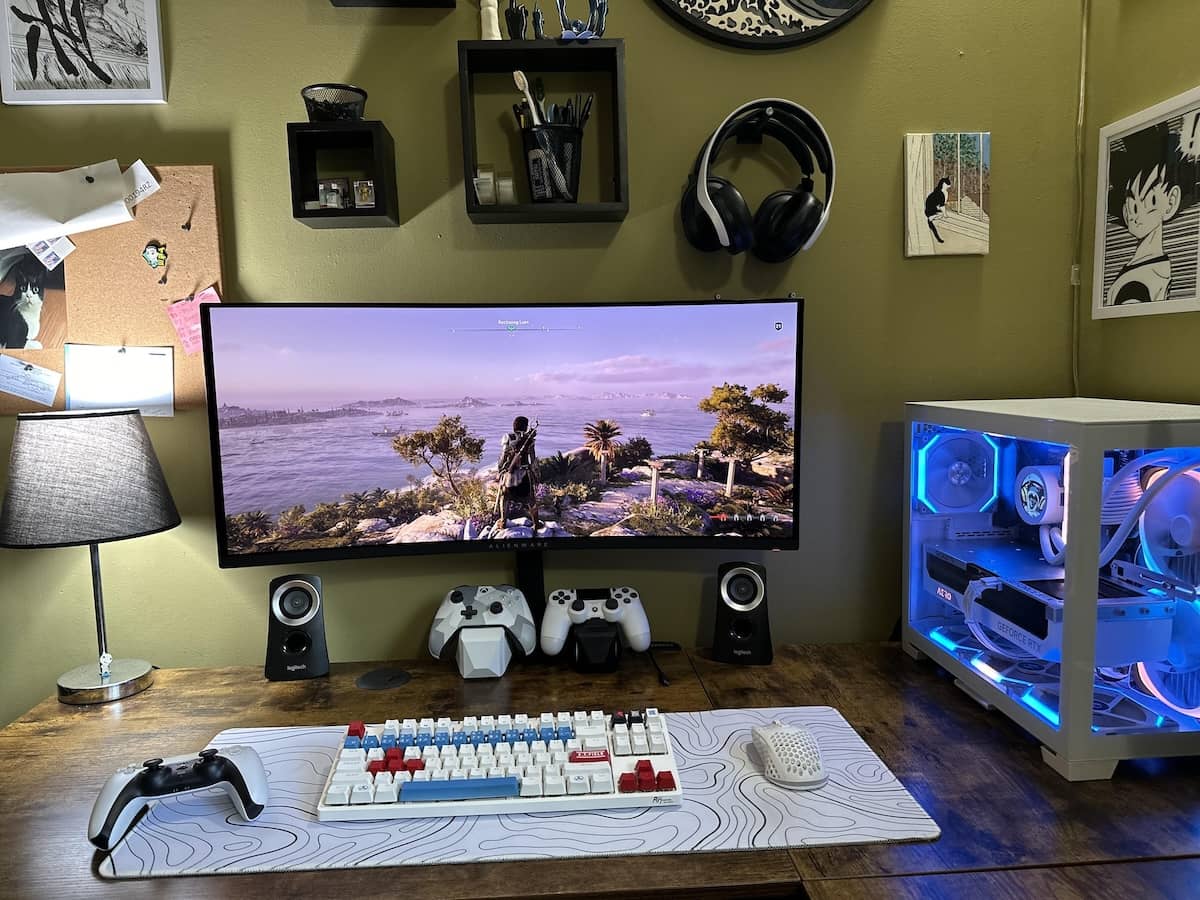
Gigabyte G34WQC 1440p Gaming Monitor

If you are looking for value, this can hit the sweet spot without having to break the bank. This is also fast becoming a popular choice among households wanting a luxurious experience but not willing yet to shell out a steep price.
This can give you quite an immersive experience with its ultrawide screen. The screen is also curved and practically wraps around your field of view. Curved screens illuminate a more natural and immersive experience since they can match the shape of the human eye. This fills in the peripheral view and ensures that there is no gap and the point of display is at an equal distance from you.
As for the resolution, it is at 3440 x 1440. This is actually the sweet spot that can render images and text crisp without having to push through the 4K realm.
This is also pretty fast and has a 1 ms response rate. This keeps the motion fluid and accurate. Apart from gaming, this is versatile and can be used comfortably for work. The 21:9 aspect ratio gives you ample room to run 2-3 full-sized windows side by side. Thus, eliminating the need for a dual monitor setup
Link to buy for Canadian: https://www.amazon.ca/GIGABYTE-G34WQC-Ultra-Wide-Response-FreeSync/dp/B09JBLHBWJ/
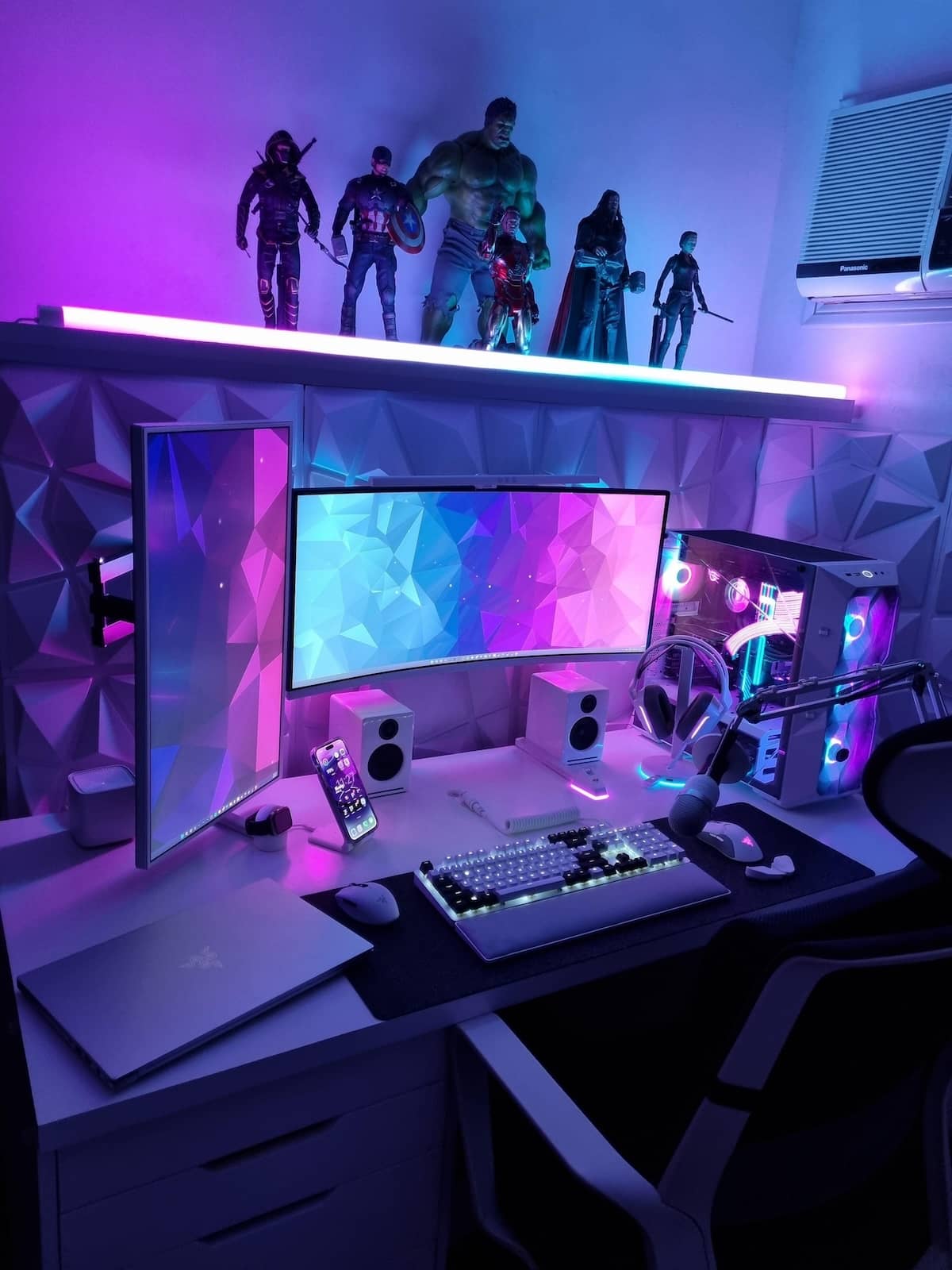
Acer Predator XB271HU 1440p Gaming Monitor

Even with lots of newer models and options in the market today, this Acer monitor still remains one of the gold standards when it comes to gaming.
It is priced for its speed and fast refresh rate, so it is king when playing highly demanding titles. It’s perfect for playing fast-paced shooters and action games.
Apart from the speed, there are a handful more features that make it a popular choice.
A lot of higher-speed monitors have one common limitation. With the faster speed, the colors may look a bit washed out; that is a common denominator. This is what makes this Acer monitor stand out. Sans the high speed, you still get to enjoy beautiful, vivid, and bright colors. The unit uses an IPS panel that gives you rich, accurate colors while maintaining wide view angles and a fast response time altogether.
The display is also pretty clear and crisp. It features a 2560 x 1440 on a 27-inch screen. This is pretty much the sweet spot for a more seamless viewing experience.
A thing to note, though, since it has IPS panels, the black levels can look a bit gray or may appear too washed out when placed in a dark room.
For Canadian, see this option: https://www.amazon.ca/Predator-FreeSync-DisplayHDR-X27U-X1bmiiphx/dp/B0DWCHRVFS
MSI Optix MAG342CQR 1440p Gaming Monitor

This is one of our favorites when it comes to a more surreal and immersive gaming experience. The screen is a bit more curved. That 1500 R curvature features a tighter viewing experience. The outer edges of the screen sit closer to your peripheral vision. You do not need to turn your head that much. And if you’re playing sprawling open-world games, it will be more surreal.
Text and images are quite sharp. You can see every bit of detail in each. It also has a wider color gamut, so you get those punchy bold colors. And since this uses VA panels, the dark scenes would look really black and not appear a bit washed-off gray. Thus maintaining the same deep black display even when played in darker rooms.
And oh, this has a night vision feature. It can brighten up the black scenes in games, so you will be able to spot your enemies that are lurking beneath the shadows. You get these advantages without the screen overexposing the brighter parts of the images.
It is also a versatile choice that you can easily use for work; it can replace your dual- to triple-monitor setup. You can easily snap two to three regular-sized monitors side by side and still be able to work productively.
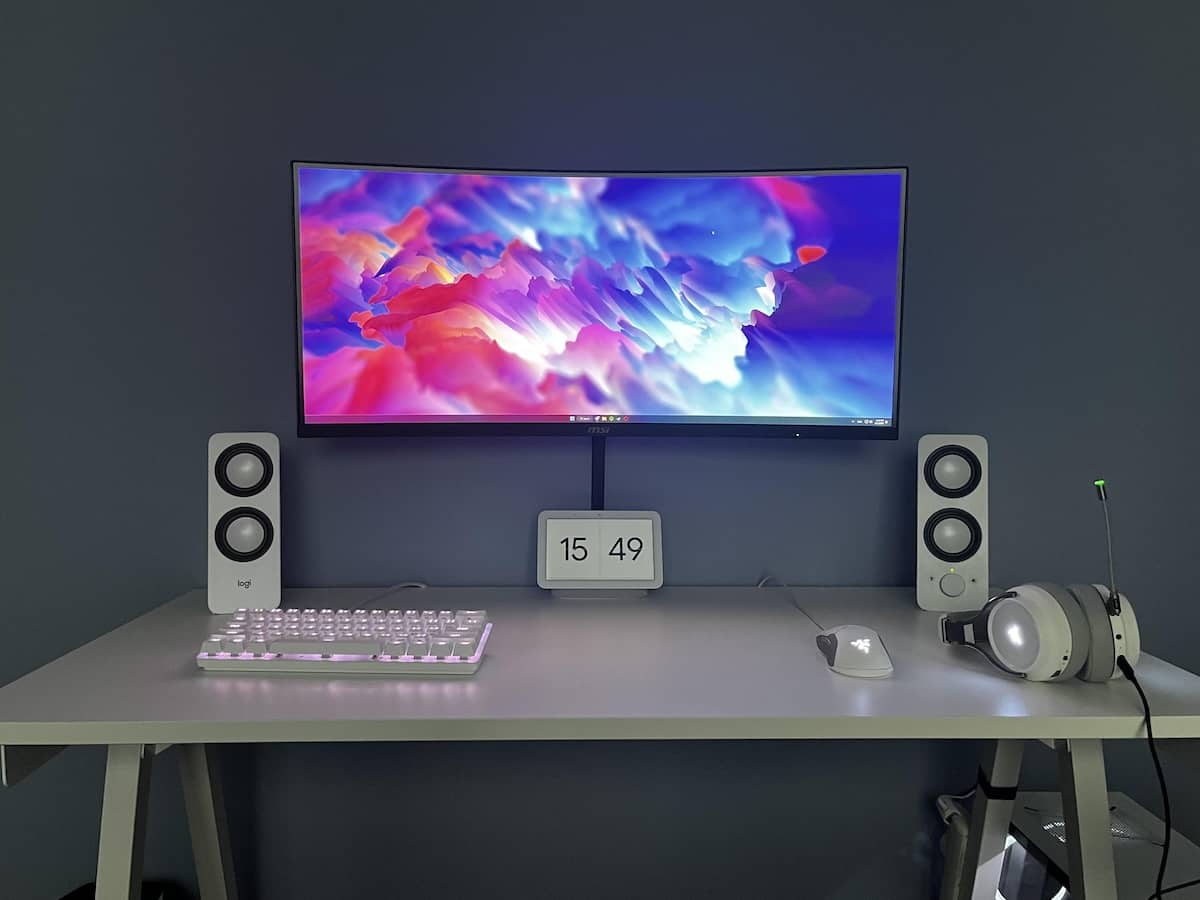
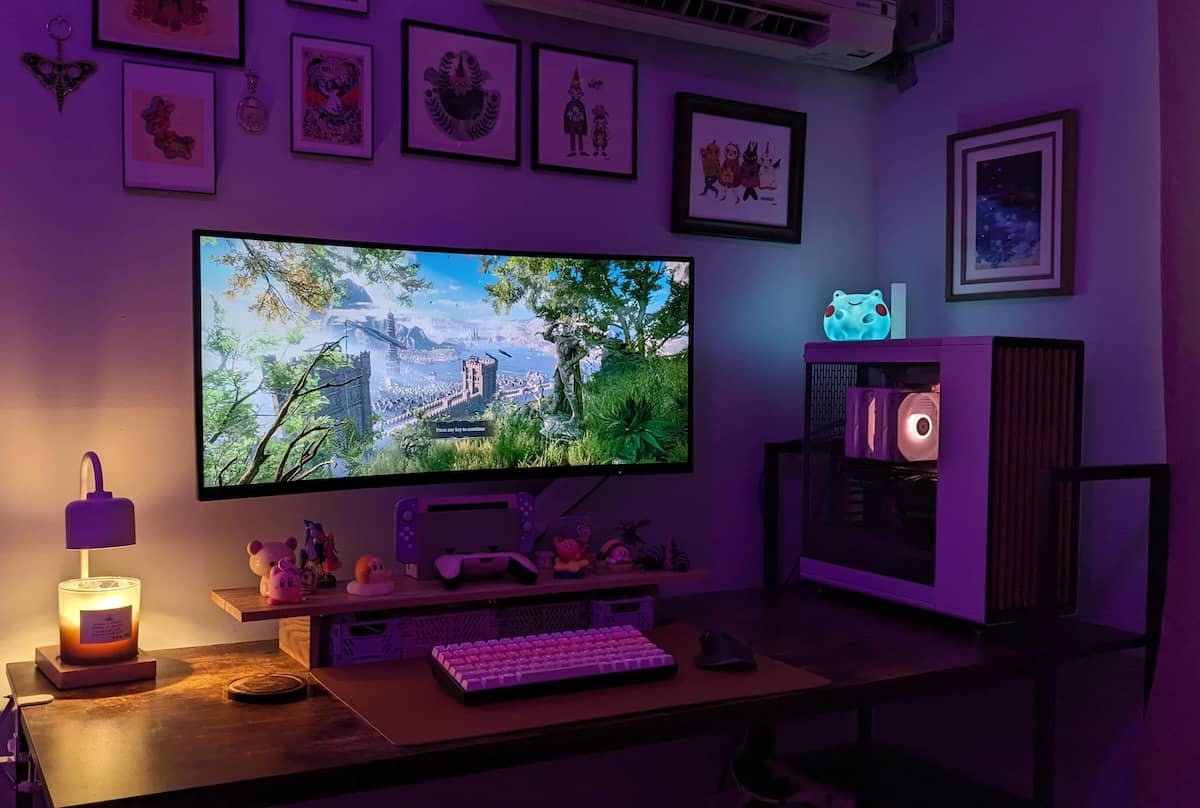
BenQ EX3410R MOBIUZ 1440p Gaming Monitor

This is a gaming monitor packed with a lot of exciting features. It is loaded with more premium features and extra conveniences that sets it apart from the sea of upgraded monitors that we have in this list.
For one, it is aggressively curvy, the extra curved screen has a tight 1000R curve and can mimic the shape of the eye better. This accounts for a more immersed experience that can fill in the gaps even in your peripheral view.
The black comes off really deep, and it features deep highlights too. This results in a richer and deeper contrast. The deeper contrasts, in return, can render more visual depth, richer black that prevents dark scenes from looking washed out or too flat.
And oh, this can be an option that can be a bit friendlier to your eyes. The brand has an eye care tech that includes an ambient light sensor that automatically adjusts the brightness and color temperature depending on your room’s light situation.
As for the caveats, this can be a very premium choice. And the tighter curvature, while making an expert choice for gaming, can make the screen not that applicable for a handful of precise office work such as drawing straight lines in CAD or managing a spreadsheet.
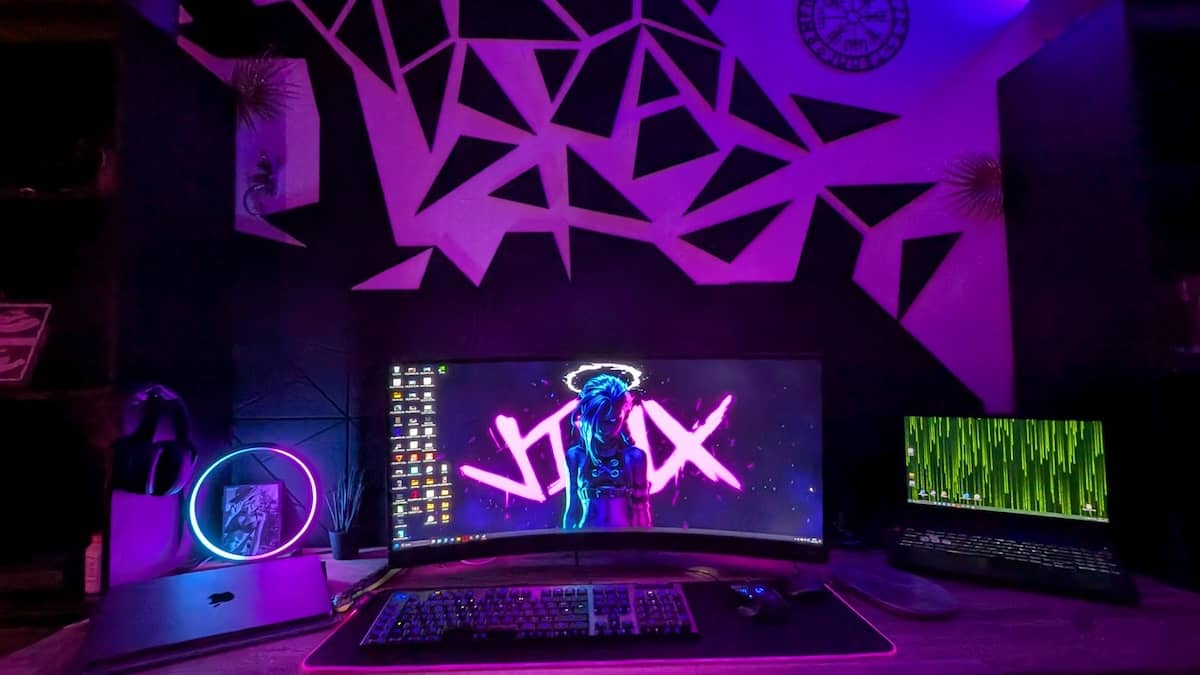
Alienware AW2725DF 27-inch 1440p Gaming Monitor

For higher-end gaming, this can be a more reliable and fitting choice. This has an upgraded QD OLED display that can mean a massive difference when it comes to responsiveness and picture quality. You will be able to distinguish the difference like night and day when comparing it to standard LCD screens.
This is also getting a lot of hype nowadays, and we can surely see why. It is very fast and responsive; the unit features a blazing .03 ms response time. So even during chaotic games with fast camera turns, every detail stays clear and sharp.
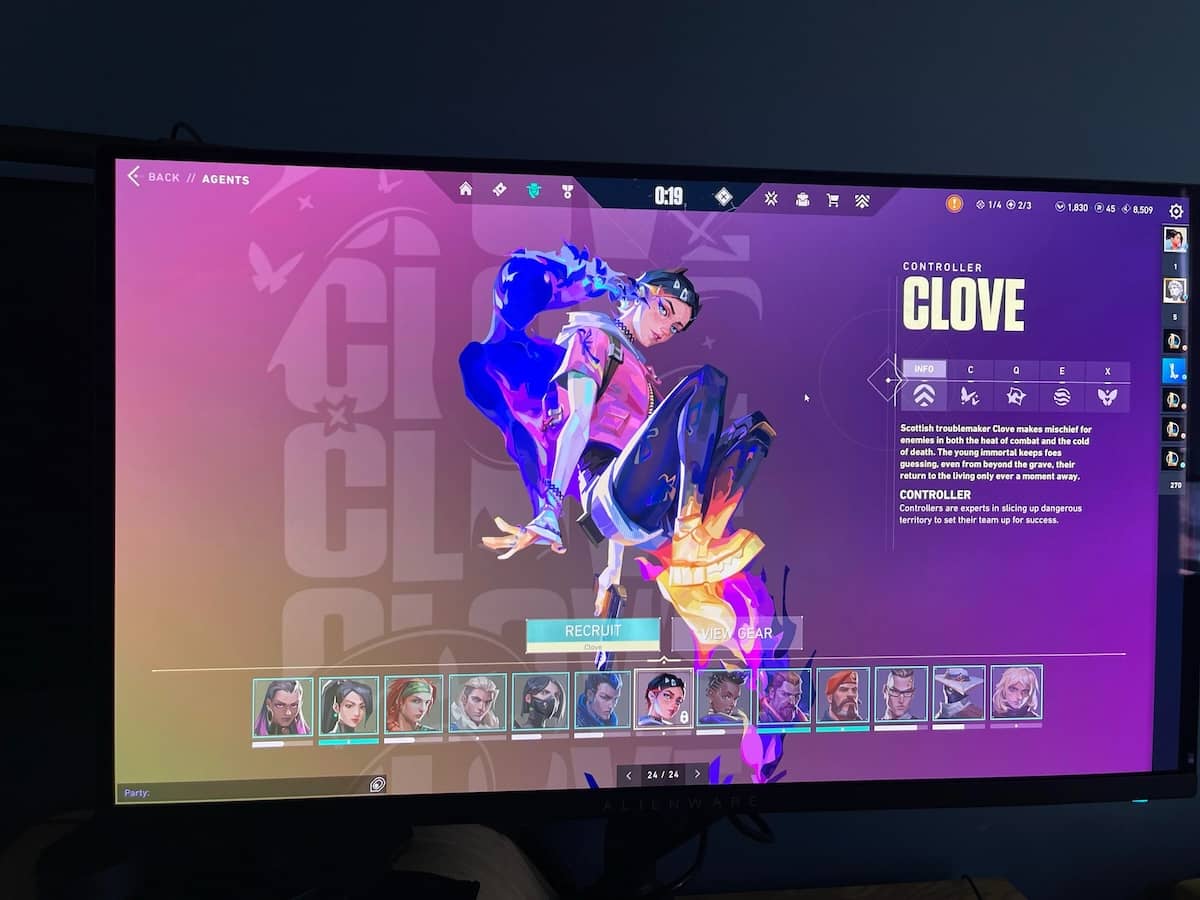
Then there are the true blacks and the infinite contrast. For darker scenes, you get that pitch-black deep display with zero backlight bleed. You won’t get that annoying corner glow, thus making the night scenes seem surreal.
Everything on screen feels smooth and silky. You’d love this when playing fast and highly demanding titles. This is perfect for games with fast-moving targets; these will appear practically seamless.
Samsung G5 Odyssey 1440p Gaming Monitor
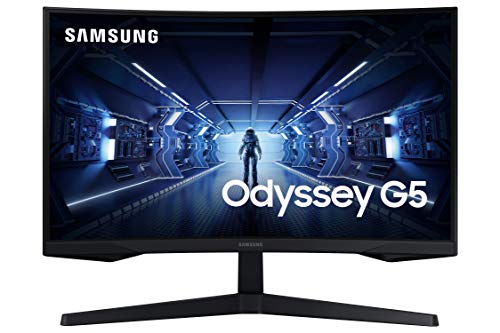
This is a budget friendly option that still features a faster response rate compared to monitors in this price tiring. We can see why this is popular among entry-level gamers who are looking for a reliable and not so steeply priced monitor.
You can choose from either a curved or a flat screen. This allows you to embark on a more immersive gaming experience sans the budget. The curved screen is at a fraction of the cost. The 1000R can still match the shape of the human eye and can realistically pull you in.
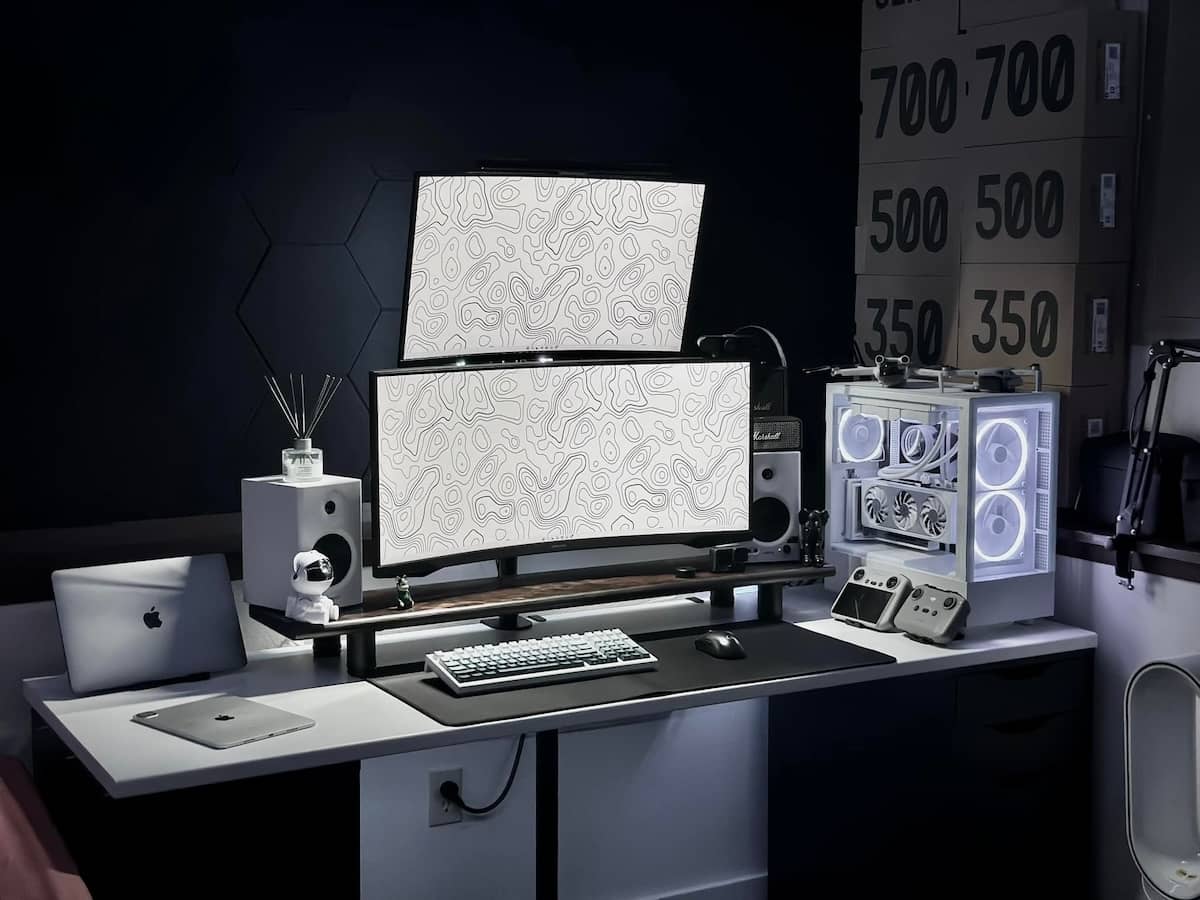
The colors are wide and have deeper viewing angles. This is also a versatile monitor and can be conveniently used for gaming, work, and general content creation.
Some drawbacks to consider: the unit is mostly made of plastic. To keep the cost lower and still maintain the amazing features, the brand had to sort of skimp somewhere right. And that explains the mostly plastic build.
LG 34GN850-B UltraGear 1440p Gaming Monitor

If you’re looking for monitors that display professional-grade colors and have top-tier speed, we highly vouch for this one. This has an upgraded NANO IS technology that combines the ultra-fast pixel response time with professional-grade colors. Think of a competitive esports screen; that is how luxurious it can get.
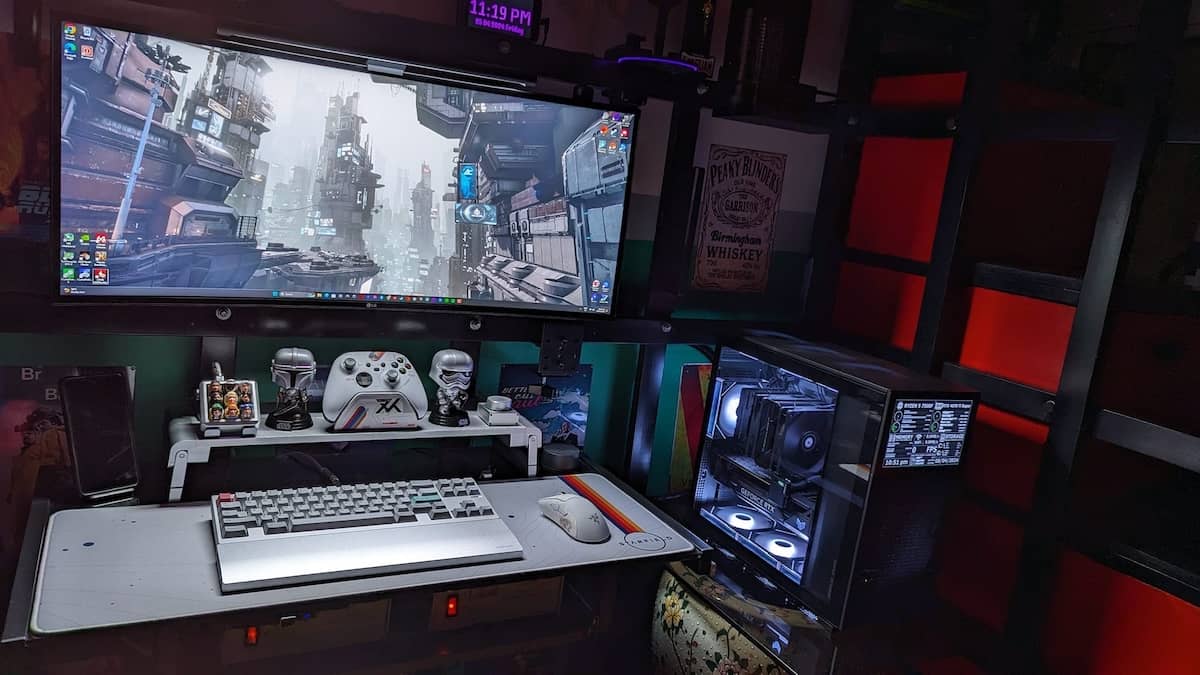
And because of the high-speed IPS panels, it gets a true 1 ms response time. This creates clearer visuals, better tracking in fast scenes, and sharper motions. There is also no black smearing in fast games. Less ghosting means that fast objects and movements will not leave the screen blurry at any point in time. This is perfect for fast shooter games where every frame and split-second reaction count.
It has a gentle 1900R curve and wider viewing angles. So even from the sides, you will be able to take a glimpse of the display without having to break your neck.
It’s a Wrap On the Best QHD Gaming Monitors!
Two factors needed to be central throughout the post. We wanted crisp 1440p visuals moving smoothly at a flicker-free 144Hz. Those were the guardrails for our tests. A few monitors, like the Acer Predator XB271HU and Alienware AW2725DF delivered almost too well in this department. They provided 144Hz visuals, then used overclocking or DisplayPort 1.4 tech superiority to ramp up the game action smoothness even further. We leaned slightly towards the Alienware display, with its 0.03ms response time making our gamers salivate.
The LG 34GN850-B UltraGear is also a fine alternative, our gamers giving it extra points for a subtler curvature on games that don’t benefit from a full wraparound perspective. We only wished it had better contrast. For full multimedia performance, though, we opted for the BenQ EX3410R MOBIUZ, a display that doesn’t skimp on sound. Its 5W woofer, built-in, had us packing away our discrete gaming speakers, releasing desk space to put down a pizza box or a six-pack of imported beer. Finally, of the opinion that it’s hard to go wrong with an iconic motherboard brand, both the Gigabyte G34WQC and the MSI Optix MAG342CQR 1440p gaming monitors hit a very pleasing sweet spot with our reviewers, boasting essential display technologies and modern connector choices.
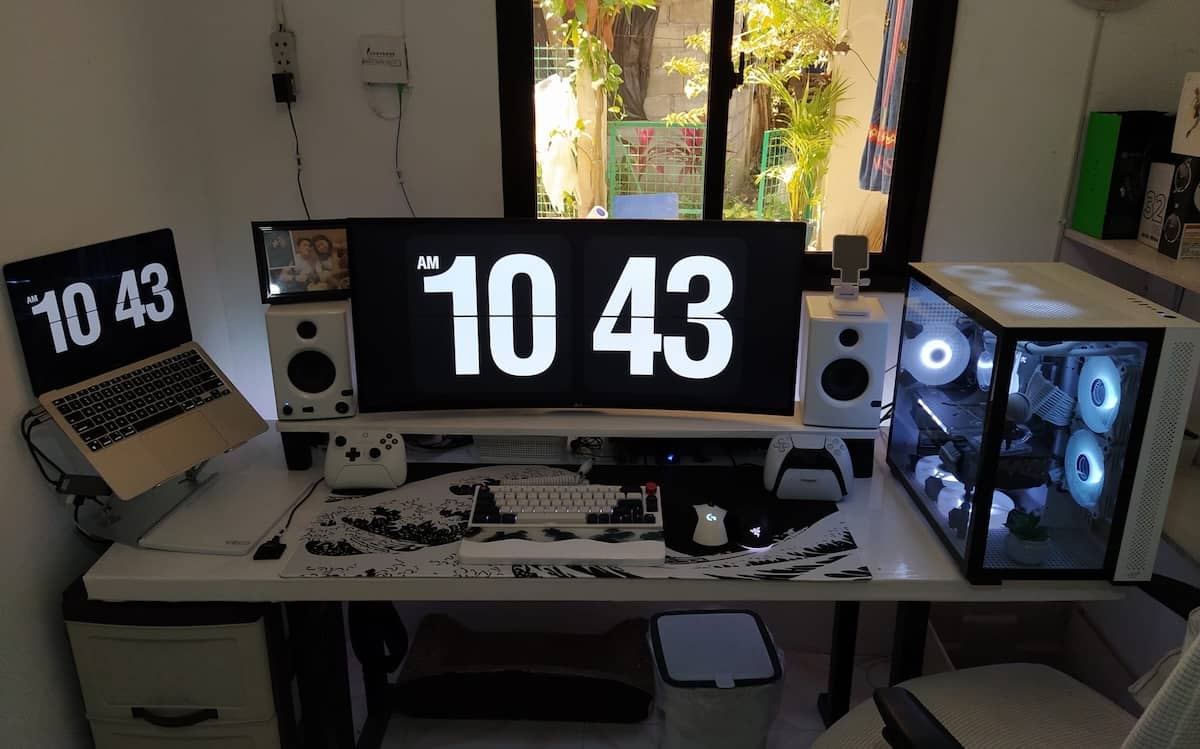 If 2026 is the year you finally upgrade to a 1440p, 144Hz gaming monitor, you’ve got plenty of great options to sift through. We suggest prioritizing display quality, features like inky blacks and bright whites. Tie in those static visuals with dynamic talents, like excellent refresh rates. Then pull in the extras, the futureproof connectors, adaptive sync and Nvidia G-Sync. Finally, what use is all of this visual candy without a powerhouse computer? Make sure your machine is up to the task, crunching graphics and passing the data stream through a suitable HDMI or DisplayPort connector.
Nothing’s worse than buying a monster monitor only to realize your PC can’t keep up. Futureproof wisely—unless you enjoy watching high-refresh dreams turn into a PowerPoint slideshow. Spoilers: No, you won’t enjoy that. At all.